 Pimosa



Personal
Featured
$17.40Regular price $29
BLACKFRIDAY40 applied
- 1 device
- One-time purchase, lifetime access
- Lifetime updates
- 7-day money-back guarantee
- Includes the Pimosa iPhone app, free
Compress, convert, trim and caption video, audio, images, GIFs and PDFs on Mac and Windows. Drag files in, pick a tool, and get the result in seconds. Nothing uploads.
7-day refund · Pay once
 #1 Product of the Week in User Experience on Product Hunt
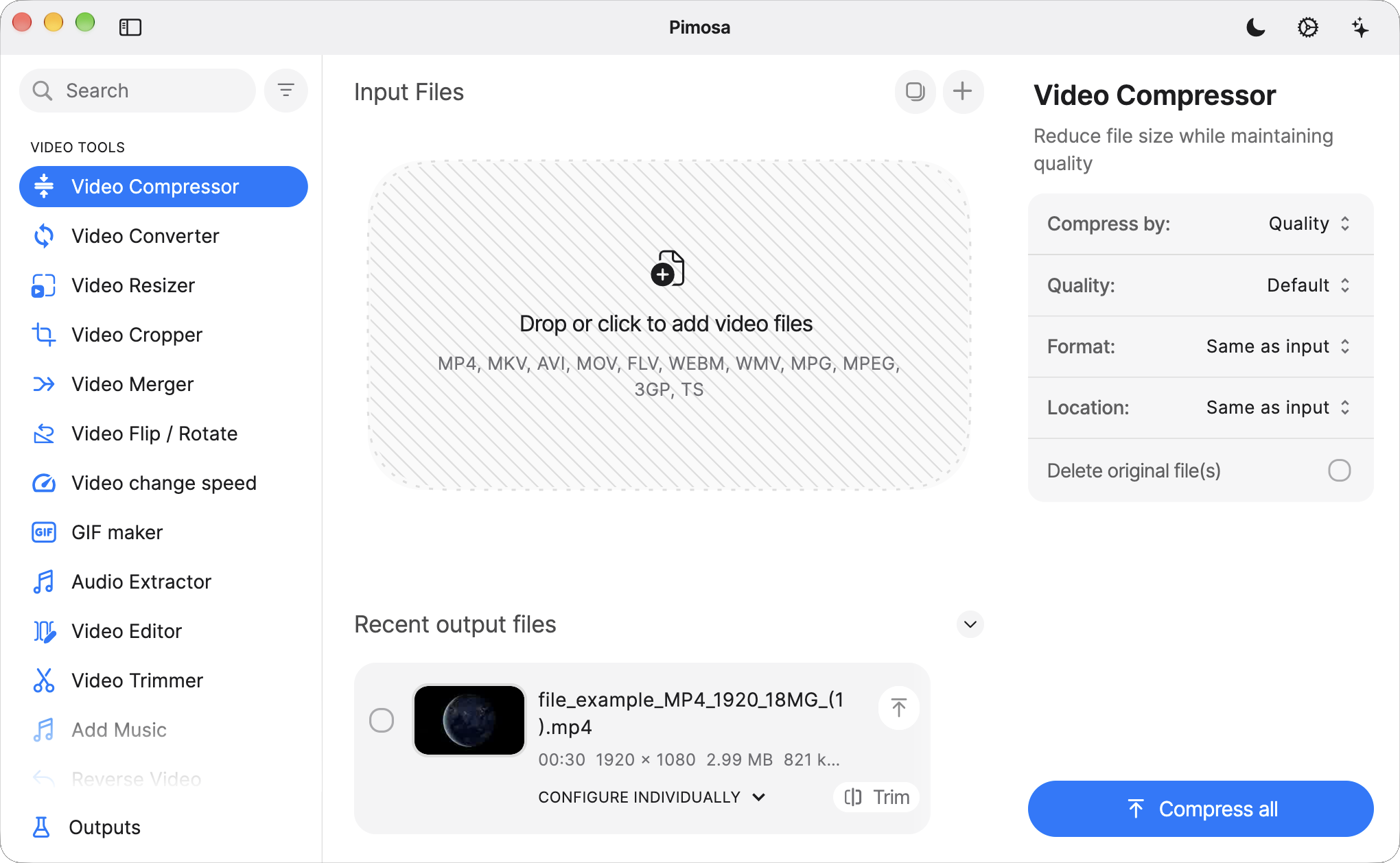
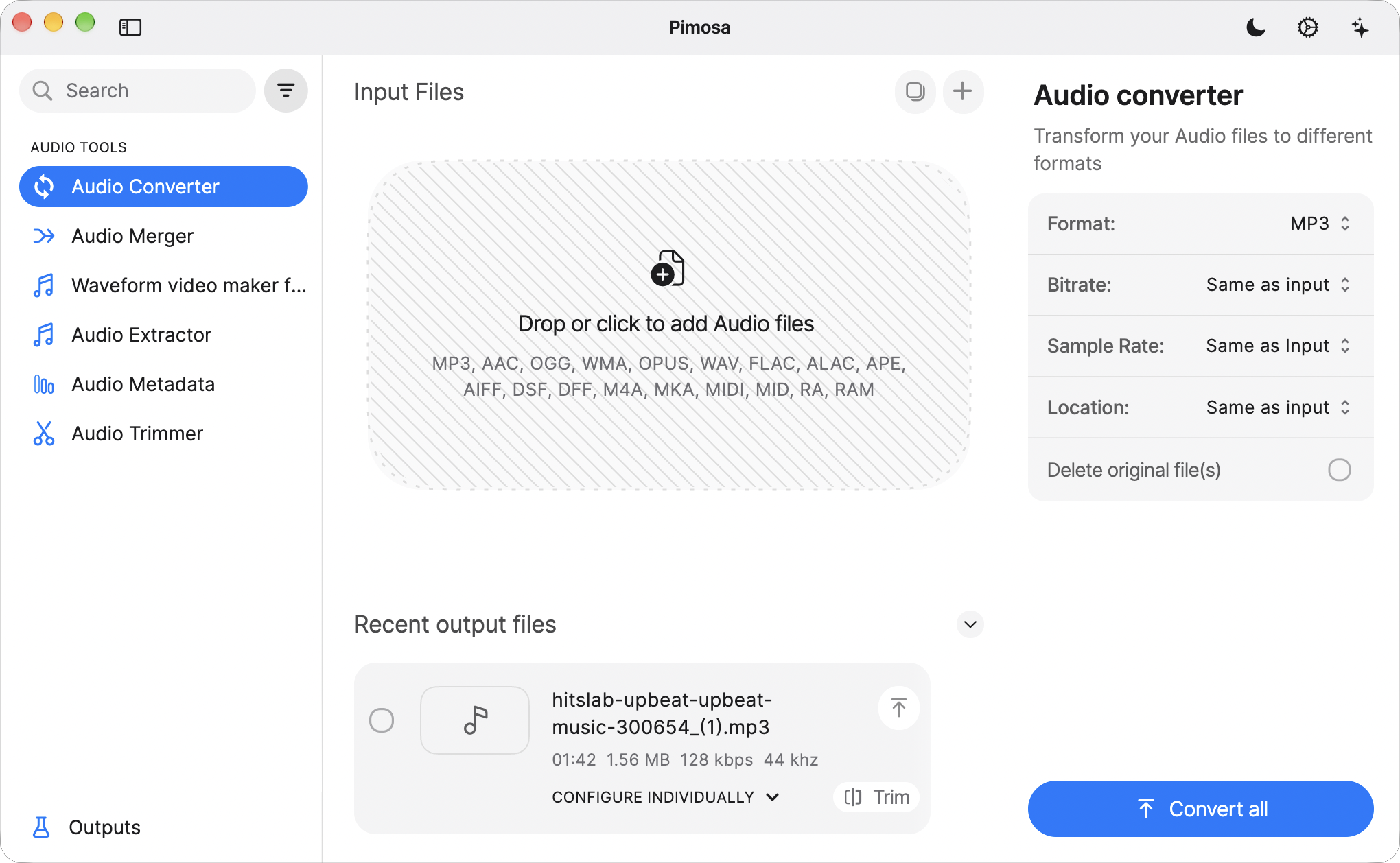
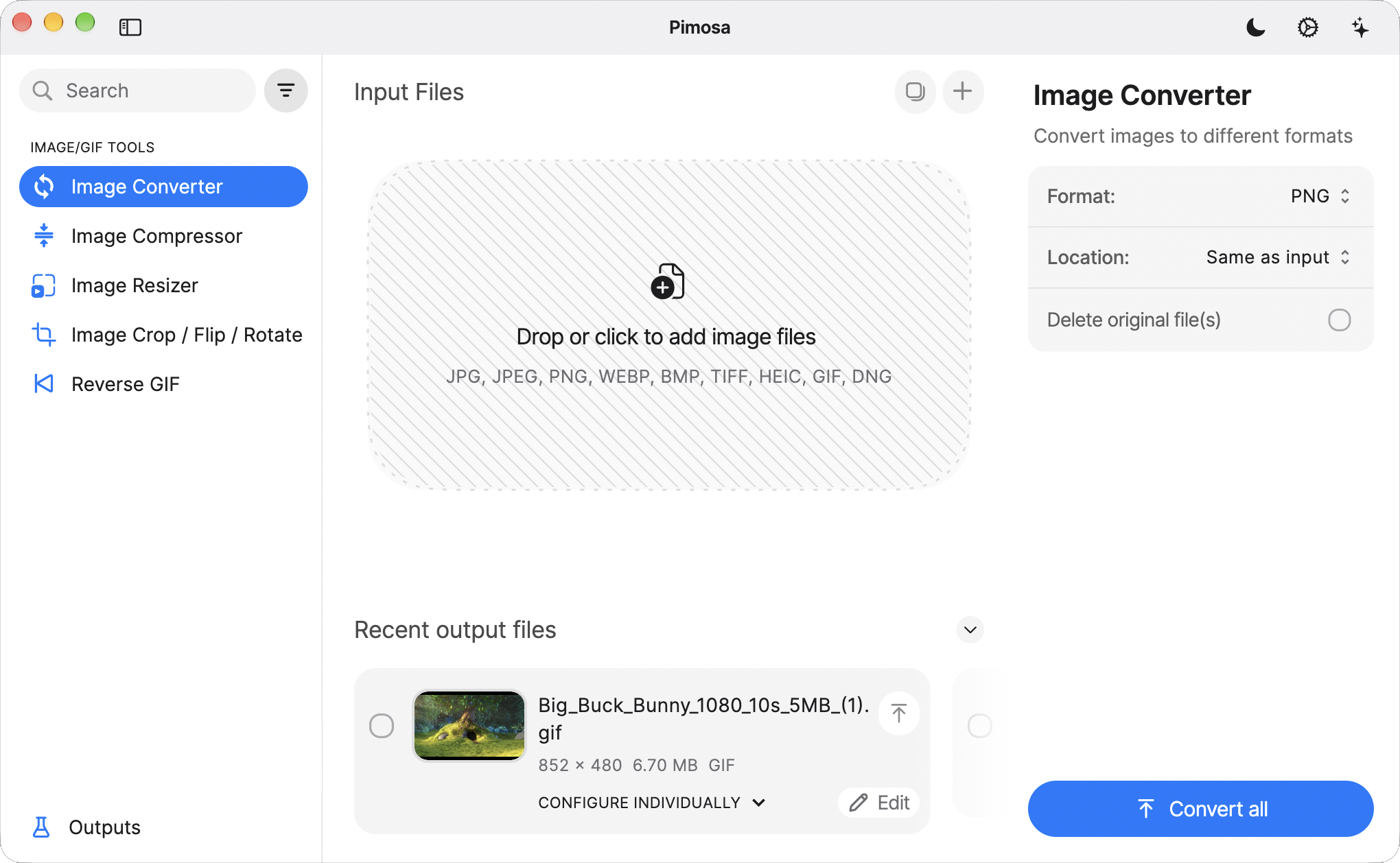
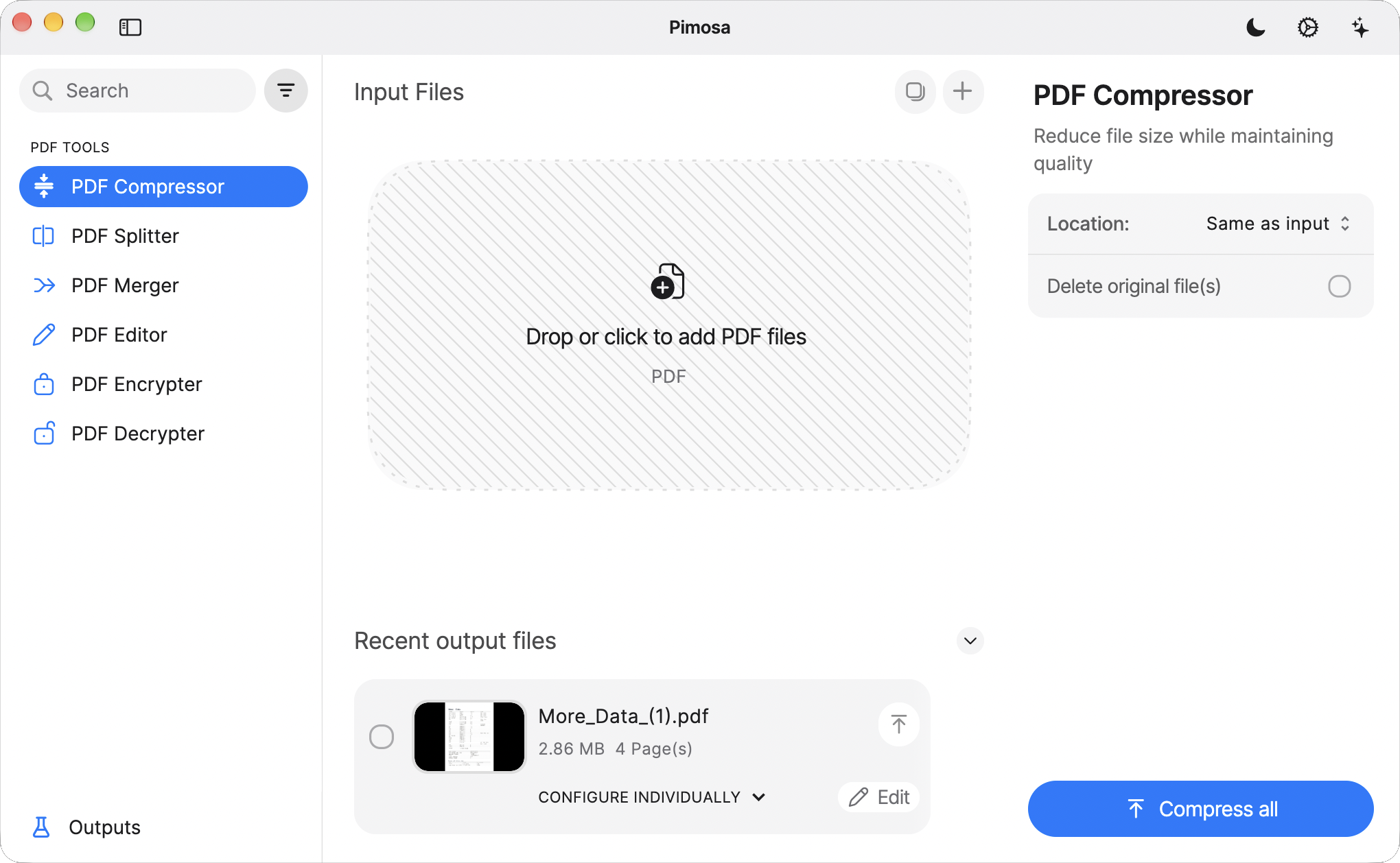


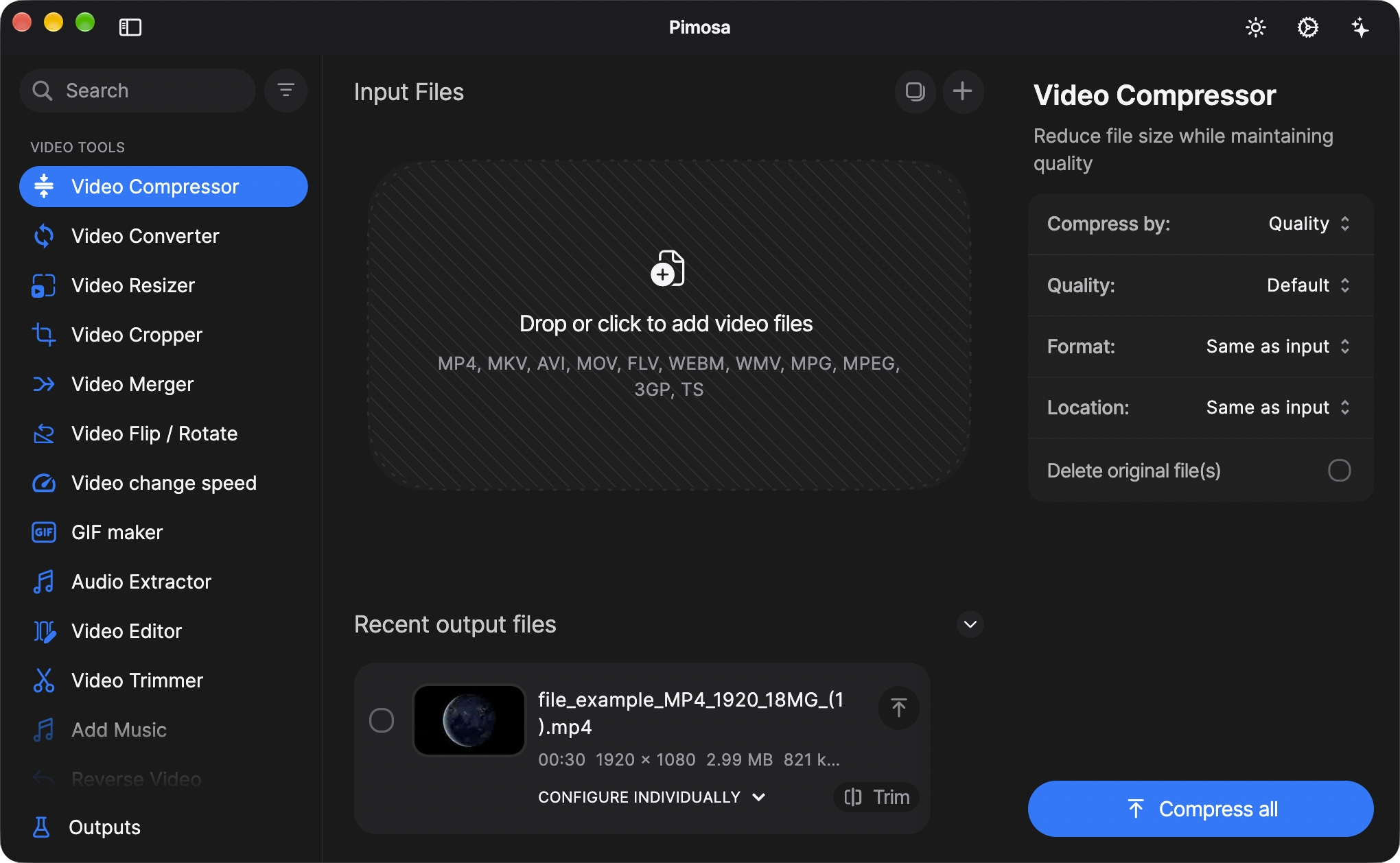
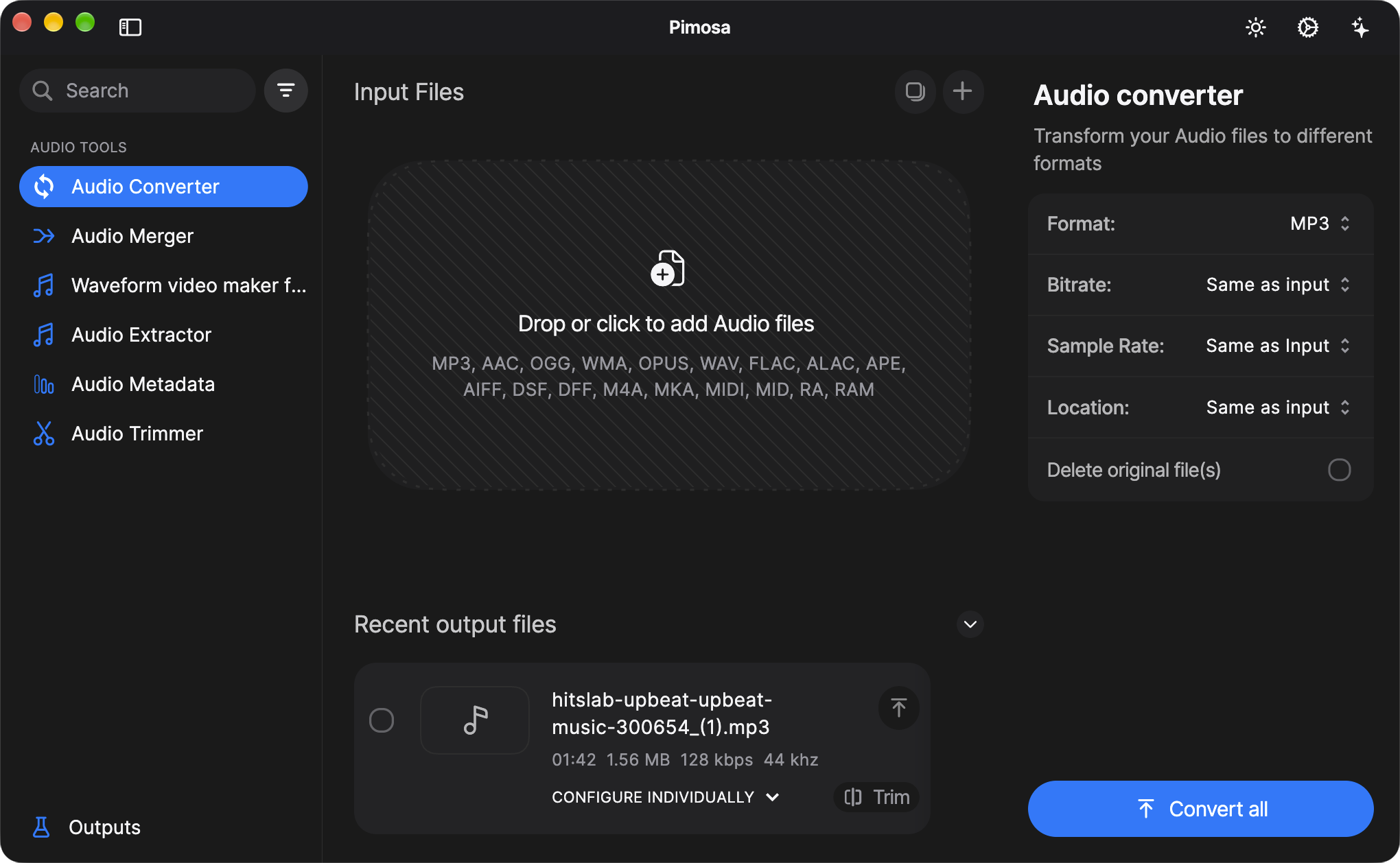
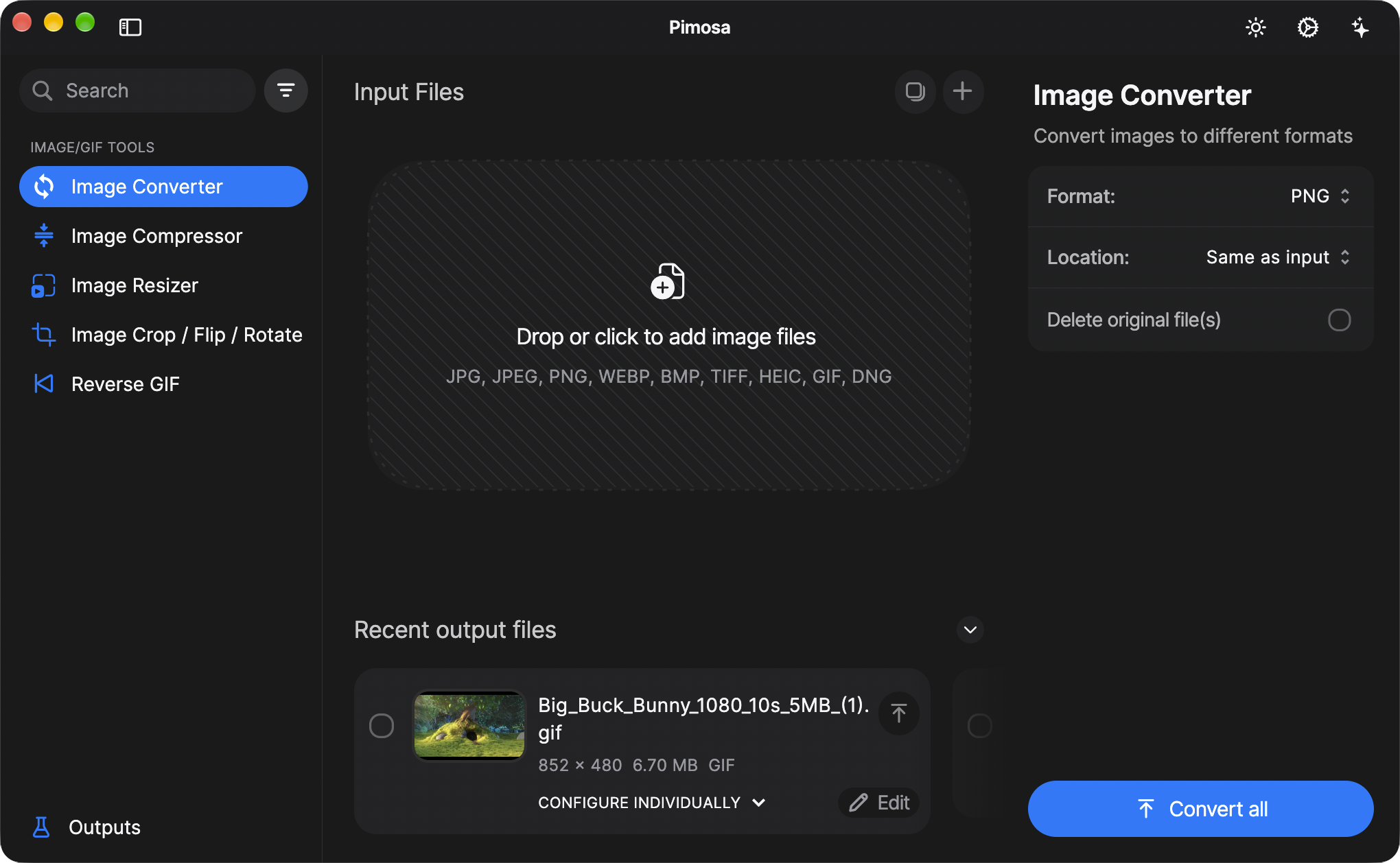
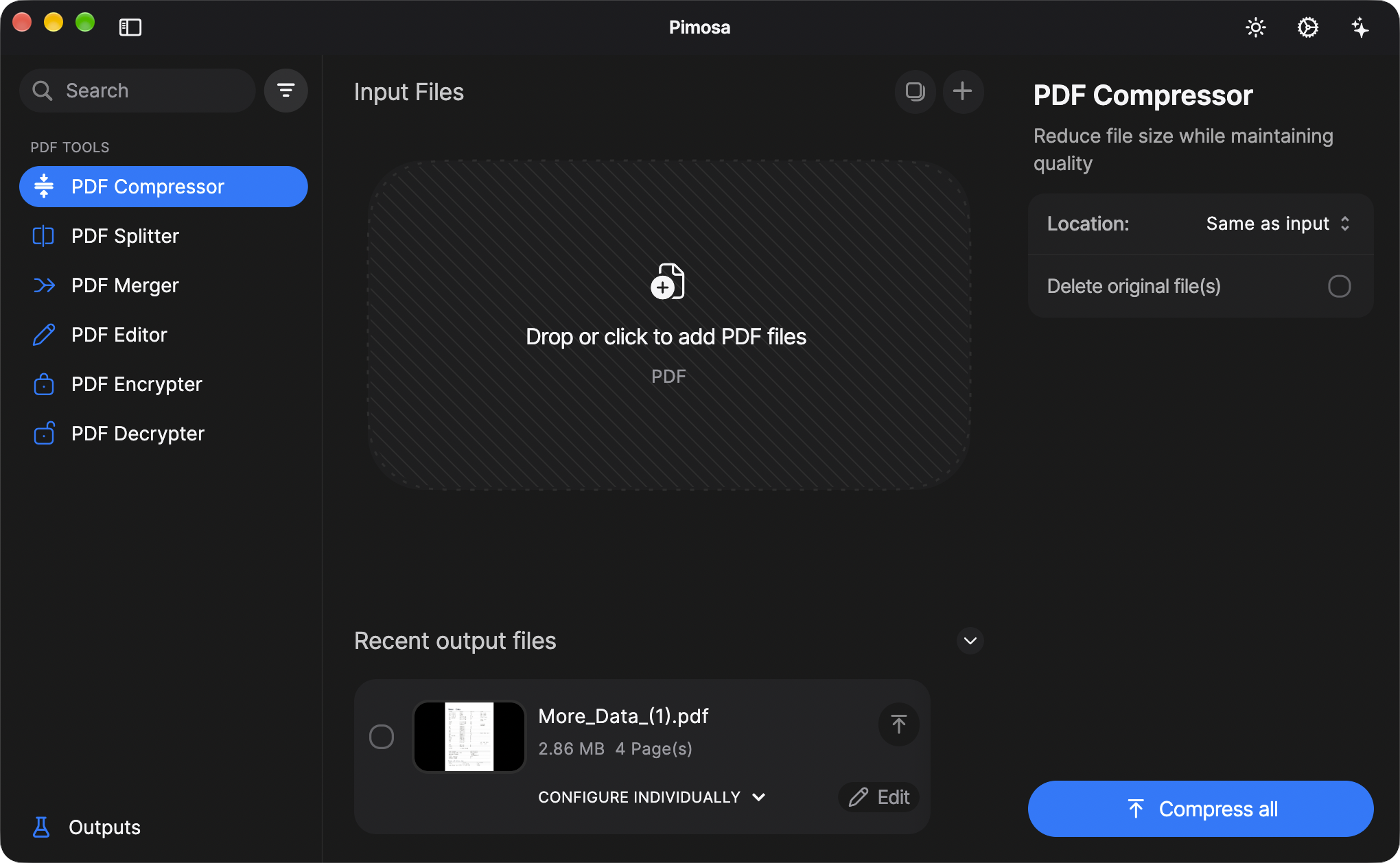
Video, audio, image, GIF and PDF tools, all offline. Search the sidebar to find one in a keystroke.
Target · 80 MB
interview.mov1.2 GB86 MBFormat
Clip to GIF
Output
17 tools
5 tools
5 tools
6 tools
2 tools
35 tools
No converter websites, no ads, no waiting for a 2 GB upload. Drop files on a tool, queue a whole folder, and find the results right next to the originals.
1
Drag onto a tool, or use the file picker. Open Pimosa from the Dock on Mac or the taskbar on Windows.
Drop a file
clip.mov1.2 GB2
Jobs run in order. Delete original is off by default.
Queue
Delete original · Off
3
Output “Same as input” by default. Finished files sit next to the originals.
Outputs
Same as input
interview.mov86 MBOptional
Prefer to type? Open the agent panel and ask: “compress every video in this folder to under 25 MB.” It picks the tool and settings, and your computer does the work.
Batch for Instagram: “Compress these 12 clips, resize to 1080p and strip the metadata.” Then Video Compressor (1.2 GB to 180 MB), Video Resizer (1920×1080), Remove Metadata (GPS, camera, dates removed). 12 files ready. Make a GIF: “Trim this clip to 5 seconds, make a 480p GIF, and compress it.” Then Video Trimmer (First 5 seconds), GIF Maker (480p, 10 fps), Image Compressor (Lossless compress). 1 file ready. Clean up PDFs: “Merge these PDFs, compress the result, and lock it with a password.” Then PDF Merger (3 files into one), PDF Compressor (Smaller export), PDF Encrypter (Password on the file). 1 file ready.
One sentence, several tools in a row. Planned by your own AI model, run locally by Pimosa, and every step can still be opened in its editor.
For power users
Turn on the MCP server in Settings → AI / Agent. While Pimosa is open, Cursor, Claude, VS Code, Windsurf and other MCP apps can run the same batch tools.
Address http://127.0.0.1:47321/mcp
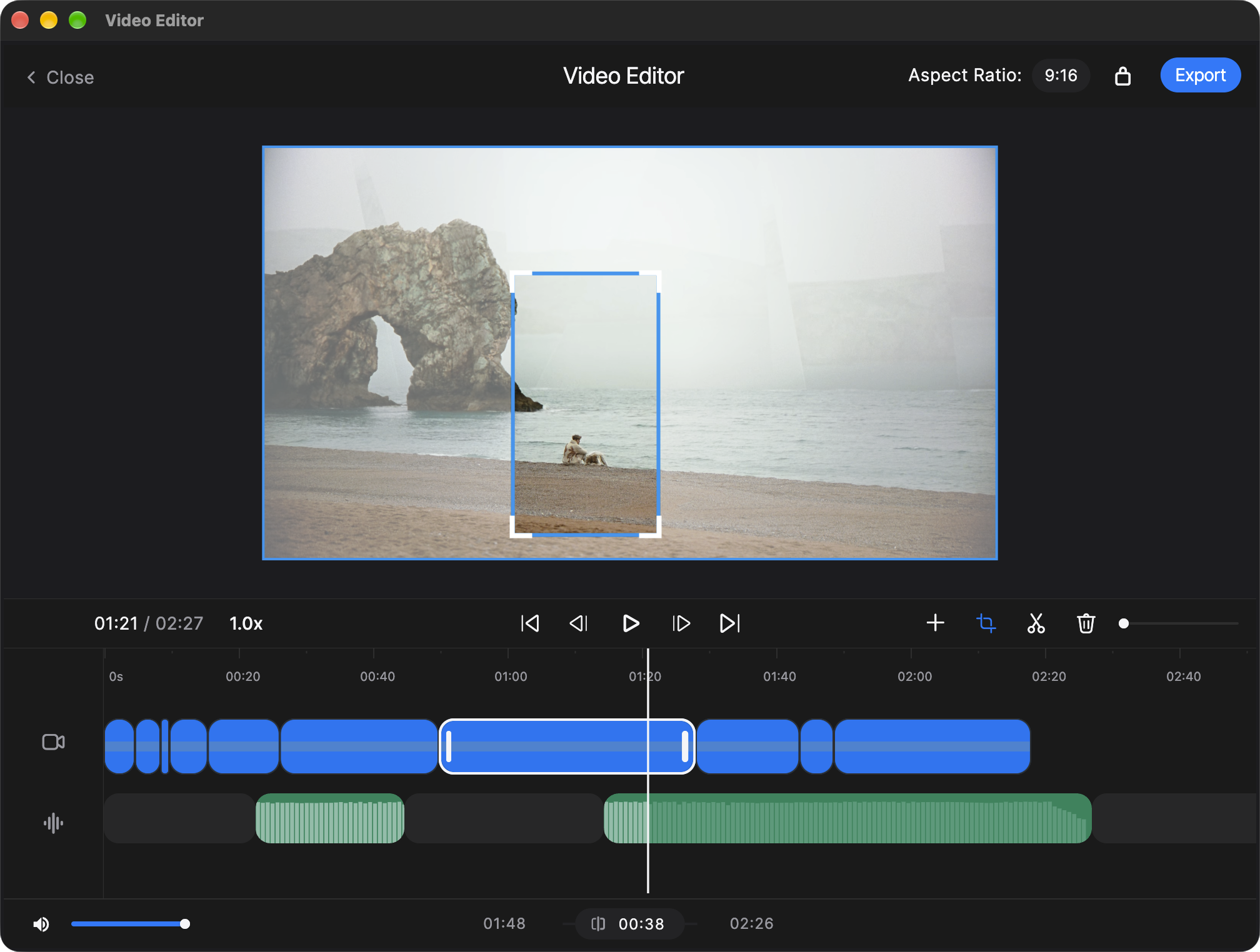
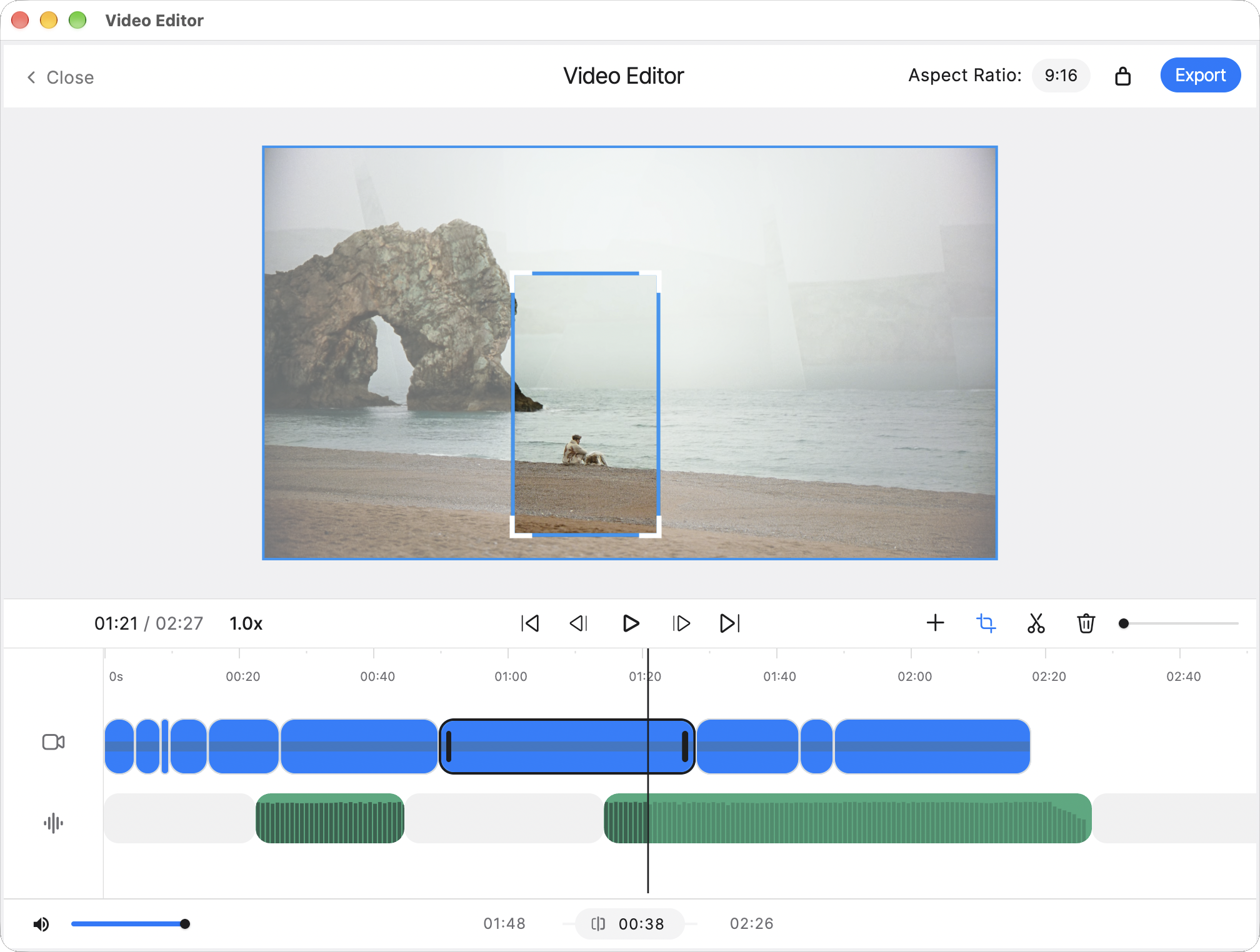
Trim on a timeline, drag the crop box, cut and join clips in the Video Editor, and reorder PDF pages.
Chat when you're in a hurry. Click when you want control.
Cut, crop, and join clips on a timeline.
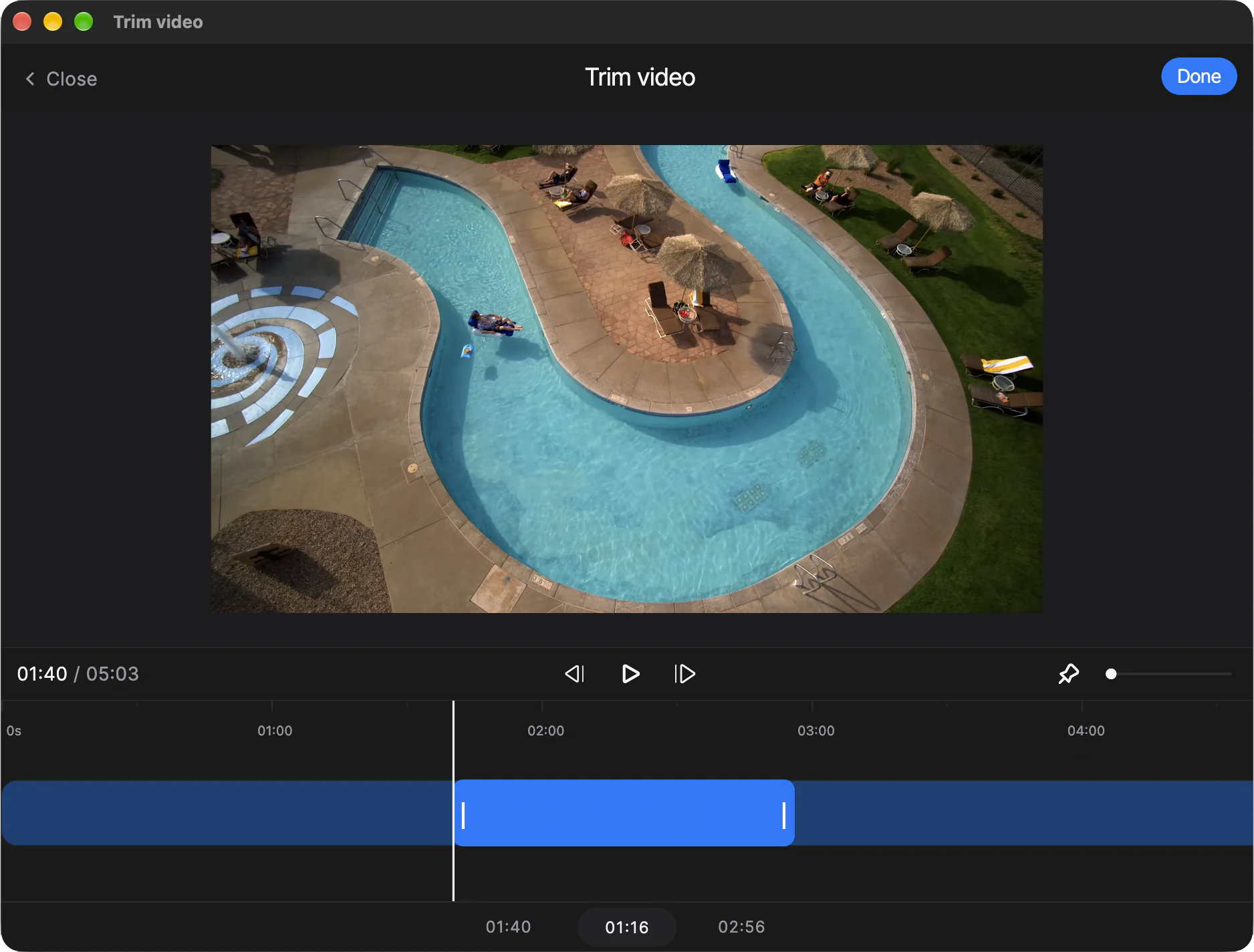
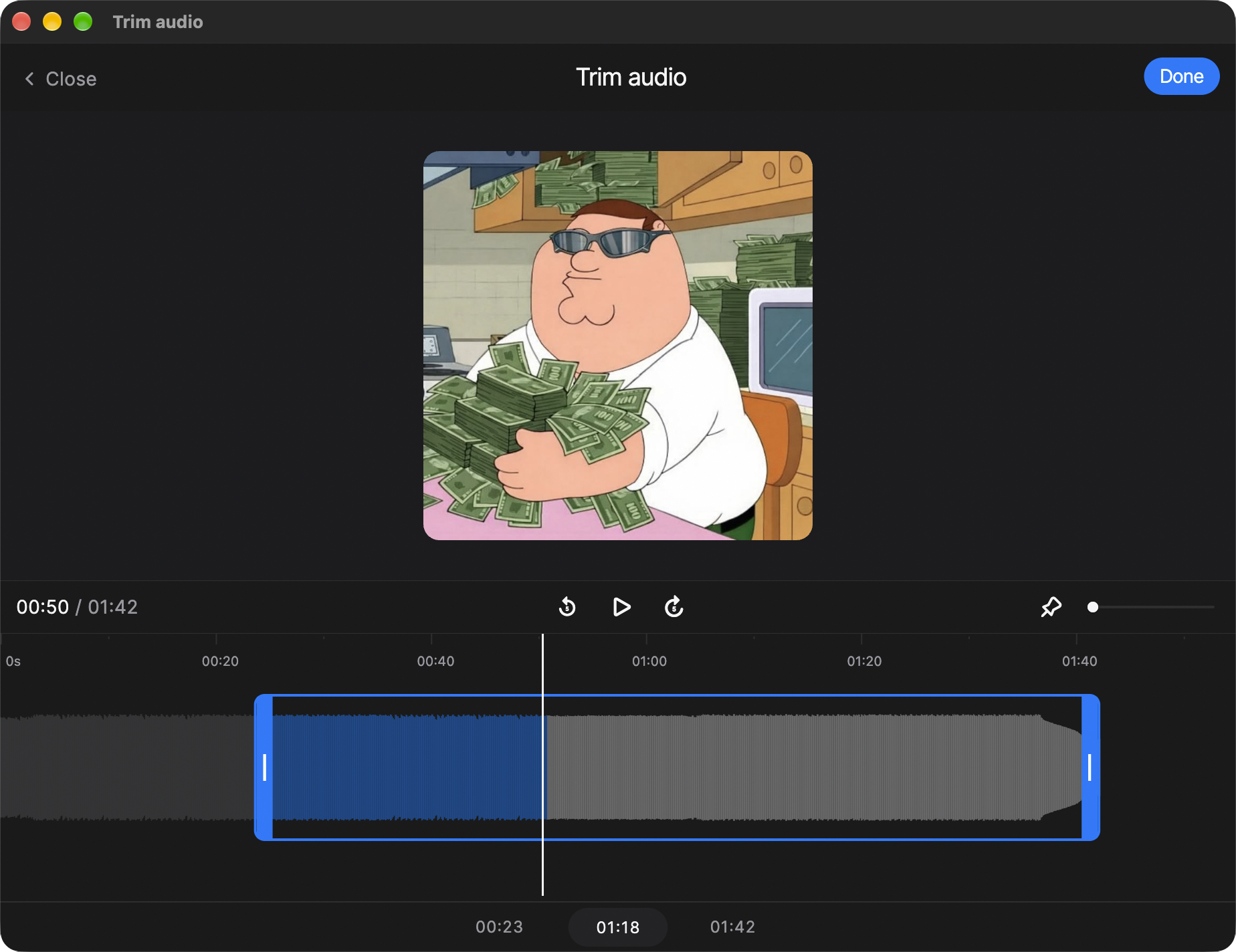
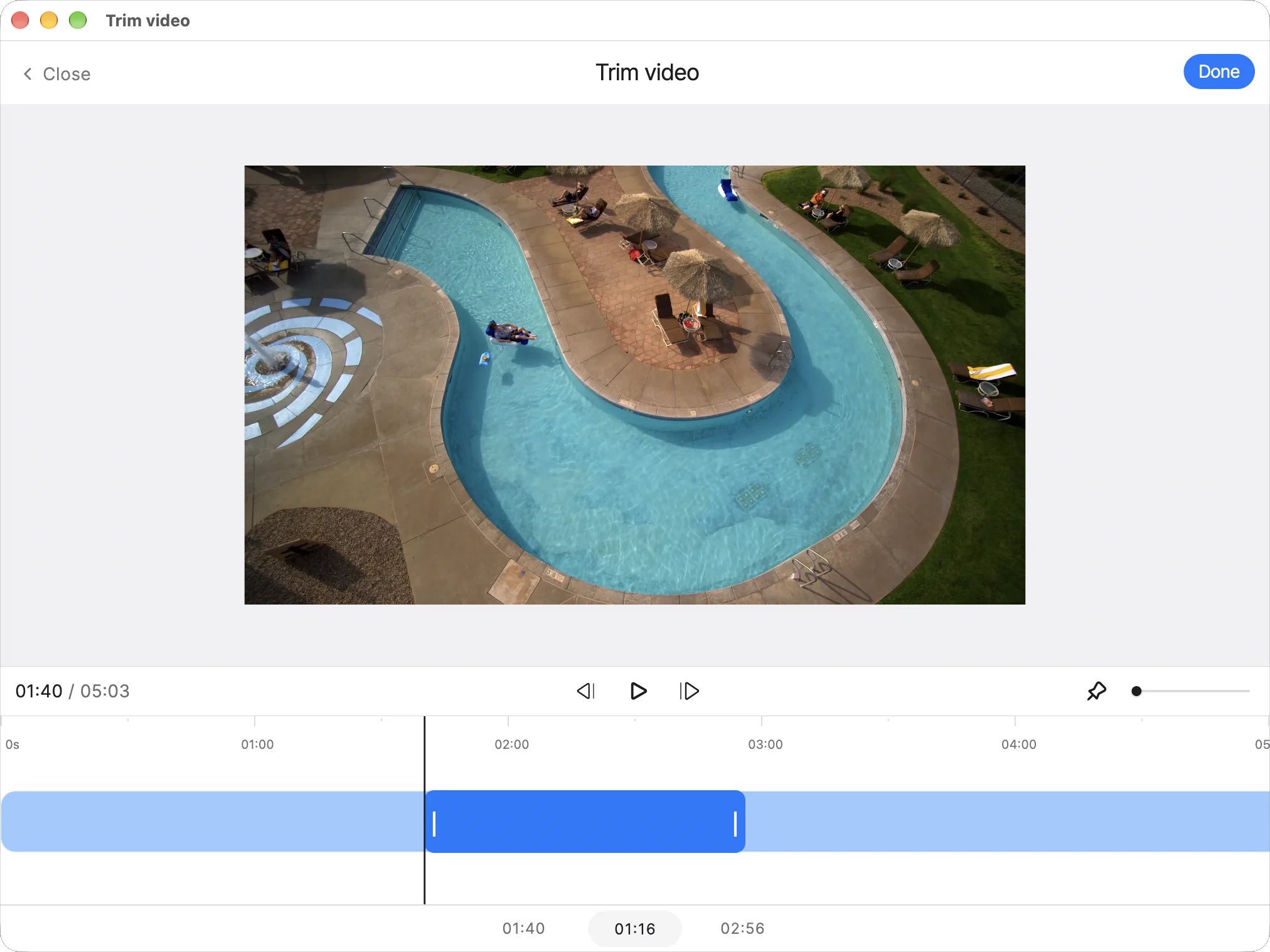
Drag a start and end on a visual timeline.
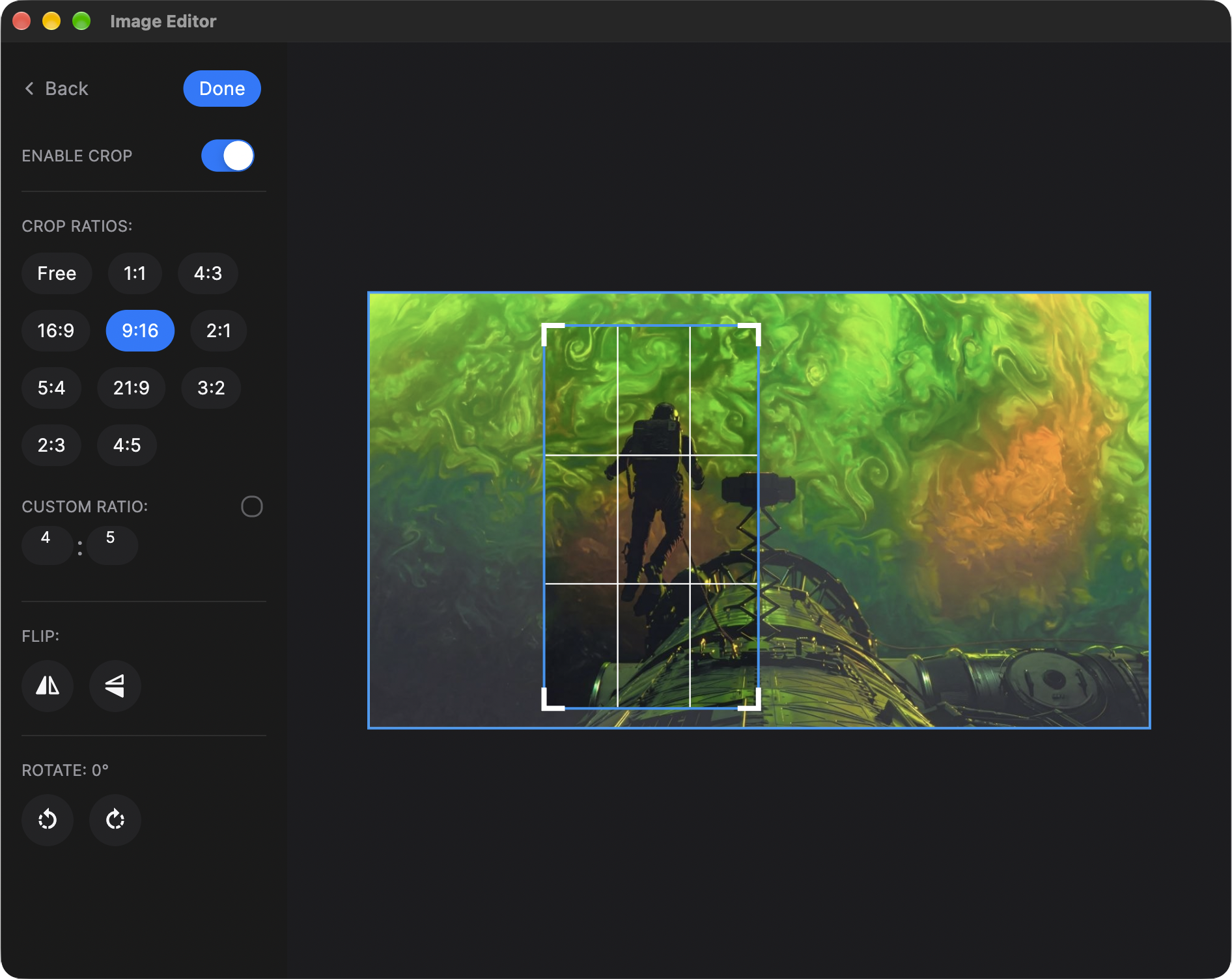
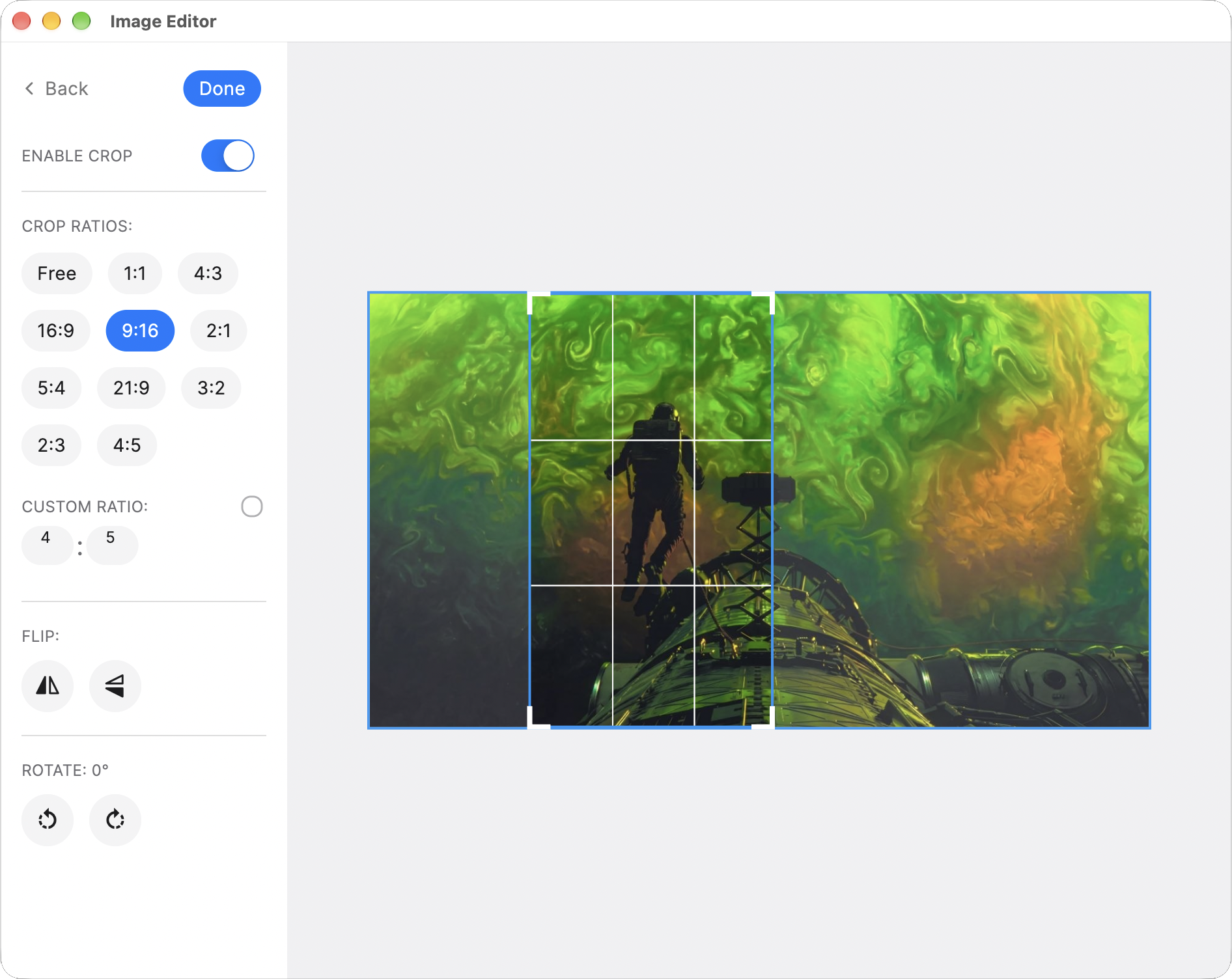
Crop, flip, and rotate stills and GIFs.
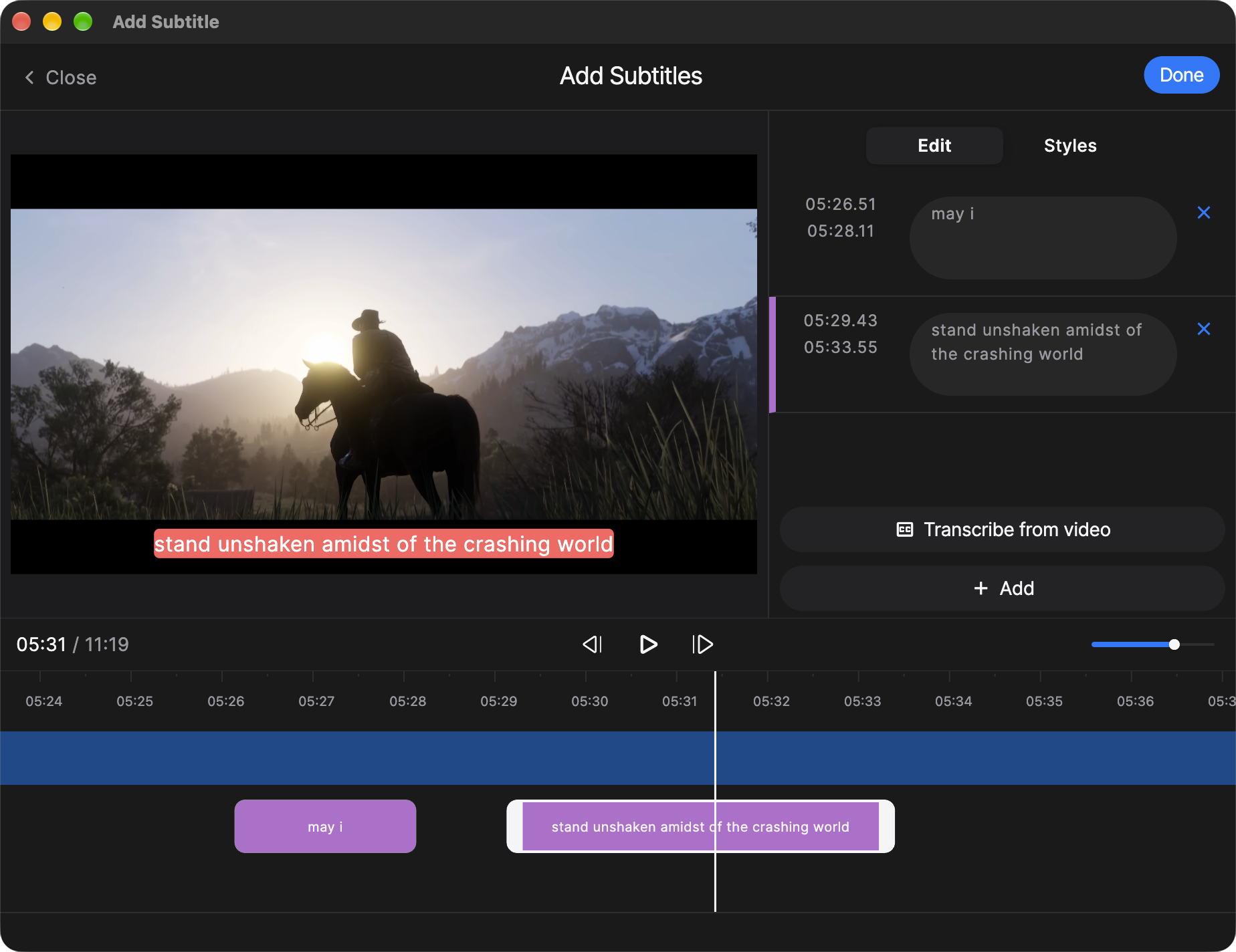
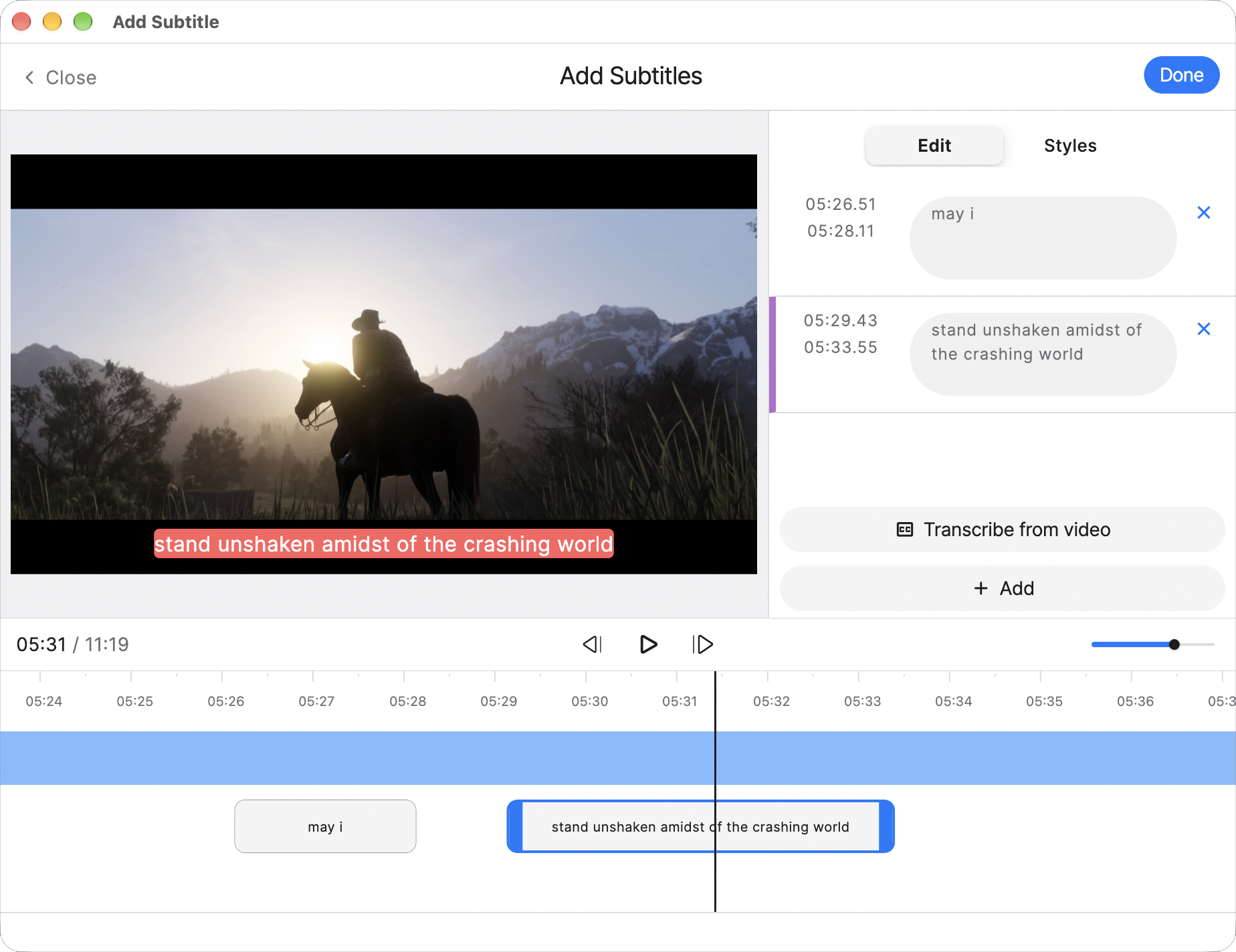
Create or import captions and export them three ways.
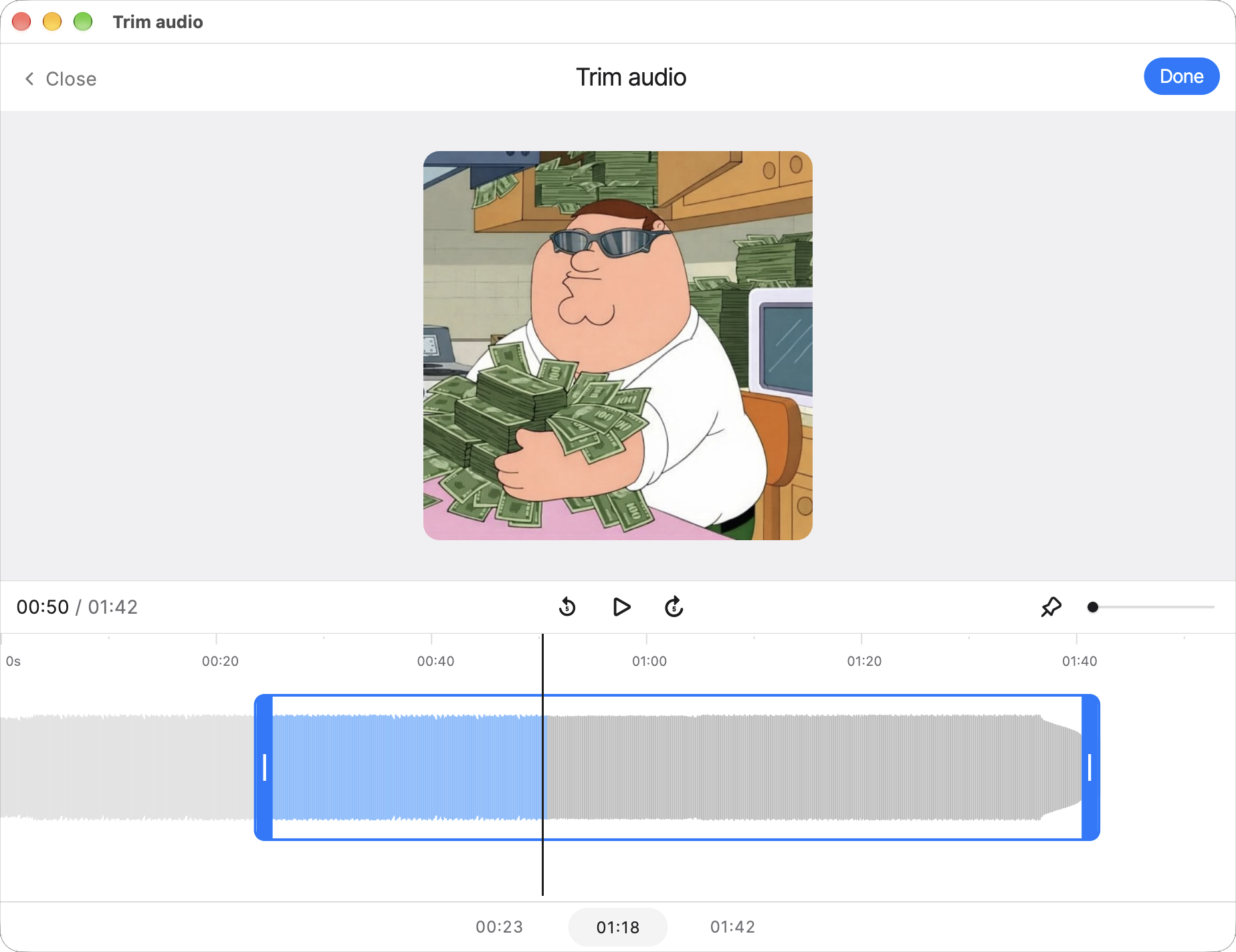
Cut an audio file to a start and end on a waveform.
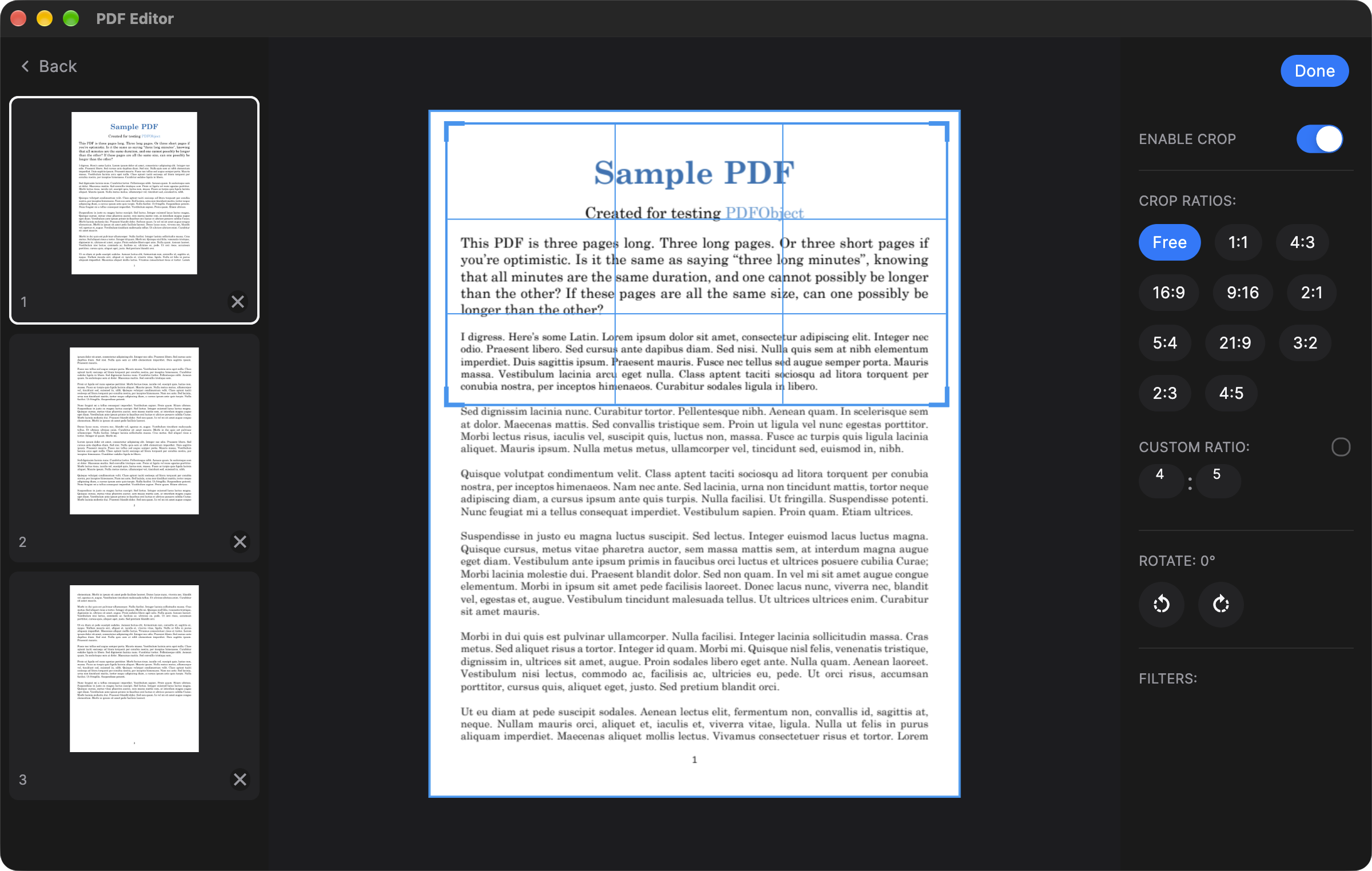
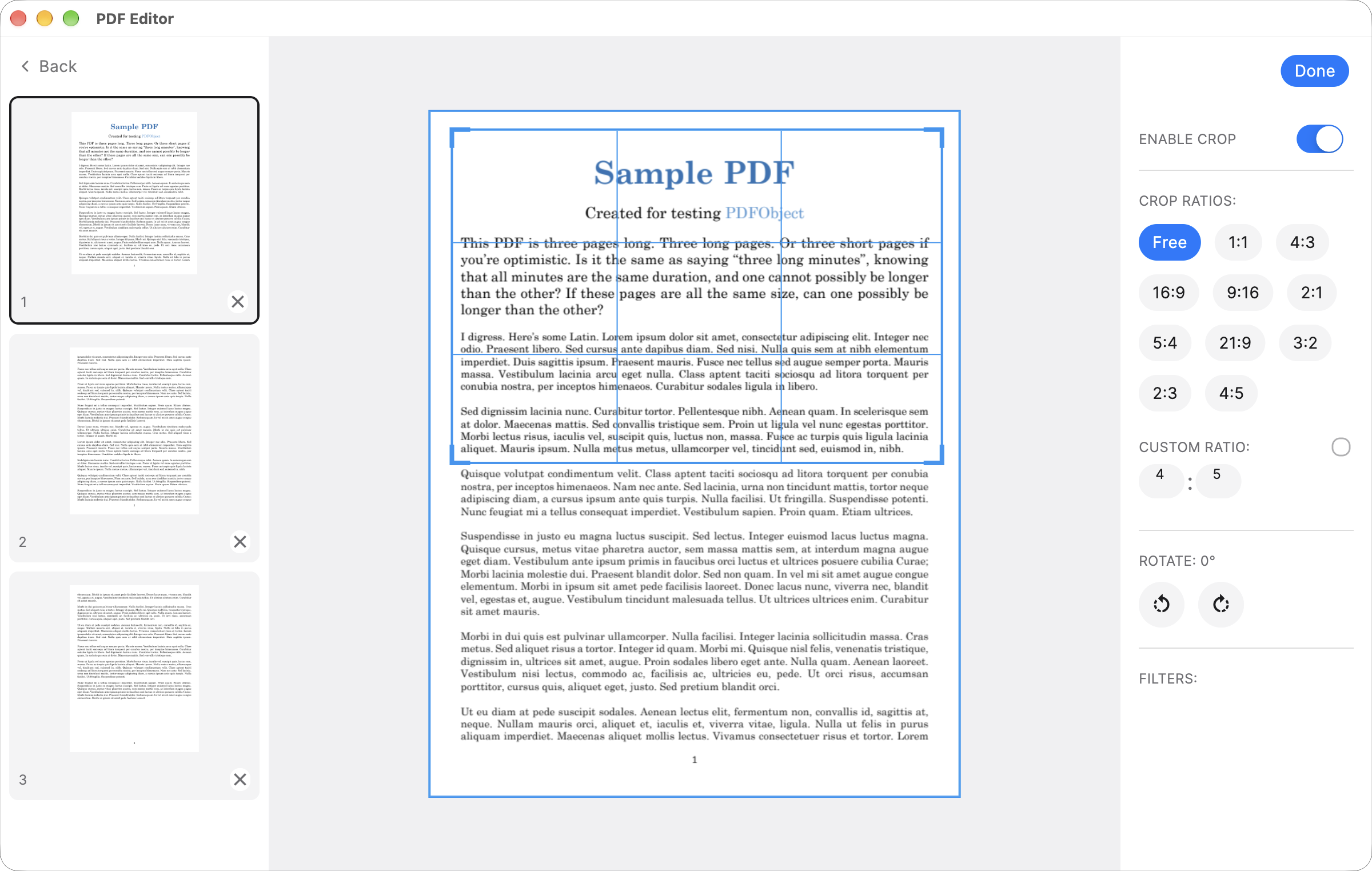
Reorder, delete, crop, or rotate pages.
Work happens on your computer. Nothing is uploaded to convert files. Works offline.
| Media files | Never |
|---|---|
| Error reports | Optional, on by default, can be turned off |
| AI chat (only if you use it) | To the model you choose |
Turn one video into Reels, Shorts and TikToks.
or just ask: “Compress every video in this folder to under 25 MB.”
Export, tag and share episodes in minutes.
or just ask: “Convert these WAVs to MP3 at 320 kbps.”
Demo GIFs and app assets without opening an editor.
or just ask: “Make a GIF from the first 5 seconds at 480p.”
PDFs and recordings, sorted.
or just ask: “Merge these PDFs and lock them with a password.”
For files you can't upload anywhere.
or just ask: “Strip all metadata from these photos.”
Loved by 1,000+ people
“…Pimosa goes above and beyond my expectations. It’s now my go-to for compressing, converting and so much more.…”
 XentarPrivate photographer
“Hi Ansh, love the app i've been looking for this kinda app for long time, but leave the tools side, I love the built in editor where i can crop my landscape videos frame by frame and upload it on TikTok.”
 Zhang Yong · Video editor
“Best thing is pimosa is available for both mac and windows, and i own windows pc and work macbook so i can use it on my both device.”
 Ahmad Wise · @damy_wise (Front-end Developer)
“Single app that do everything related to image and video editing and that too at flat cost so no need to worry about the subscription. Congratulations Ansh and best wishes.”
 Mehul Fanawala · RevOps Consultant for B2B SaaS
“Purchased and downloaded. I was impressed with the simple UI. Lots of functions in one app. Image resize/compression/conversion will be very useful for web design. Well done!”
“This app is straight to the point, everything on the website is helpful, I love that! One-stop shop is a strong offer compared to using disparate tools. Congrats on your launch @anshrathodfr, and best of luck!”
 Denis Sigal · Product hunt user
“Happy to purchase Pimosa. Looks very promising, and of course a joy to support fresh developers.”
 TECH500 · Discord Server Member
“I bought the beta version, before I used to lookup for Image resizer, video compressor and other tools on google but it's good to have app for it. Awesome work keep bringing more useful apps like this”
 Michail Chaykovsky · @Reddit/Twitter user
“Love how Pimosa brings together so many useful tools in one app! Definitely saves a ton of time when you can quickly compress, convert, and even create GIFs all in one place. The simplicity is key, perfect for someone (including me, as a designer myself) who just needs to get things done without all the complexity. Looking forward to that next big update! And shoutout for the lifetime access offer, that’s always a win. Congrats on the launch and sending wins to the team! :)”
 Shivam Singh · Product & Growth Lead - Shram
“Bought this too, been looking for such an app for quite some time...”
“Awesome work. Just signed up and bought the beta. 💪”
 Lee Higgins · @Depthperpixel (Twitter User)
“I bought this app, and I approve, super useful and handy and convenient for all your quick compression/editing needs.”
 u/mathewharwich · Reddit User
“I really appreciate how Pimosa makes converting, editing, and enhancing media so simple. The batch processing feature is a major time-saver, and the straightforward tools mean anyone can use it effortlessly. A handy solution for all your video, photo, and music file needs!”
 Jason Yu · Independent product person | 🎨Designer
“I've been looking for a tool like this for ages... I've been having to use a bunch of command-line tools to do some of these functions and this seems much easier.”
 Jeff Zhao · Product hunt user
“That was an instant purchase. it looks promising and I like to support good developers.”
“It’s good and I’m sure I could use an app like this. Looks much better than the trash I’ve downloaded in the past”
 Christian Findlay · @CFDevelop Twitter User
“Now that's what is called all-in-one tool for editing (Image, audio, video or anything around it). Personally I have been juggling through tools for editing image, audio or video which most of the existing tools have. Wishing you to get lots of users, with such an amazing offering under one umbrella.”
“Well, tested app and it more than I had expected… cropping did it for me, Excellent tool, Danke.”
Black Friday: 40% off, code BLACKFRIDAY40 applied automatically at checkout.
Featured
$17.40Regular price $29
BLACKFRIDAY40 applied
$29.40Regular price $49
BLACKFRIDAY40 applied
e.g. a Mac and a PC, or a laptop and a desktop.
$99
One invoice. Seats can be moved between people.
7-day money-back guarantee · Mac and Windows.
No. Pimosa is a toolkit first: every tool works with a click, offline. The AI agent is an optional side panel, and it does nothing until you choose a model.
It can be free. Run a local model in Ollama or LM Studio at no cost, or use your own OpenRouter key and pay that provider only for what you use. There's no Pimosa subscription.
A desktop app for video, audio, images, and PDFs. Compress, convert, resize, trim, merge, edit, download, transcribe, and strip metadata without a pile of separate apps.
Work happens on your computer. Nothing is uploaded to convert files. Transcription uses a model downloaded to your computer. The AI chat uses whatever model you connect (OpenRouter, Ollama, LM Studio, or another OpenAI-compatible API).
macOS 12.4 or later (Apple Silicon) and Windows.
Pay once. Personal is 1 device, Plus is 3 devices, Team is 5 seats. Lifetime updates, no subscription. A 7-day money-back guarantee.
You need a license key to process files. OpenRouter needs your own API key if you use that provider. Local models do not.
In Agent mode it can find files and run the batch tools: compress, convert, resize, merge, and the other queue tools. In Ask mode it only looks, and does not change files. It cannot operate the timeline editors. You bring your own model via OpenRouter, Ollama, LM Studio, or a custom OpenAI-compatible API.
Yes. AI / Agent settings include an MCP server other apps can connect to while Pimosa is open, including a Cursor config you can copy.
There is no license. Setup may be incomplete — use Reconfigure in Settings. For transcription, the model is still downloading. For the agent, no model is selected or the local server is not running.
Media processing stays on your machine. Optional error reports can be turned off in Settings. The AI chat sends the conversation to the provider you configured. Transcription models run locally after download.
We accept PayPal, Apple Pay, Google Pay, and all major credit/debit cards through our payment processor, Lemon Squeezy.
Yes, applicable taxes will be added based on your location.
We offer a full refund within 7 days of your purchase, no questions asked.
Yes. Email ansh@pimosa.app within 7 days of purchase for a full refund, no questions asked.


