 Pimosa
Merge videos into one file
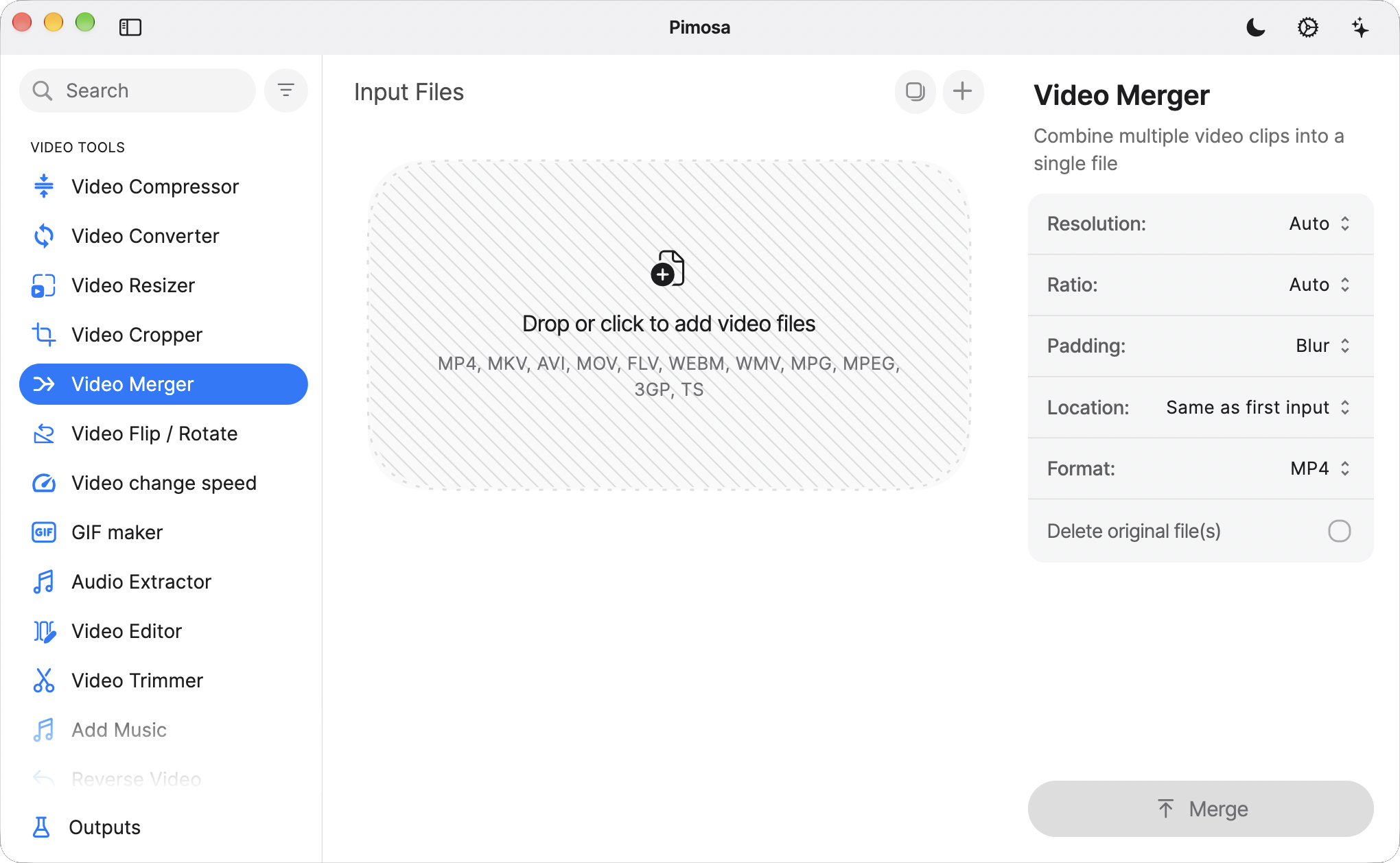
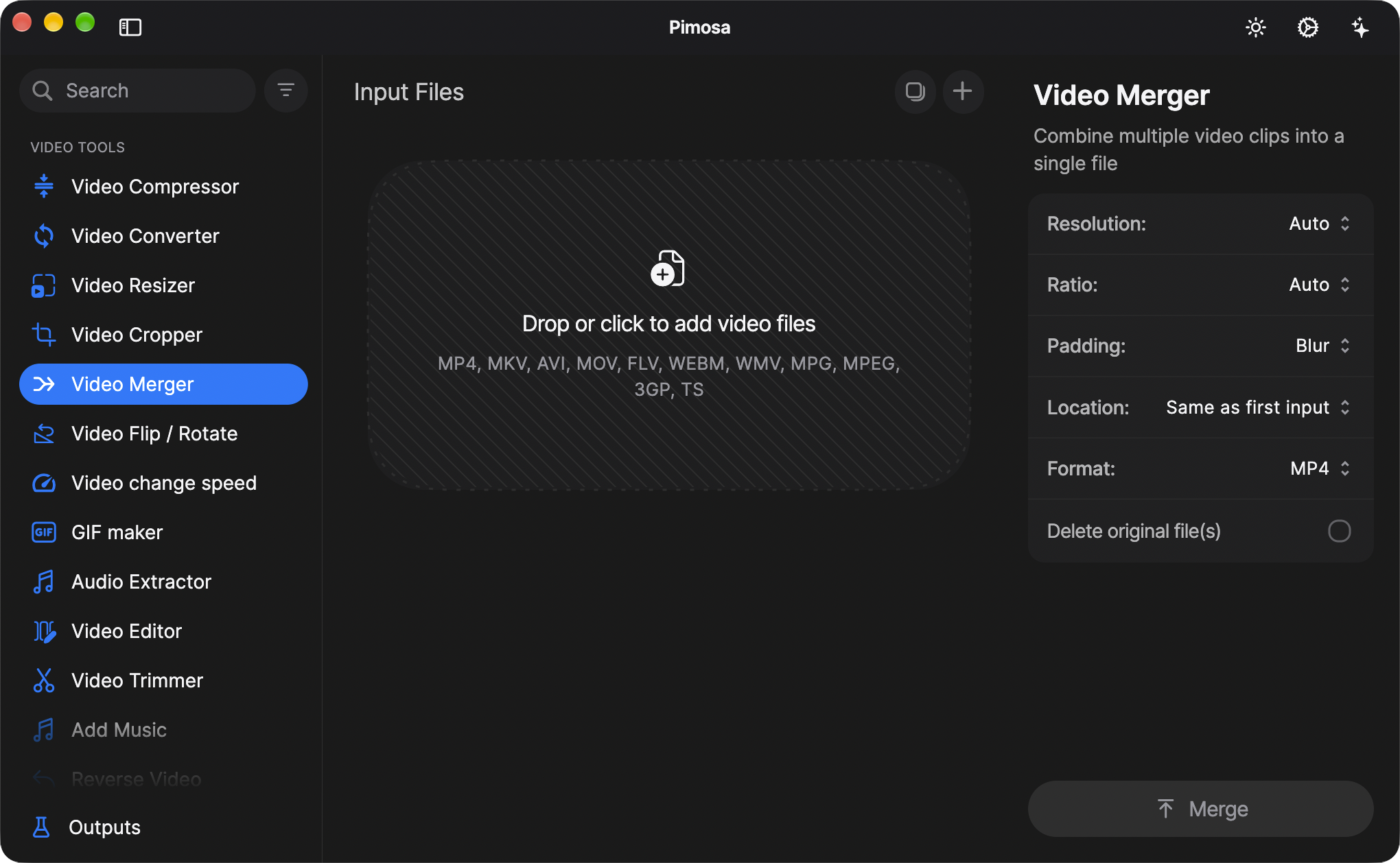
Drag clips into order, trim each one if you like, and Pimosa joins them into a single file, scaling and padding clips of different shapes to one frame.

How it works
Drop your videos
Drag files or a folder onto the tool, or click to pick them.
Put clips in order
Drag to reorder, trim any clip, and pick a frame size. Mixed shapes are padded with blur or a color.
Press Merge
The new file appears next to the original, or in your default output folder.
Or just say:Merge these three clips in order into one MP4 at 1080p
Specs
- Opens
- MP4MKVAVIMOVFLVWebMWMVMPGMPEG3GPTS
- Saves as
- MP4MKVAVIMOVFLVWebM
- Settings
- Order, per-clip trim, resolution, ratio, padding, format
- Batch
- Two or more clips into one file
- Limits
- Needs at least two clips
- Originals
- Untouched; a new file is saved next to it (deleting the original is opt-in)
Settings explained
- Setting
- Drag to reorder
- Setting
- Optional trim per clip
- Setting
- Audio track to keep when a clip has several
- Setting
- Resolution and aspect ratio presets
- Padding
- blur or color
- Format
- MP4, MKV, AVI, MOV, FLV, WebM
- Setting
- Output folder, delete original
Good to know
- Needs at least two clips
- Hard cuts only: no transitions, titles or crossfades
- Mixed sizes are scaled and padded to the output frame
Pimosa vs online tools
Your file stays on this computer. Nothing is uploaded to process it.
Upload needed?
Pimosa: No. Media processing stays on your computer.
Typical online tool: Yes. You send the file to a server.
Size caps?
Pimosa: No website upload cap. You’re limited by your own disk.
Typical online tool: Hosts often cap uploads.
Works offline?
Pimosa: Yes.
Typical online tool: No. You need a connection to upload.
Questions
Can I add transitions?
No. Clips are joined with hard cuts.
What if my clips have different sizes?
They are scaled and padded (blur or color) to the output frame.
Can I trim clips before merging?
Yes, each clip has an optional trim.
Related tools
Video Editor
For edits the one-click tools can’t do: cut clips into pieces, drop parts, crop, reorder and export one file. No effects library, just fast hard cuts.
Video Trimmer
Drag a range on the timeline and export just that part. Your original stays untouched unless you choose otherwise.
Audio Merger
Put podcast segments, interview clips or album tracks in order and export them as one file.


