 Pimosa
Video tools that stay on your computer
Drop clips or a whole folder, set the tool once, and send the job to the queue. Finished files land in Outputs, next to the originals unless you turn on Delete original.

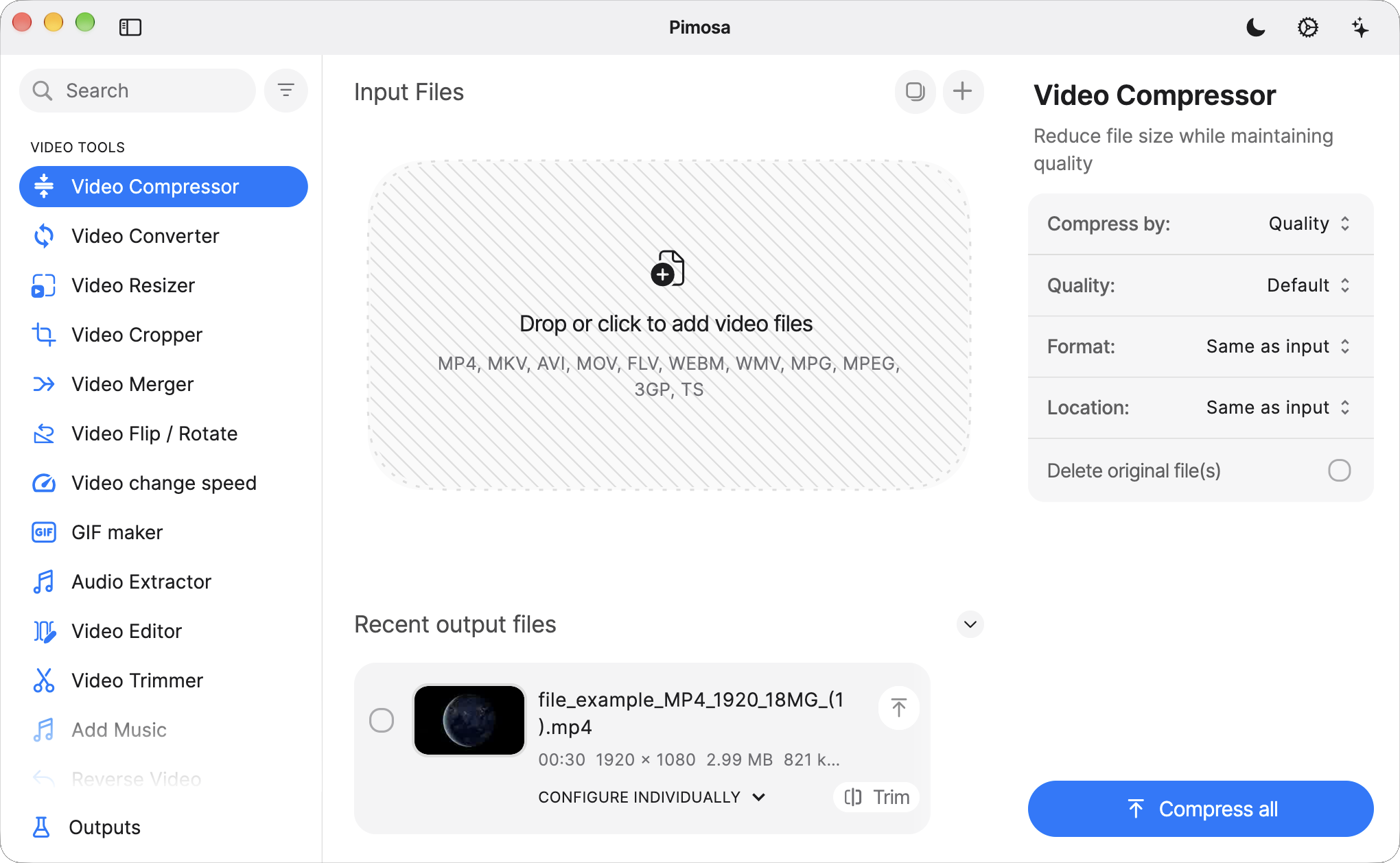
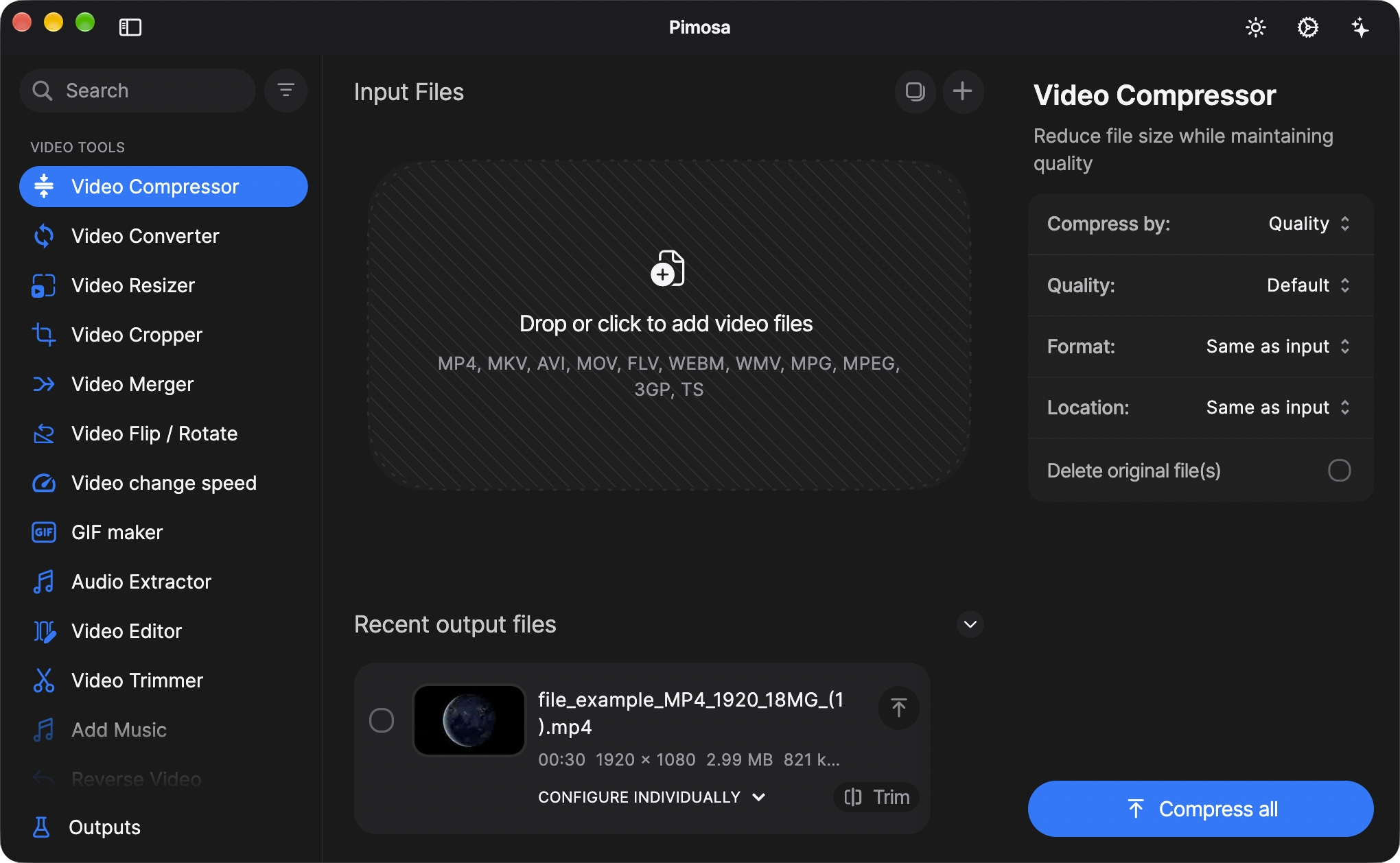
The compressor can target a quality preset or a file size (default 10 MB, two-pass). The converter changes container and codec. GIFs are valid inputs, so this is also how you turn a GIF into MP4.
Trim, crop, the timeline editor, Add Music and Add Subtitles stay in your hands: those are visual editors, and the AI agent cannot run them. Batch tools such as compress, convert, resize, merge, reverse, mute and extract still work from the agent or from MCP while Pimosa is open.
Video Compressor
Drop a video, pick a quality preset or type a target size, and Pimosa re-encodes it on your computer. Nothing is uploaded, so big files never wait in an upload bar.
Video Converter
Change a video’s container and codec in one step. Pimosa only offers codec and format pairs that actually work, so you can’t export a broken file.
Video Resizer
Set exact pixels or pick an aspect ratio, and choose how empty space is filled: a blurred copy of the frame or a solid color.
Video Trimmer
Drag a range on the timeline and export just that part. Your original stays untouched unless you choose otherwise.
Video Cropper
Drag a crop box over your video, lock it to 9:16 for Reels and TikTok or any other ratio, and trim the length at the same time.
Video Merger
Drag clips into order, trim each one if you like, and Pimosa joins them into a single file, scaling and padding clips of different shapes to one frame.
Video Flip / Rotate
Fix a sideways phone clip or mirror a selfie video. Combine flip and rotation, and run a whole folder at once.
Change Video Speed
Make slow motion or a faster clip. The audio is time-stretched with the picture, so voices keep their natural pitch.
GIF Maker
Trim the moment you want, set the frame rate and size, and export a GIF. Short clips, modest FPS and small sizes keep GIFs light.
Audio Extractor
Save a video’s soundtrack as an audio file. Choose the format and, for multi-language files, the exact track.
Reverse Video
Searching for a video reverser online? Pimosa does it on your Mac or PC instead: no upload, and no file size limit from a website.
Mute Video
Strip every audio track from a video in one step.
Add Music to Video
Place music or voice-over clips on a lane under your video, trim and move them, and balance the volume against the original sound.
Add Subtitles to Video
Get captions in from an embedded track, an SRT file, your keyboard or on-device transcription, edit them on a timeline, and export the way you need.
Frames Extractor
Sample a video on a timer and save the frames as images, from two frames a second up to one a minute.
Extract Subtitles
If your video already contains subtitles, save them as a separate SRT file in seconds.
Video Editor
For edits the one-click tools can’t do: cut clips into pieces, drop parts, crop, reorder and export one file. No effects library, just fast hard cuts.
Turning a video into an animated GIF is GIF Maker. Audio Extractor pulls a soundtrack out of a video.


