 Pimosa
Speed up or slow down a video
Make slow motion or a faster clip. The audio is time-stretched with the picture, so voices keep their natural pitch.

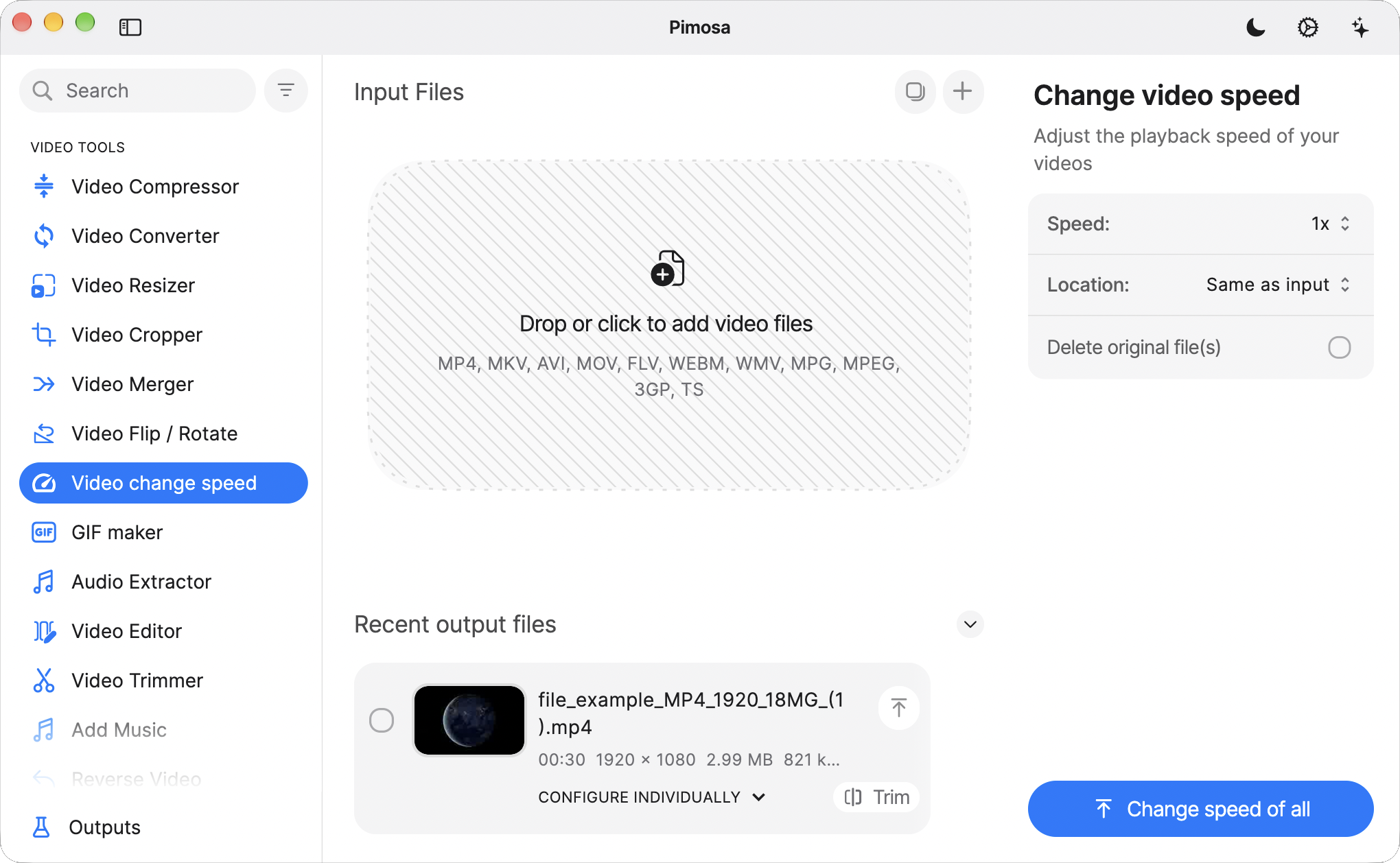
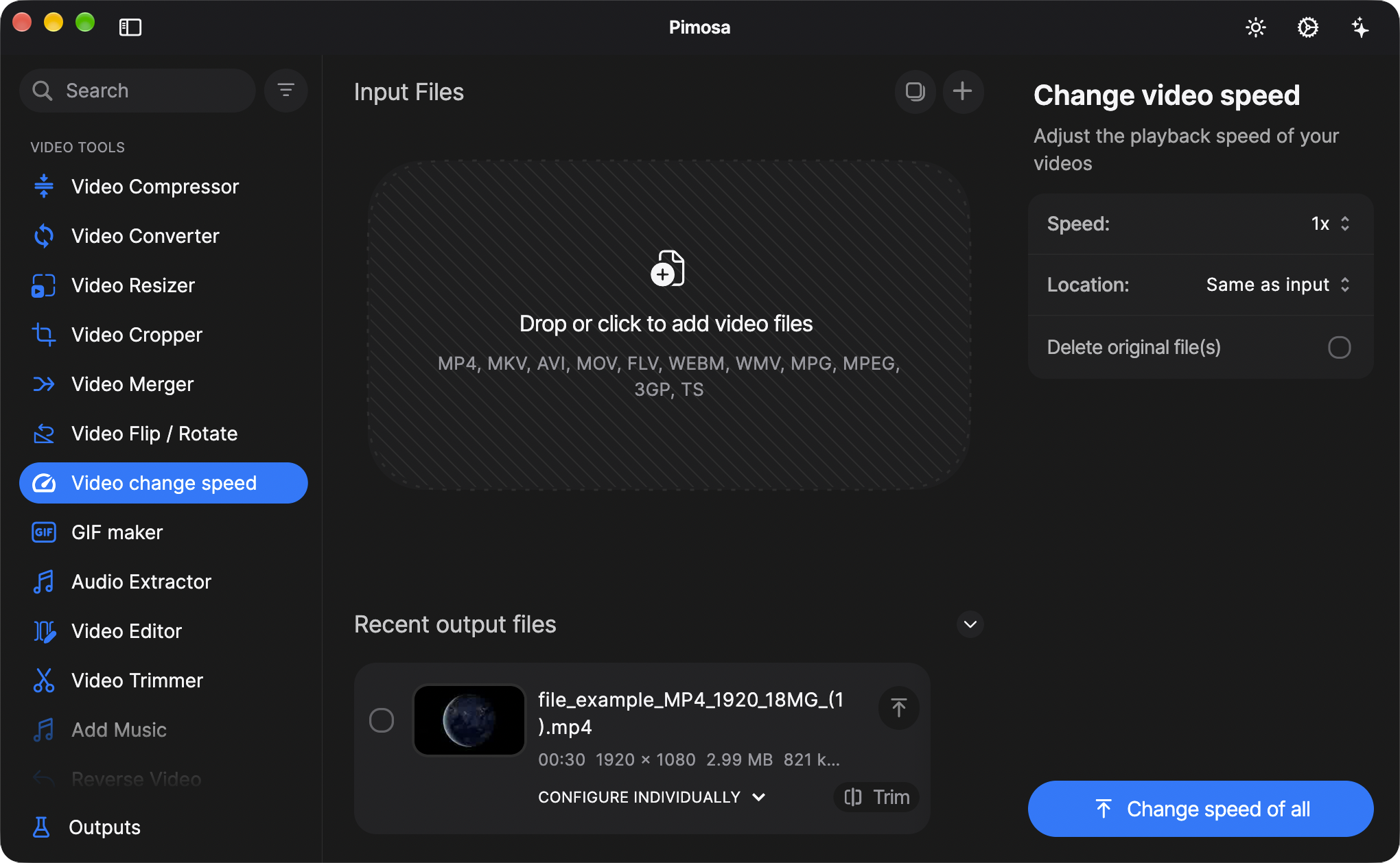
How it works
Drop your videos
Drag files or a folder onto the tool, or click to pick them.
Pick a speed
Choose from 0.25x to 4x. Sound is time-stretched so voices keep their pitch.
Press Export
The new file appears next to the original, or in your default output folder.
Or just say:Make this clip 2x faster
Specs
- Opens
- MP4MKVAVIMOVFLVWebMWMVMPGMPEG3GPTSGIFs accepted
- Saves as
- Same format as input (re-encoded)
- Settings
- Speed (0.25x–4x), optional trim
- Batch
- Many files in one queue; change settings per file
- Limits
- Fixed steps only (no 1.1x)
- Originals
- Untouched; a new file is saved next to it (deleting the original is opt-in)
Settings explained
- Speeds
- 0.25x, 0.5x, 0.75x, 1x, 1.25x, 1.5x, 1.75x, 2x, 3x, 4x
- Setting
- Optional trim
- Setting
- Output folder, delete original
Good to know
- Fixed steps only (no 1.1x)
- 0.25x, 3x and 4x chain more than one audio stretch: slower and can sound less clean
- The speed control in the Video Editor is preview only
Pimosa vs online tools
Your file stays on this computer. Nothing is uploaded to process it.
Upload needed?
Pimosa: No. Media processing stays on your computer.
Typical online tool: Yes. You send the file to a server.
Size caps?
Pimosa: No website upload cap. You’re limited by your own disk.
Typical online tool: Hosts often cap uploads.
Works offline?
Pimosa: Yes.
Typical online tool: No. You need a connection to upload.
Questions
Will slowing down make the audio sound weird?
The audio is time-stretched with the video, so pitch stays natural. Extreme speeds can sound less clean.
Can I pick any speed?
No, fixed steps from 0.25x to 4x.
Does it work on GIFs?
Yes.
What format is the output?
The same format as the input. Changing speed re-encodes the video.
Related tools
Reverse Video
Searching for a video reverser online? Pimosa does it on your Mac or PC instead: no upload, and no file size limit from a website.
Video Trimmer
Drag a range on the timeline and export just that part. Your original stays untouched unless you choose otherwise.
GIF Maker
Trim the moment you want, set the frame rate and size, and export a GIF. Short clips, modest FPS and small sizes keep GIFs light.


