 Pimosa
PDF tools that stay on your computer
Encrypted PDFs can be opened if you supply the password when the file is added.

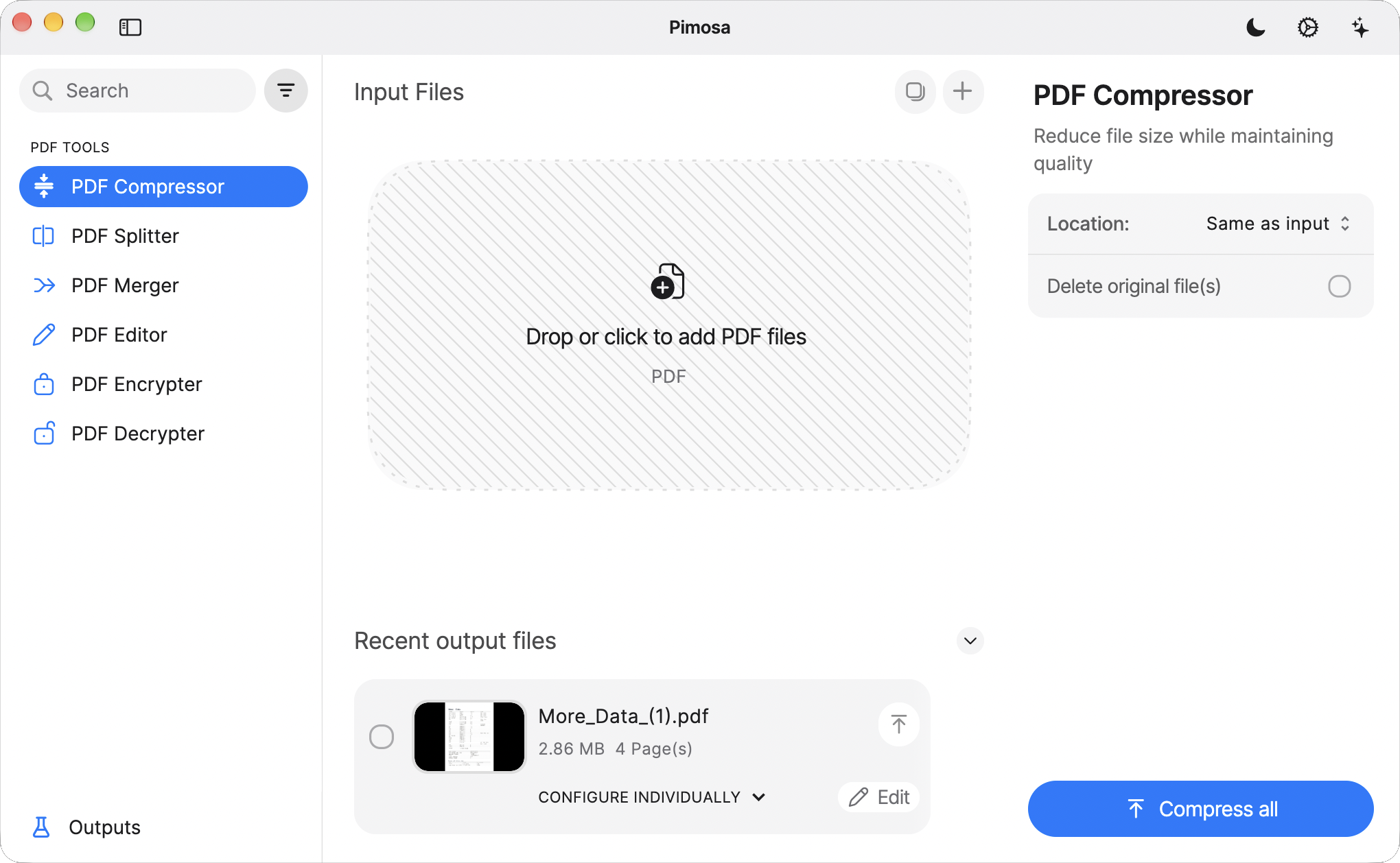
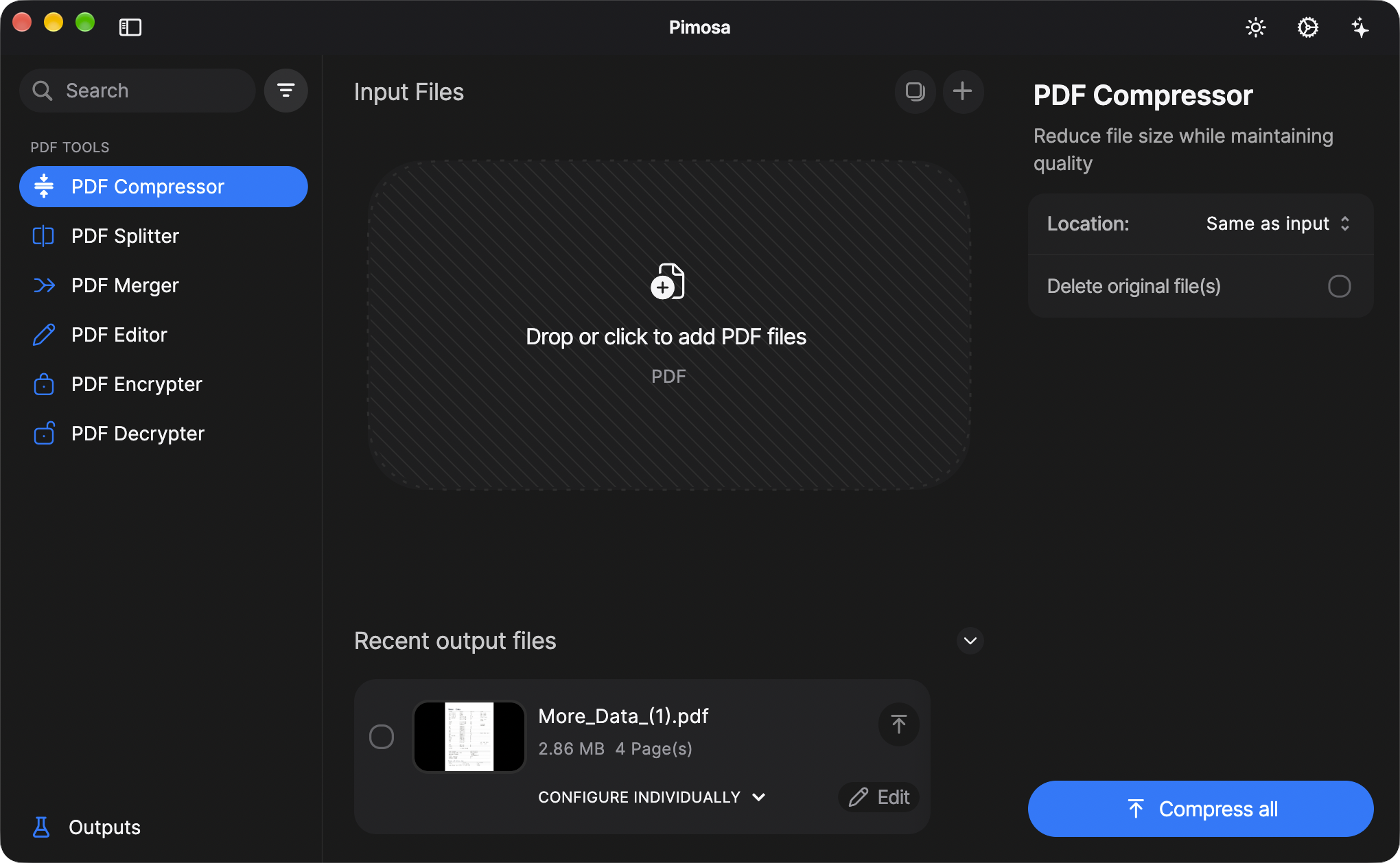
Compressor shrinks the file. There is no quality percent: scanned photos shrink more than text that is already small. Splitter, merger and the page editor let you keep, reorder, crop and rotate pages, then write a new PDF.
Encrypter sets a user password (needed to open the file) and an optional owner password for permissions. Decrypter removes password protection and writes an unlocked PDF. You must know the password; Pimosa does not crack PDFs. The page editor is manual: the agent cannot drive it.
PDF Compressor
Make PDFs smaller without sending them to a website. Scanned documents shrink most. Encrypted PDFs open if you supply the password.
PDF Splitter
Pick pages in the editor and export them as separate files. Encrypted PDFs open if you supply the password.
PDF Merger
Drag PDFs into order and merge them; optionally edit each file’s pages first. Encrypted PDFs open if you supply the password.
PDF Editor
Drag pages into order, remove the ones you don’t need, crop and rotate, then save a new PDF. Encrypted PDFs open if you supply the password.
PDF Encrypter
Lock a PDF with two passwords: one to open it, one to control permissions. Encrypted PDFs open if you supply the password.
PDF Decrypter
Save an unlocked copy of a protected PDF using its password. Encrypted PDFs open if you supply the password.


