 Pimosa
Merge PDFs into one document
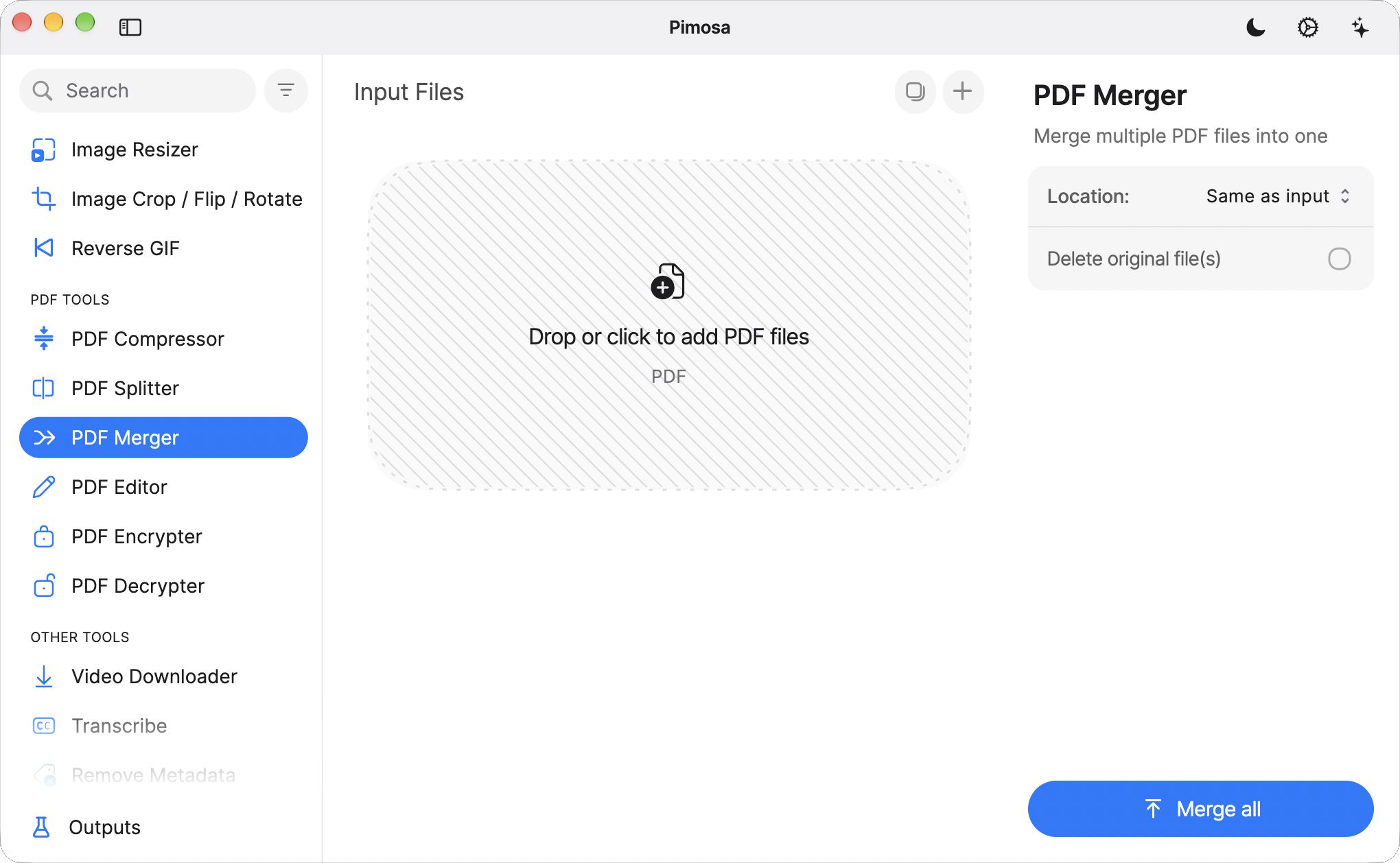
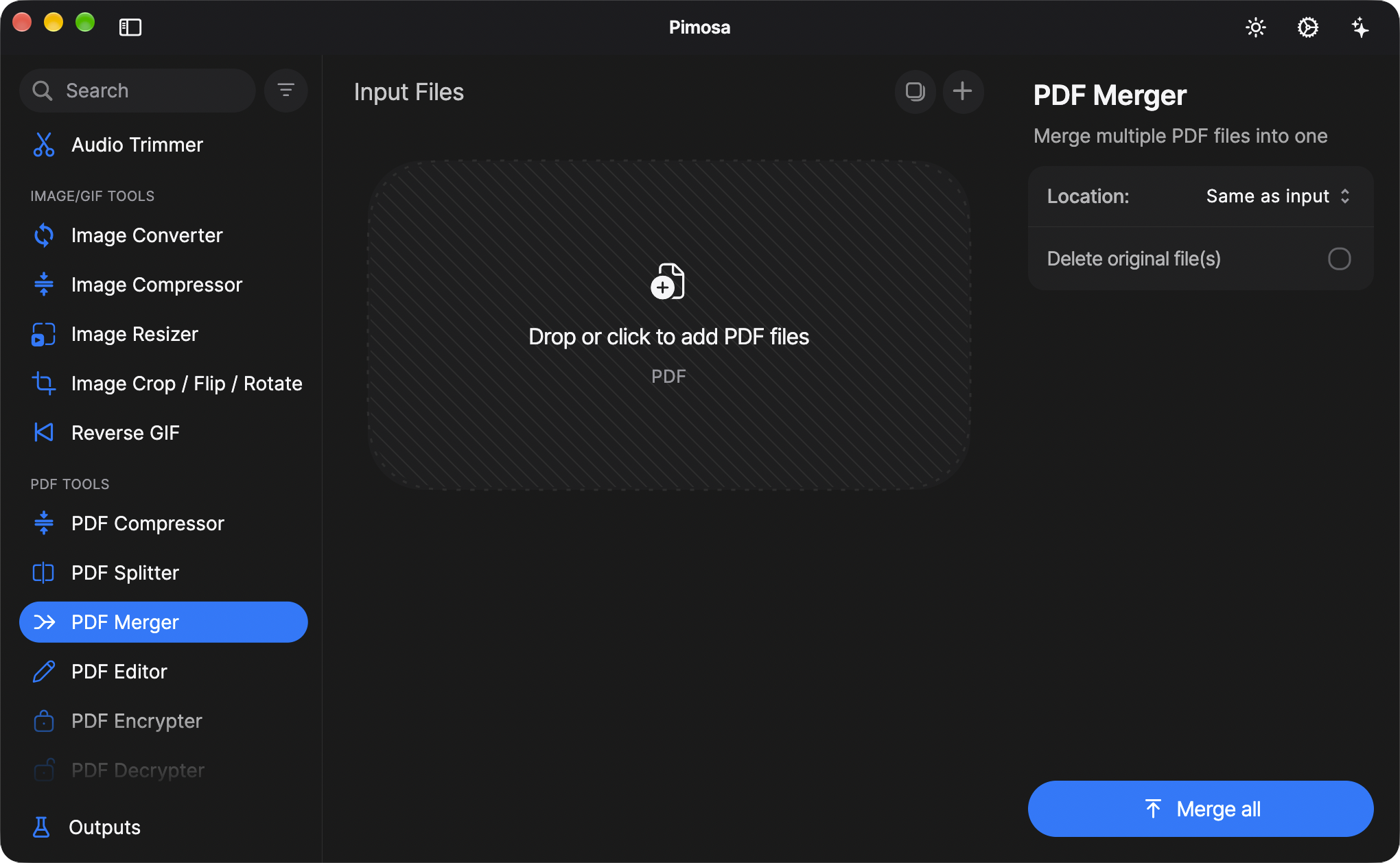
Drag PDFs into order and merge them; optionally edit each file’s pages first. Encrypted PDFs open if you supply the password.

How it works
Drop your PDFs
Drag files or a folder onto the tool, or click to pick them.
Put files in order
Drag the PDFs into order and edit any file’s pages first.
Press Merge
The new file appears next to the original, or in your default output folder.
Or just say:Merge these PDFs in this order
Specs
- Opens
- Saves as
- Settings
- Order, per-file page edits
- Batch
- Two or more PDFs into one
- Limits
- Needs more than one PDF
- Originals
- Untouched; a new file is saved next to it (deleting the original is opt-in)
Settings explained
- Setting
- Drag to reorder files
- Setting
- Optional page edit per file
- Setting
- Output folder, delete original
Good to know
- Needs more than one PDF
- Page sizes are not forced to one size
- Encrypted inputs need passwords
Pimosa vs online tools
Your file stays on this computer. Nothing is uploaded to process it.
Upload needed?
Pimosa: No. Media processing stays on your computer.
Typical online tool: Yes. You send the file to a server.
Size caps?
Pimosa: No website upload cap. You’re limited by your own disk.
Typical online tool: Hosts often cap uploads.
Works offline?
Pimosa: Yes.
Typical online tool: No. You need a connection to upload.
Questions
Do pages get resized to one paper size?
No, sizes can differ.
Related tools
PDF Splitter
Pick pages in the editor and export them as separate files. Encrypted PDFs open if you supply the password.
PDF Compressor
Make PDFs smaller without sending them to a website. Scanned documents shrink most. Encrypted PDFs open if you supply the password.
PDF Encrypter
Lock a PDF with two passwords: one to open it, one to control permissions. Encrypted PDFs open if you supply the password.


