 Pimosa
Audio tools that stay on your computer
Convert formats, join files in order, edit song tags, trim on a waveform, or render a waveform video. Encoding happens on this computer. Nothing is uploaded.

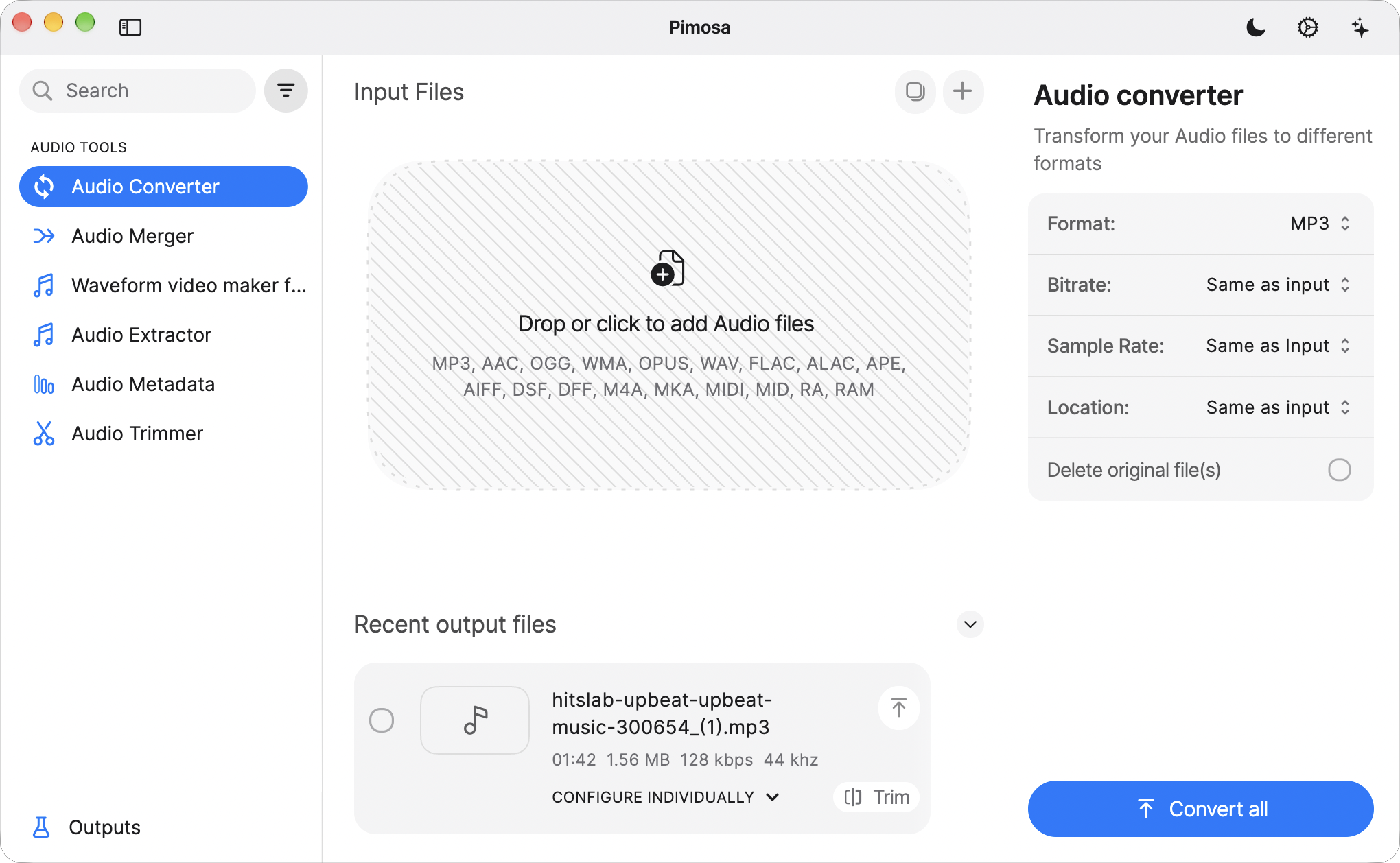
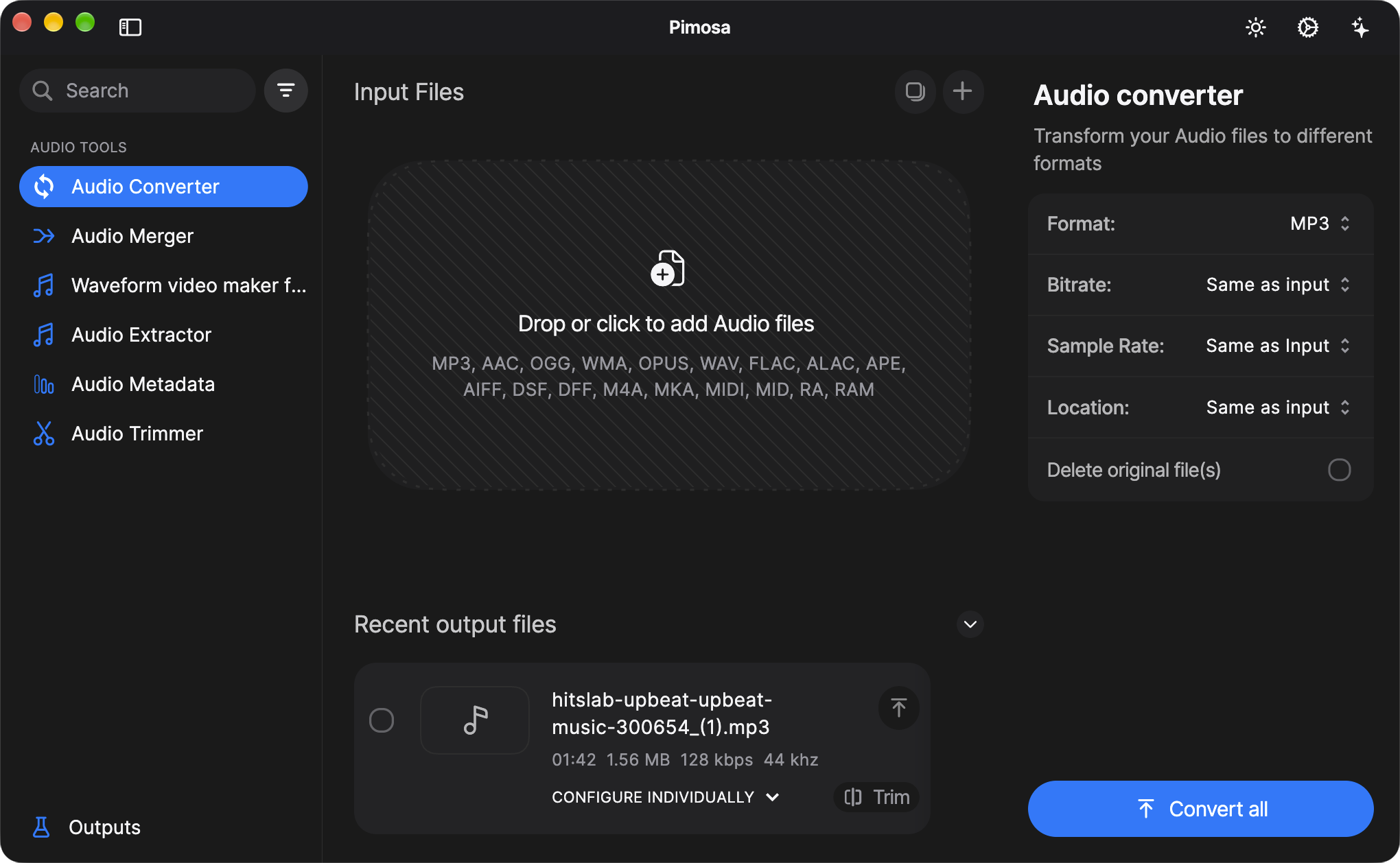
The converter’s default output is MP3. You can set bitrate (up to 320 kbps) and sample rate (up to 192 kHz). Lossless sources such as FLAC, WAV, ALAC and AIFF become lossy if you pick MP3, AAC, OGG or Opus.
Merger lets you reorder and trim each file first. Metadata writes title, artist, album, cover art and the other tags the file can hold. The waveform trimmer is a visual editor, so the agent cannot run it.
Audio Converter
Change format, bitrate and sample rate for one track or a whole library, on your computer.
Audio Merger
Put podcast segments, interview clips or album tracks in order and export them as one file.
Waveform Video Maker
Share a podcast clip or song on video platforms with an animated waveform over a color or your artwork.
Audio Metadata Editor
Fix “Track 01 – Unknown Artist”. Set the tags and cover art, and Pimosa writes them back onto the file.
Audio Trimmer
Drag the start and end on a waveform and export only that part.
To pull audio out of a video, use Audio Extractor in the video tools.


