 Pimosa
Edit song metadata and album art
Fix “Track 01 – Unknown Artist”. Set the tags and cover art, and Pimosa writes them back onto the file.

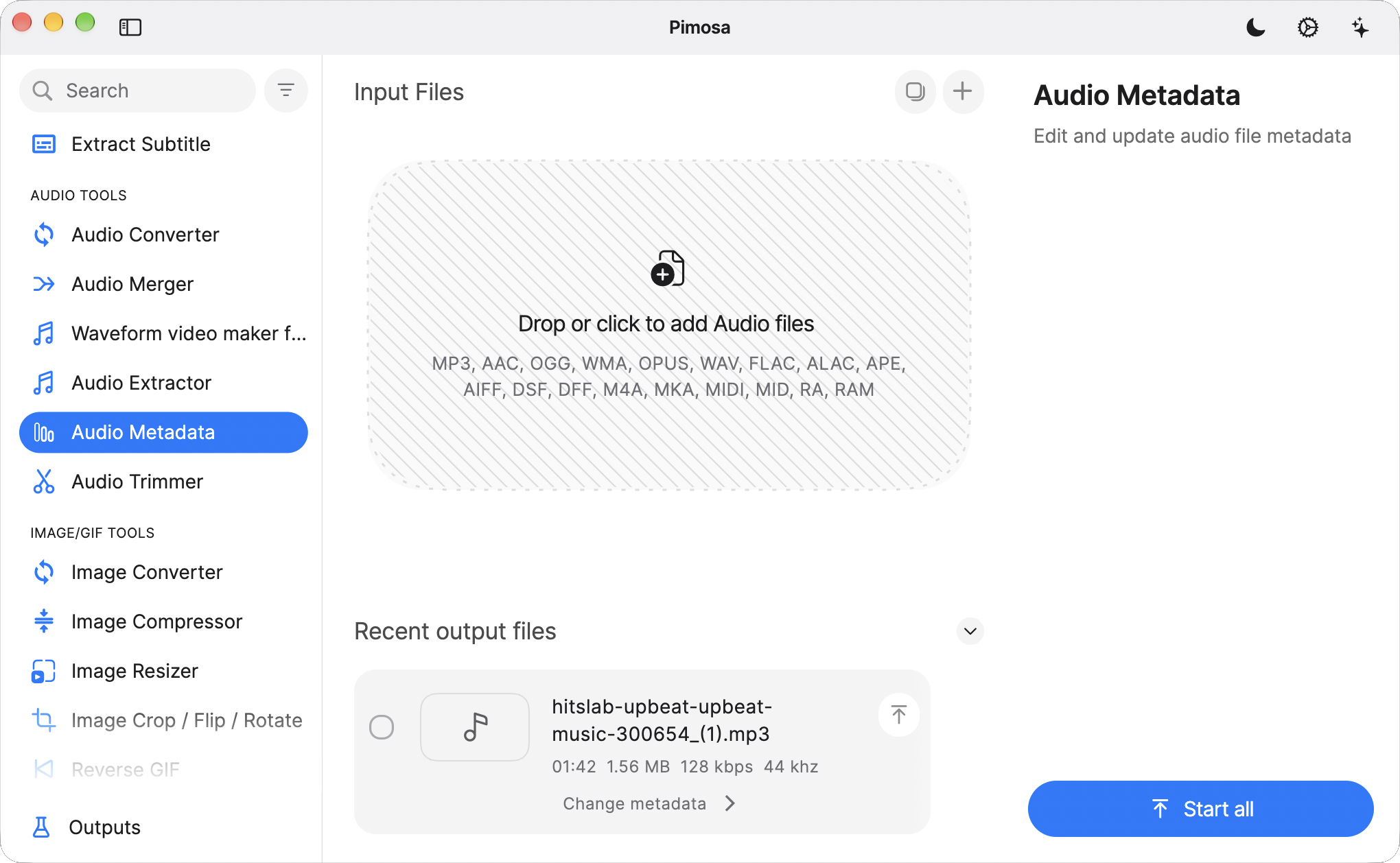
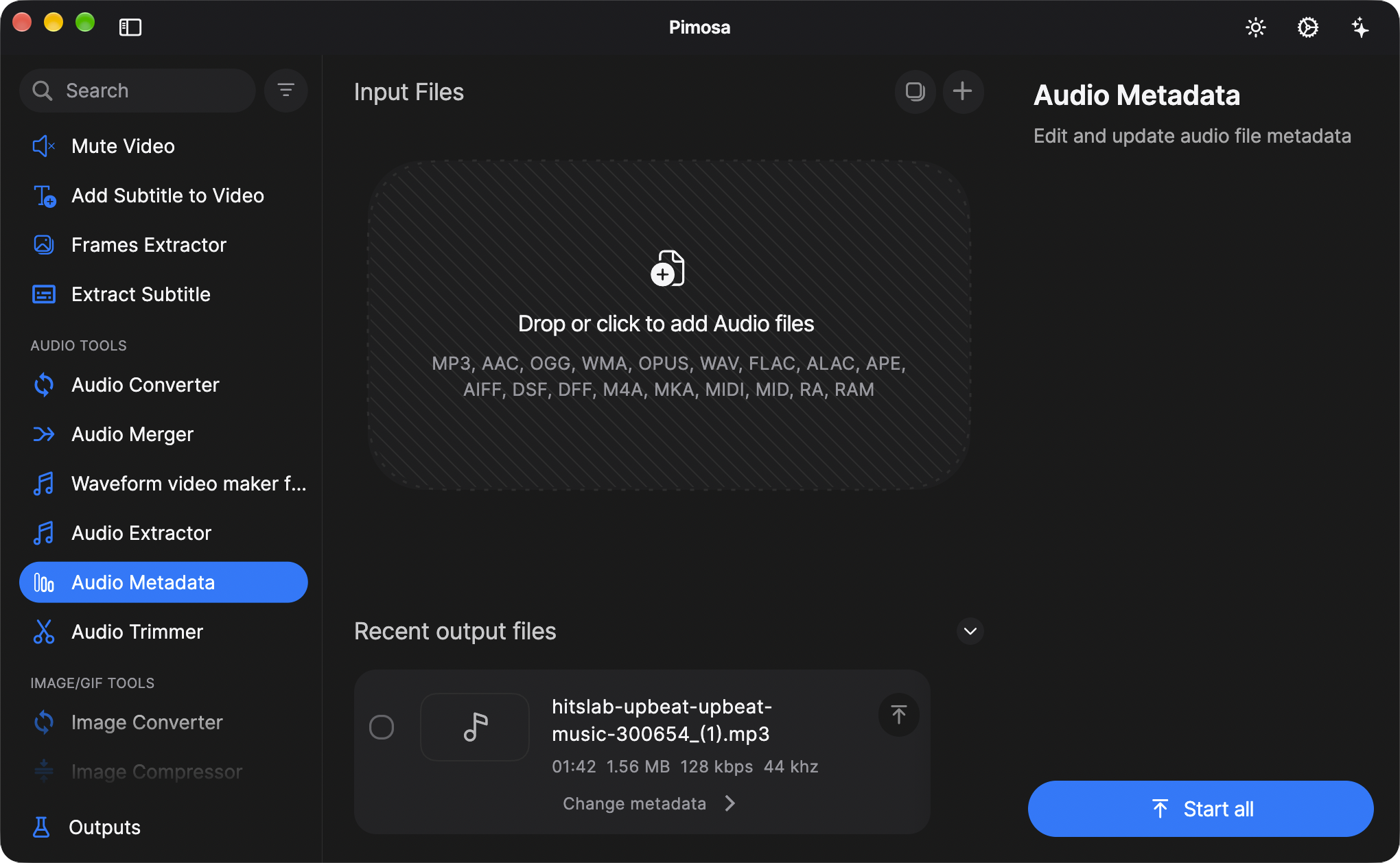
How it works
Drop your audio files
Drag files or a folder onto the tool, or click to pick them.
Fill in the tags
Type title, artist, album and the rest, and add cover art. Empty fields are left alone.
Press Save
The new file appears next to the original, or in your default output folder.
Or just say:Set the album to “Live 2026” and artist to “Ansh” on all MP3s here
Specs
- Opens
- MP3AACOGGWMAOpusWAVFLACALACAPEAIFFDSFDFFM4AMKAMIDIMIDRARAM
- Saves as
- Same fileupdated tags
- Settings
- Title, artist, album, genre, year, track, disc, composer, comment, artwork
- Batch
- Many files in one queue; change settings per file
- Limits
- Writes tags back onto the file (finished file replaces the original path)
- Originals
- Tags are written onto the file itself. The finished file replaces the original path.
Settings explained
- Setting
- Cover artwork
- Setting
- Title, artist, album, album artist, genre, year
- Setting
- Track and total tracks; disc and total discs
- Setting
- Composer, comment
Good to know
- Writes tags back onto the file (finished file replaces the original path)
- Support depends on format; MIDI and odd containers will not
- Does not strip tags (use Remove Metadata)
Pimosa vs online tools
Your file stays on this computer. Nothing is uploaded to process it.
Upload needed?
Pimosa: No. Media processing stays on your computer.
Typical online tool: Yes. You send the file to a server.
Size caps?
Pimosa: No website upload cap. You’re limited by your own disk.
Typical online tool: Hosts often cap uploads.
Works offline?
Pimosa: Yes.
Typical online tool: No. You need a connection to upload.
Questions
Does editing tags re-encode the audio?
Tag edits are written back onto the file. The finished file replaces the original path. This does not strip tags.
Can I add album art?
Yes.
Do I need to fill every field?
No. Empty fields are left alone.
Related tools
Remove Metadata
Share files without location, camera or date tags. Pimosa writes a clean copy and keeps the original unless you choose otherwise.
Audio Converter
Change format, bitrate and sample rate for one track or a whole library, on your computer.
Audio Merger
Put podcast segments, interview clips or album tracks in order and export them as one file.


