 Pimosa
Remove metadata before you share
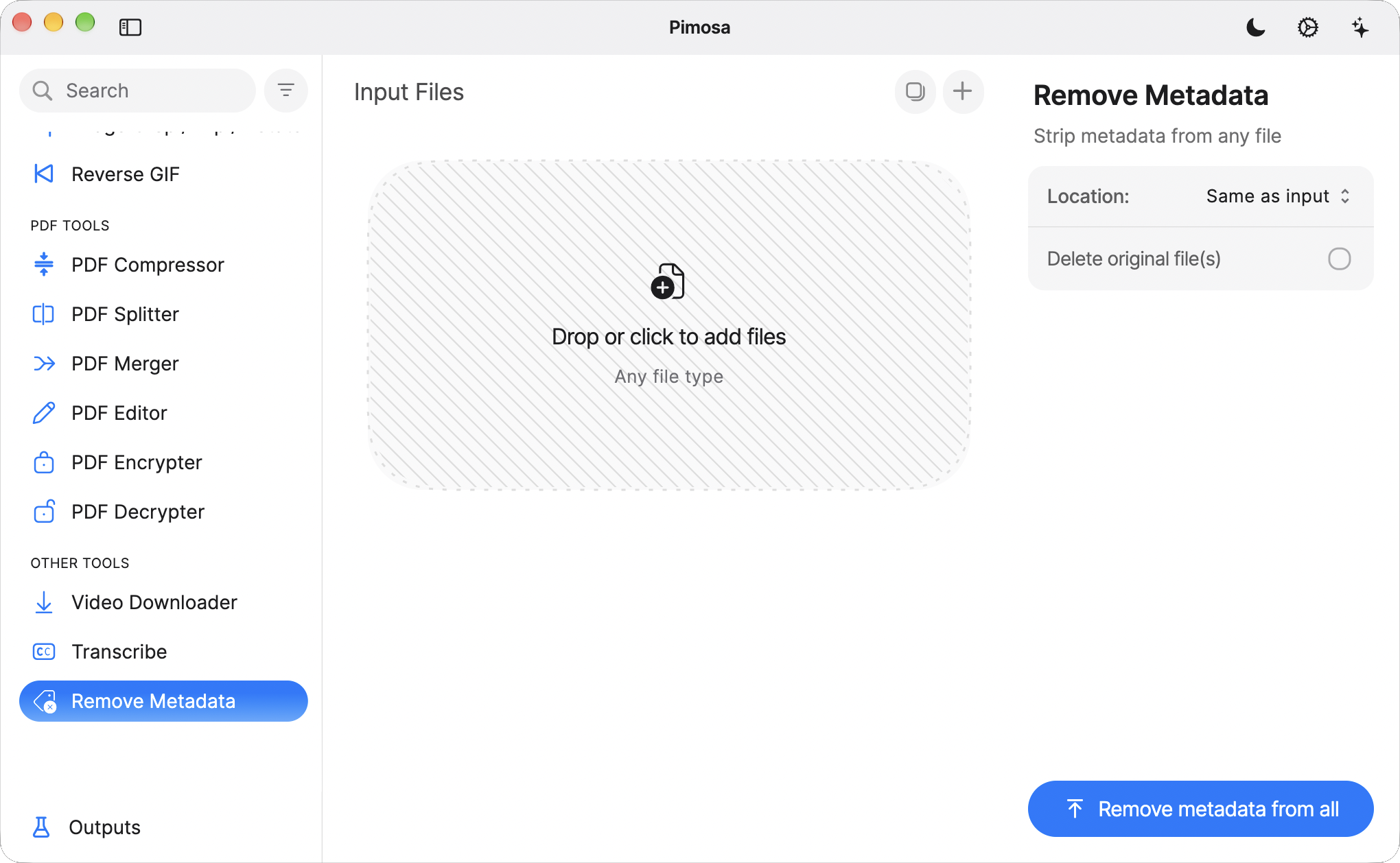
Share files without location, camera or date tags. Pimosa writes a clean copy and keeps the original unless you choose otherwise.

How it works
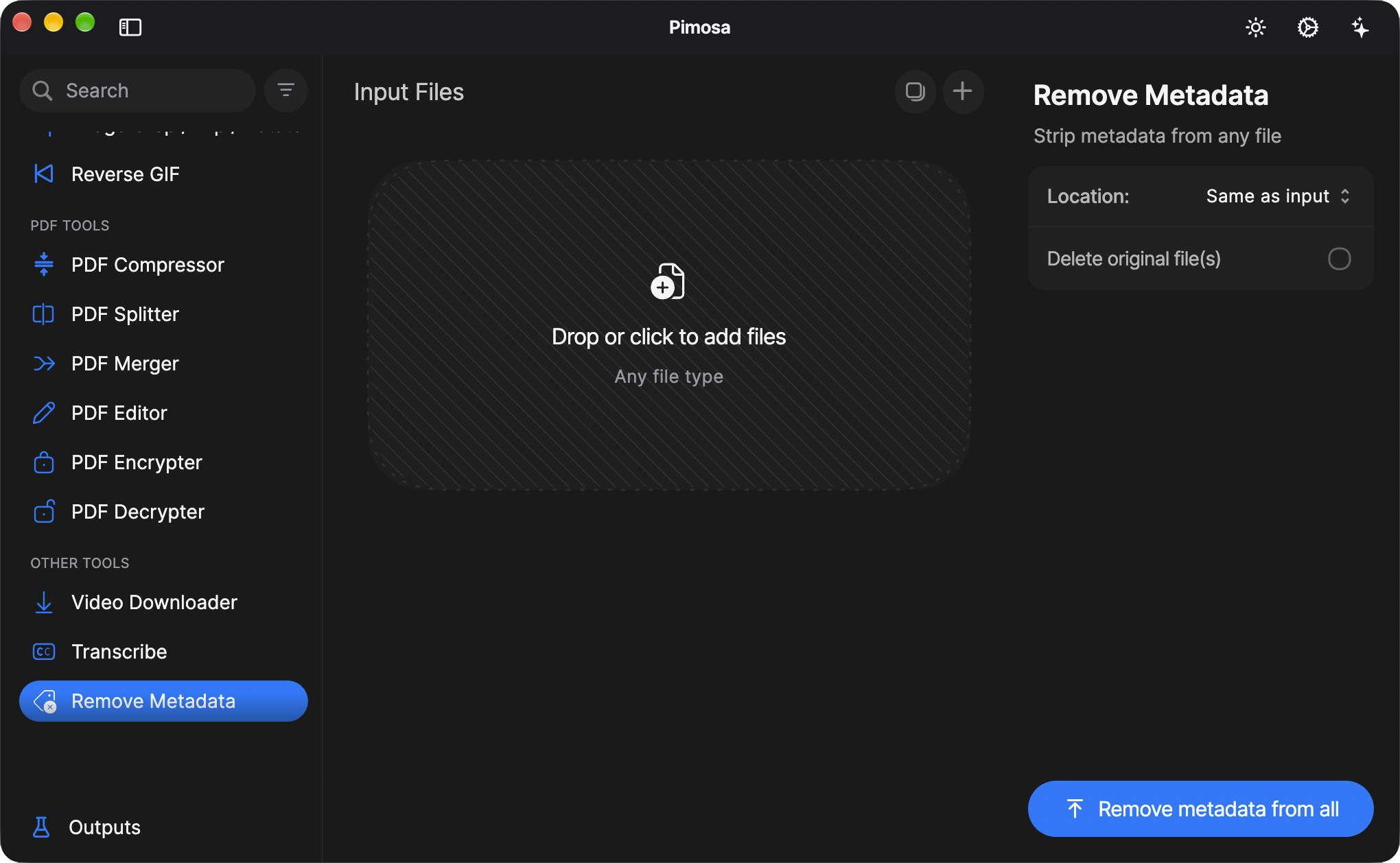
Drop your files
Drag files or a folder onto the tool, or click to pick them.
Nothing to set
Every tag Pimosa can remove (GPS, camera, dates…) is stripped.
Press Remove
The new file appears next to the original, or in your default output folder.
Or just say:Remove all metadata from the photos in this folder
Specs
- Opens
- PhotosvideosaudioPDFsand other files that store tags
- Saves as
- New copy without tags
- Settings
- None
- Batch
- Many files in one queue; change settings per file
- Limits
- Some formats cannot be fully stripped; the job fails rather than pretending
- Originals
- Untouched; a new file is saved next to it (deleting the original is opt-in)
Settings explained
- Setting
- Full tag wipe
- Setting
- Output folder (default same as input, new file)
- Setting
- Delete original
Good to know
- Some formats cannot be fully stripped; the job fails rather than pretending
- Does not blur faces or remove visible content
Pimosa vs online tools
Your file stays on this computer. Nothing is uploaded to process it.
Upload needed?
Pimosa: No. Media processing stays on your computer.
Typical online tool: Yes. You send the file to a server.
Size caps?
Pimosa: No website upload cap. You’re limited by your own disk.
Typical online tool: Hosts often cap uploads.
Works offline?
Pimosa: Yes.
Typical online tool: No. You need a connection to upload.
Questions
Does it delete my photo?
No. It writes a new file; the original stays unless you turn on delete original.
Does it remove GPS location?
Yes, along with camera, dates and the other tags Pimosa can strip.
Related tools
Image Compressor
Shrink photos and GIFs for the web, email or storage. Pick a quality percent or a maximum size, and decide whether camera data stays. GIFs are compressed losslessly.
Audio Metadata Editor
Fix “Track 01 – Unknown Artist”. Set the tags and cover art, and Pimosa writes them back onto the file.
Image Converter
Change image formats in bulk, for example iPhone HEIC to JPG or PNG to WebP.


