 Pimosa
Compress images by quality or target size
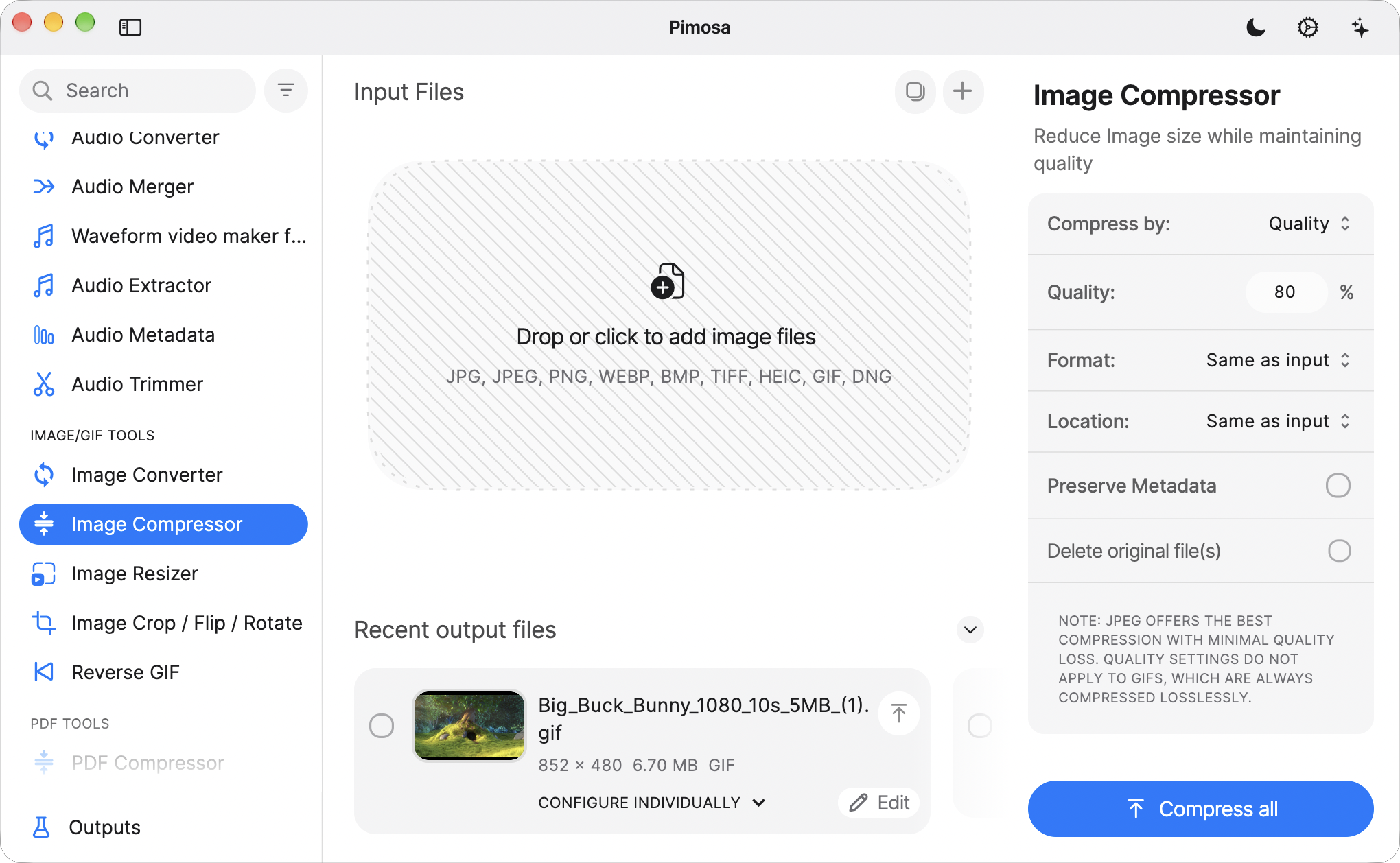
Shrink photos and GIFs for the web, email or storage. Pick a quality percent or a maximum size, and decide whether camera data stays. GIFs are compressed losslessly.

How it works
Drop your images
Drag files or a folder onto the tool, or click to pick them.
Pick quality or a size
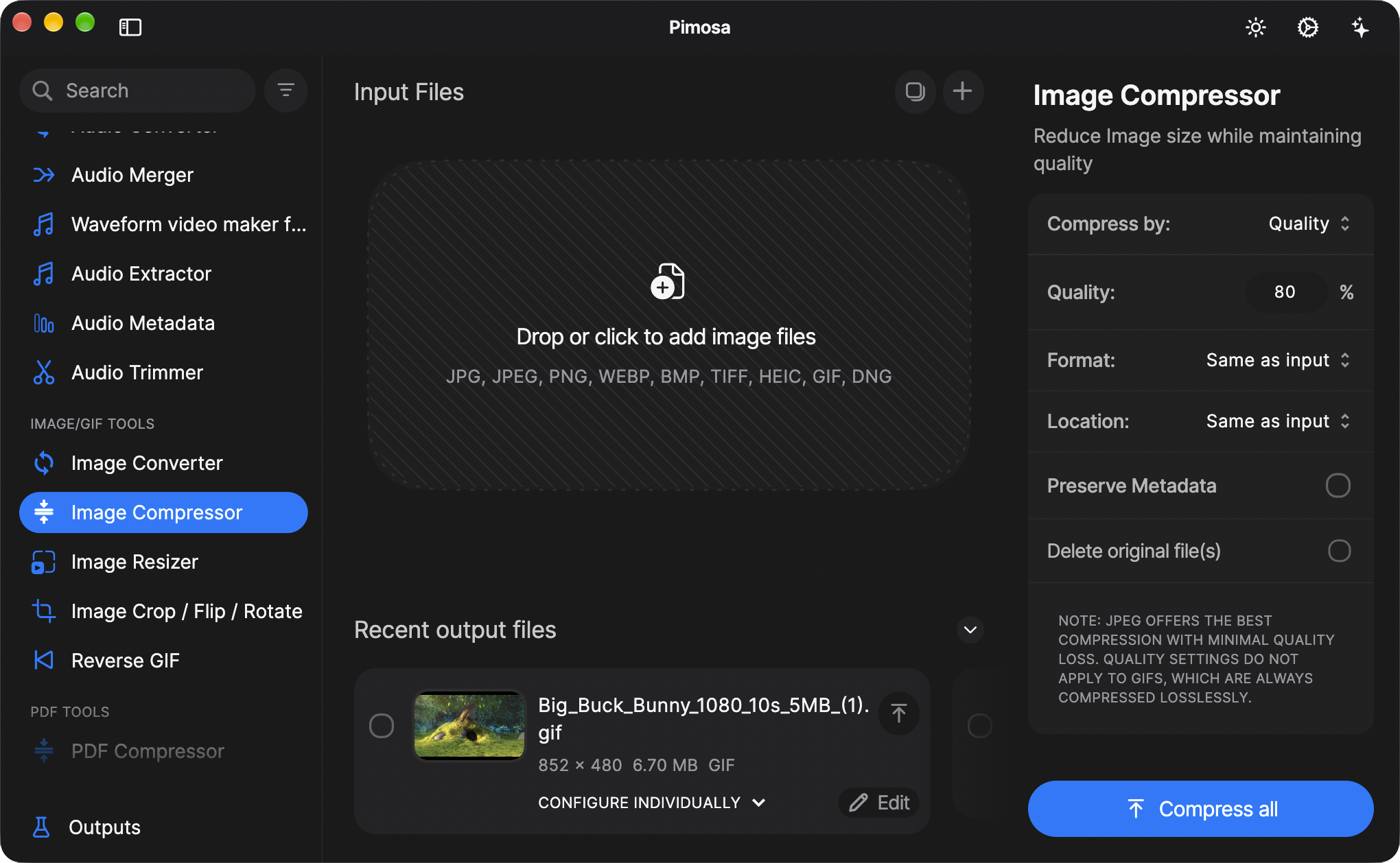
Set a quality percent (default 80%) or a maximum size (default 500 KB), and decide if EXIF stays.
Press Compress
The new file appears next to the original, or in your default output folder.
Or just say:Compress every photo in this folder to under 300 KB as WebP
Specs
- Opens
- JPGJPEGPNGWebPBMPTIFFHEICGIFDNG
- Saves as
- JPGJPEGWebP (or same as input in quality mode)
- Settings
- Quality or max size, format (JPG/WebP), keep metadata
- Batch
- Many files in one queue; change settings per file
- Limits
- PNG is not an output format for compression
- Originals
- Untouched; a new file is saved next to it (deleting the original is opt-in)
Settings explained
- Setting
- Compress by Quality (default 80%) or File size (default 500 KB)
- Quality-mode formats
- Same as input, JPG, JPEG, WebP
- File-size mode
- JPEG or WebP only
- Setting
- Preserve metadata (off by default)
- Setting
- Output folder, delete original
Good to know
- PNG is not an output format for compression
- Target size is a maximum, not exact
- GIFs are compressed losslessly; quality settings do not apply
Pimosa vs online tools
Your file stays on this computer. Nothing is uploaded to process it.
Upload needed?
Pimosa: No. Media processing stays on your computer.
Typical online tool: Yes. You send the file to a server.
Size caps?
Pimosa: No website upload cap. You’re limited by your own disk.
Typical online tool: Hosts often cap uploads.
Works offline?
Pimosa: Yes.
Typical online tool: No. You need a connection to upload.
Questions
Does it remove EXIF data?
By default, yes: Preserve metadata is off. Turn it on to keep EXIF.
Can I compress PNG to PNG?
PNG is not in the compress output list; use WebP for transparency.
Can I hit an exact size?
The target is a maximum. Very small targets soften the image or cannot be reached.
Can I compress GIFs?
Yes. Drop them into Image Compressor. GIFs are compressed losslessly; the quality slider does not apply. For a smaller remake, use GIF Maker and lower FPS or size.
Related tools
Image Converter
Change image formats in bulk, for example iPhone HEIC to JPG or PNG to WebP.
Image Resizer
Set width and height (with or without aspect lock) for one image or hundreds. GIFs keep their animation.
GIF Maker
Trim the moment you want, set the frame rate and size, and export a GIF. Short clips, modest FPS and small sizes keep GIFs light.


