 Pimosa
VEED alternative for Mac and Windows
Last checked: 2 Nov 2026. Prices can vary by region. Prices and features change. Tell us if something is out of date.
In short
- Stay with VEED if you want a browser video editor, a free plan, and their monthly AI credits.
- Pimosa suits people who want compression, conversion and a simple timeline on the desktop, offline.
- The key difference: VEED is a browser editor with subscriptions. Pimosa is an offline toolkit you pay for once.
VEED and Pimosa
Competitor facts link to the vendor page we checked. Pimosa facts are from the app.
Price model
VEED
Typically a monthly subscription, with a free plan. Batch or heavier work often needs a paid plan, which can cost more over time than a one-time local app.
veed.io/pricingLast checked: 2 Nov 2026
Pimosa: Pay once: Personal $17.40 (was $29, 1 device); Plus $29.40 (was $49, 3 devices); Team $99, 5 seats. Lifetime updates. No subscription.
Platforms
VEED
Browser editor (veed.io). No desktop app listed on the pricing page.
veed.io/pricingLast checked: 2 Nov 2026
Pimosa: macOS and Windows.
Works offline / uploads files
VEED
Browser editor. Work happens in VEED’s web app, not as an offline desktop install.
veed.io/pricingLast checked: 2 Nov 2026
Pimosa: Yes. Processing runs on your computer. The app does not upload your media to Pimosa to convert it.
Batch
VEED
The VEED pricing page does not document batch behaviour.
veed.io/pricingLast checked: 2 Nov 2026
Pimosa: Yes. Drop many files, set options once or per file, and run them through one queue.
Formats
VEED
See VEED's site for the current format list.
veed.io/pricingLast checked: 2 Nov 2026
Pimosa: Video opens MP4, MKV, AVI, MOV, FLV, WebM, WMV, MPG, MPEG, 3GP, TS (GIFs accepted). Compress by quality or a target size. A timeline editor can cut, crop and join; it has no transitions, titles or stickers.
AI/agent
VEED
Paid plans include AI credits that refresh monthly.
veed.io/pricingLast checked: 2 Nov 2026
Pimosa: Optional agent: connect OpenRouter, Ollama, LM Studio, or a custom OpenAI-compatible API. The agent cannot run the visual editors or transcription.
Free tier/trial
VEED
A free plan plus paid plans. Heavier use typically needs a paid plan.
veed.io/pricingLast checked: 2 Nov 2026
Pimosa: Pay once. 7-day money-back guarantee. No subscription.
Where VEED is better
- VEED is a browser editor: you can work without installing a desktop app.
- It has a free plan, and paid plans include AI credits that refresh monthly.
- Pimosa's video editor has no transitions, titles or stickers, so VEED is the better full in-browser editor.
Where Pimosa is better
- Media processing stays on your computer. Nothing is uploaded to Pimosa to convert it.
- A one-time license covers the desktop tools. There is no VEED-style subscription in Pimosa.
- Compress uses a quality preset or a target file size, and you can batch a folder through one queue.
- An optional agent can run the batch tools (not the timeline). You bring your own model; files stay on the computer.
Compress a video in Pimosa

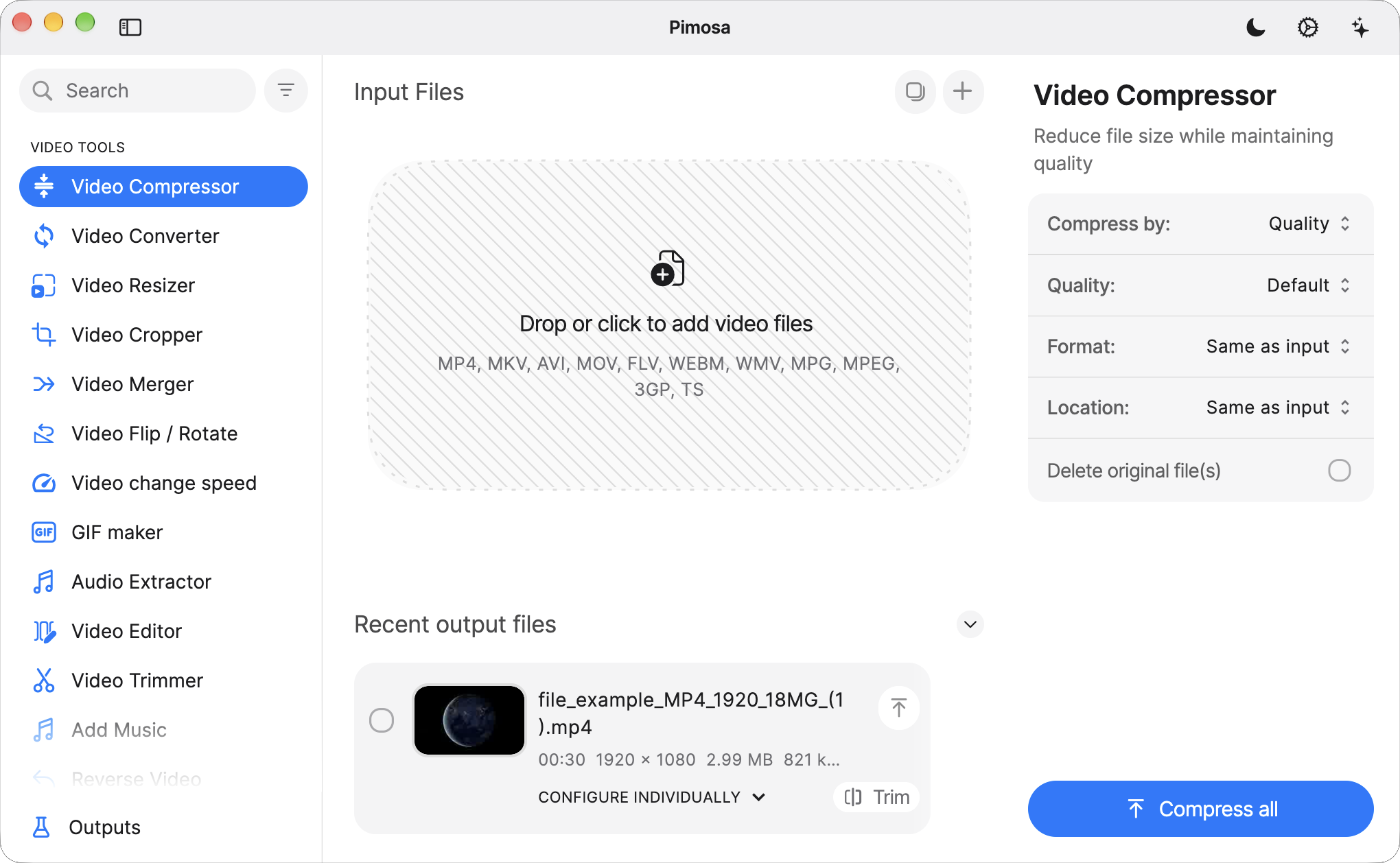
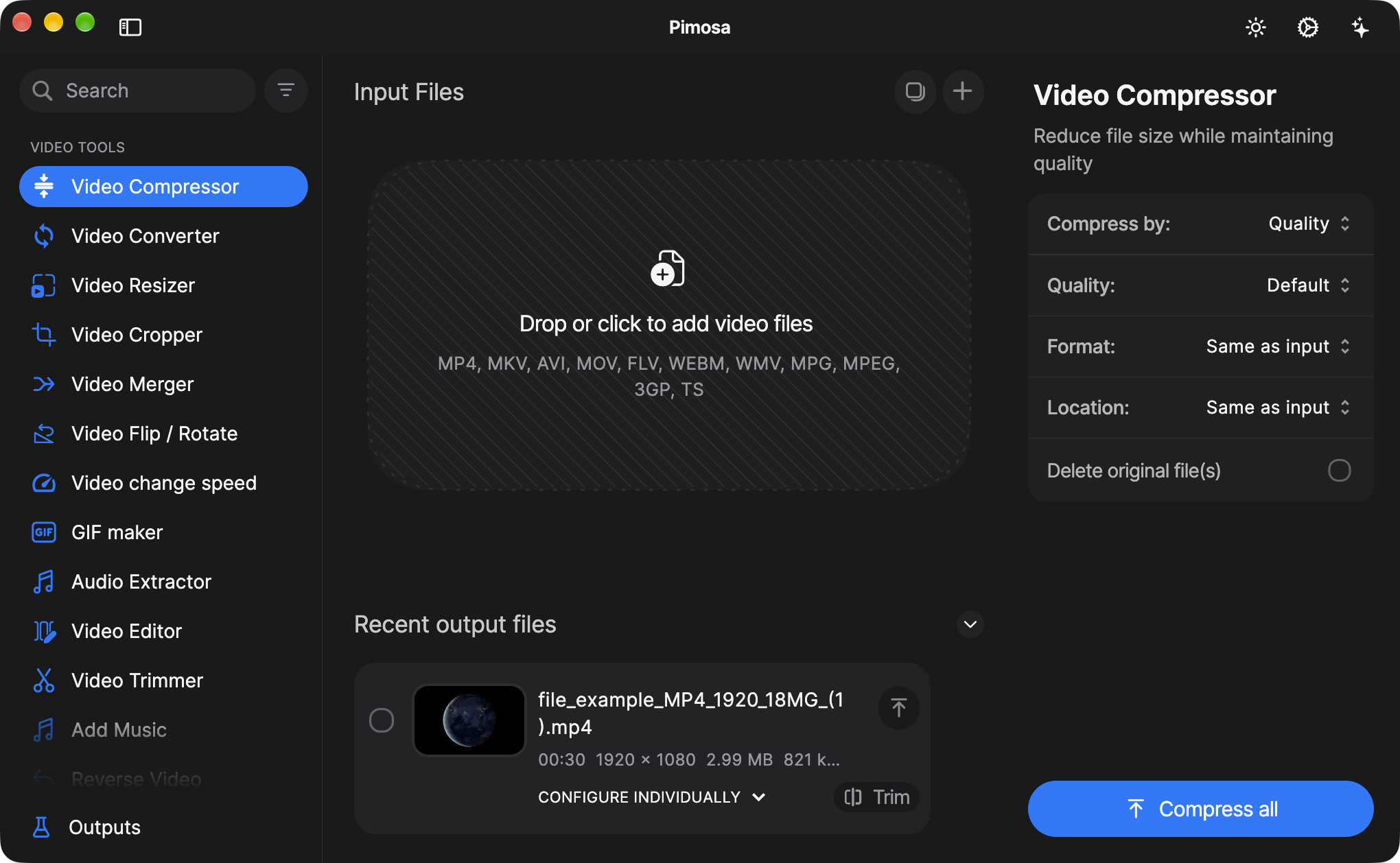
Drop your videos
Drag files or a folder onto Video Compressor, or click to pick them.
Pick quality or a size
Choose a quality preset, or type a target like 25 MB and Pimosa runs a two-pass encode aimed at it.
Press Compress
The new file appears next to the original, or in your default output folder.
Questions
How much is VEED?
Typically a monthly subscription, with a free plan. Check veed.io/pricing.
Does VEED include AI credits?
Paid plans include AI credits that refresh monthly. Check veed.io/pricing.
Does Pimosa upload my video?
No. Compression and conversion run on your computer.
Can Pimosa replace a browser video editor?
Only for simpler jobs. Pimosa's video editor can cut, crop and join. It has no transitions, titles, stickers or color grades. Stay with VEED if you need that kind of editor in the browser.


