 Pimosa
Compress videos on your computer, by quality or target size
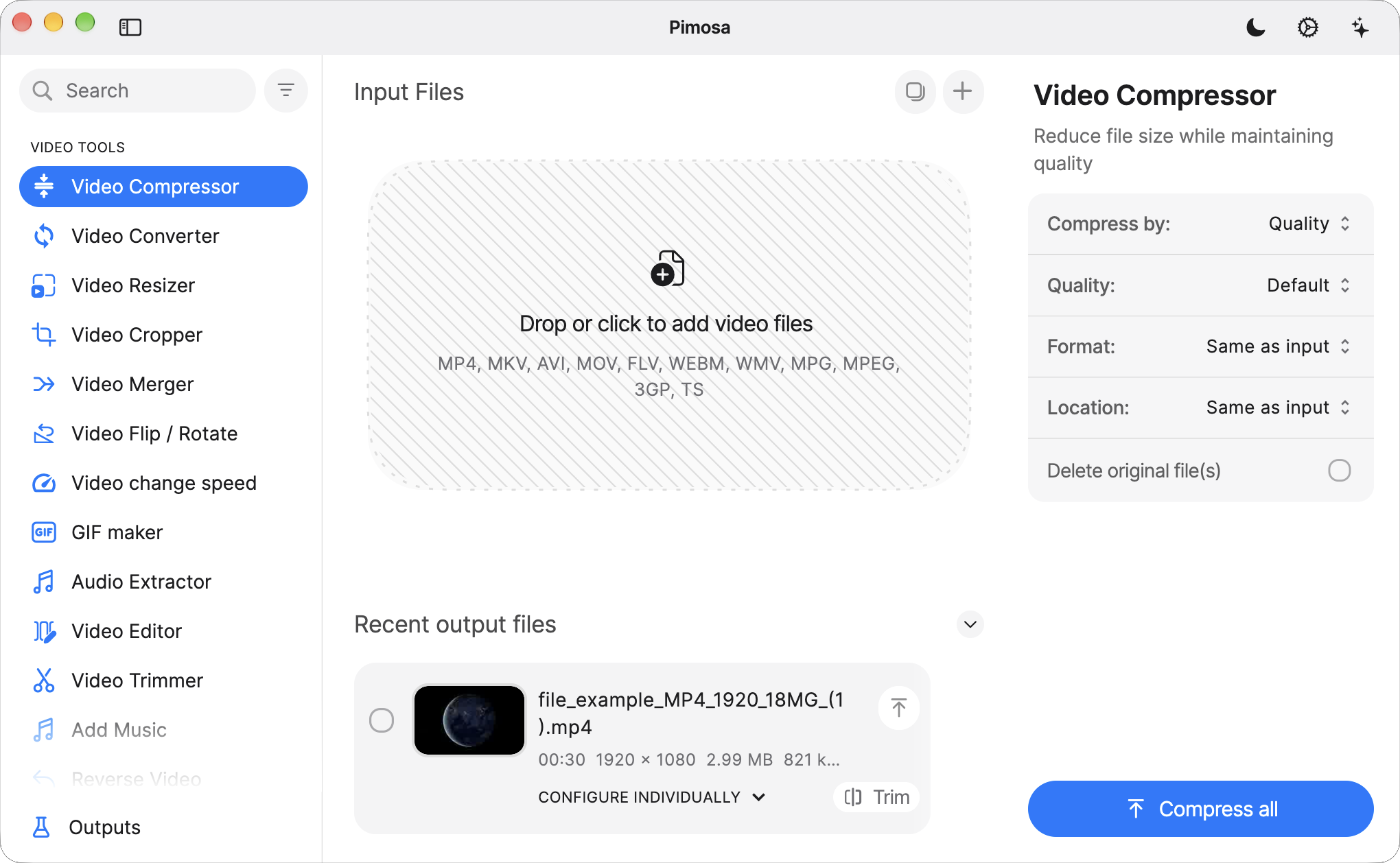
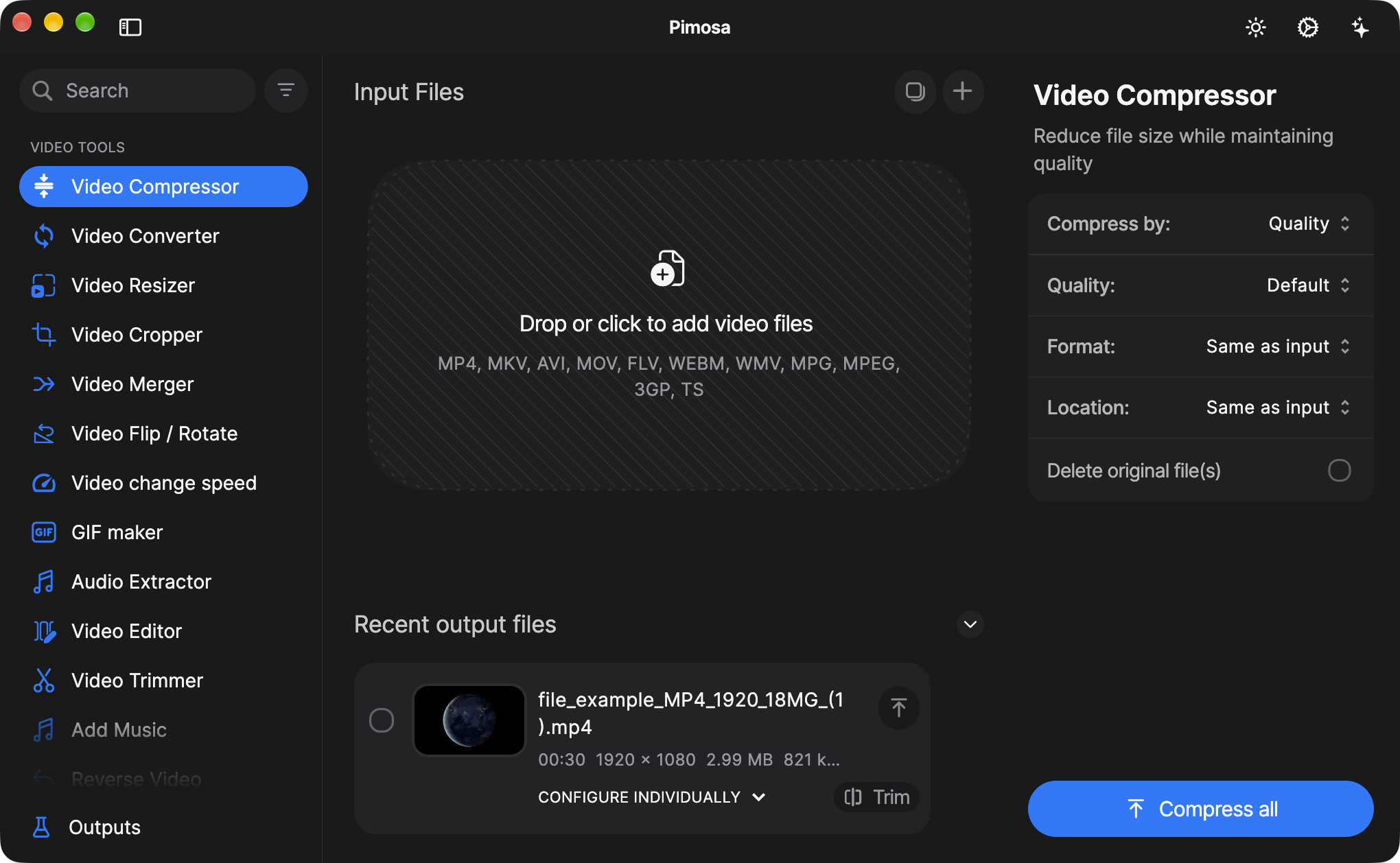
Drop a video, pick a quality preset or type a target size, and Pimosa re-encodes it on your computer. Nothing is uploaded, so big files never wait in an upload bar.

How it works
Drop your videos
Drag files or a folder onto the tool, or click to pick them.
Pick quality or a size
Choose a quality preset, or type a target like 25 MB and Pimosa runs a two-pass encode aimed at it.
Press Compress
The new file appears next to the original, or in your default output folder.
Or just say:Compress every video in ~/Movies/exports to under 25 MB as MP4
Specs
- Opens
- MP4MKVAVIMOVFLVWebMWMVMPGMPEG3GPTSGIFs accepted (pick MP4 to turn a GIF into a compressed video)
- Saves as
- MP4MKVAVIMOVFLVWebM
- Settings
- Quality preset or target size, output format, optional trim
- Batch
- Many files in one queue; change settings per file
- Limits
- File size mode aims at the target; not a guaranteed exact byte size
- Originals
- Untouched; a new file is saved next to it (deleting the original is opt-in)
Settings explained
- Setting
- Compress by Quality (default) or File size
- Quality presets (CRF)
- Very High, High, Default, Medium, Low, Very Low
- File size mode
- target in KB, MB or GB, default 10 MB, two-pass encoding
- Output format
- Same as input, MP4, MKV, AVI, MOV, FLV, WebM
- Setting
- Optional trim
- Setting
- Output folder, delete original
Good to know
- File size mode aims at the target; not a guaranteed exact byte size
- Re-encoding always loses a little quality; Very High is closest to the original and largest
- Same-as-input keeps the container but still re-encodes the picture
Pimosa vs online tools
Your file stays on this computer. Nothing is uploaded to process it.
Upload needed?
Pimosa: No. Media processing stays on your computer.
Typical online tool: Yes. You send the file to a server.
Size caps?
Pimosa: No website upload cap. You’re limited by your own disk.
Typical online tool: Hosts often cap uploads.
Works offline?
Pimosa: Yes.
Typical online tool: No. You need a connection to upload.
Questions
Can I compress a video to an exact size?
You set a target in KB, MB or GB and Pimosa runs a two-pass encode aimed at it. The result lands near the target but it is not a byte-exact guarantee.
Does compression lose quality?
Every re-encode loses a little. Default is the balance point; Very High stays closest to the original and stays large; Very Low is the smallest.
Can I compress many videos at once?
Yes. Drop many files, set options once (or per file), and they run through one queue.
Does Pimosa upload my video?
No. Compression runs on your computer.
Can I turn a GIF into a small MP4?
Yes. Drop the GIF into Video Compressor and choose MP4 as the output.
Related tools
Video Converter
Change a video’s container and codec in one step. Pimosa only offers codec and format pairs that actually work, so you can’t export a broken file.
Video Trimmer
Drag a range on the timeline and export just that part. Your original stays untouched unless you choose otherwise.
Video Resizer
Set exact pixels or pick an aspect ratio, and choose how empty space is filled: a blurred copy of the frame or a solid color.


