 Pimosa
Convert videos to MP4, MOV, MKV and WebM, offline
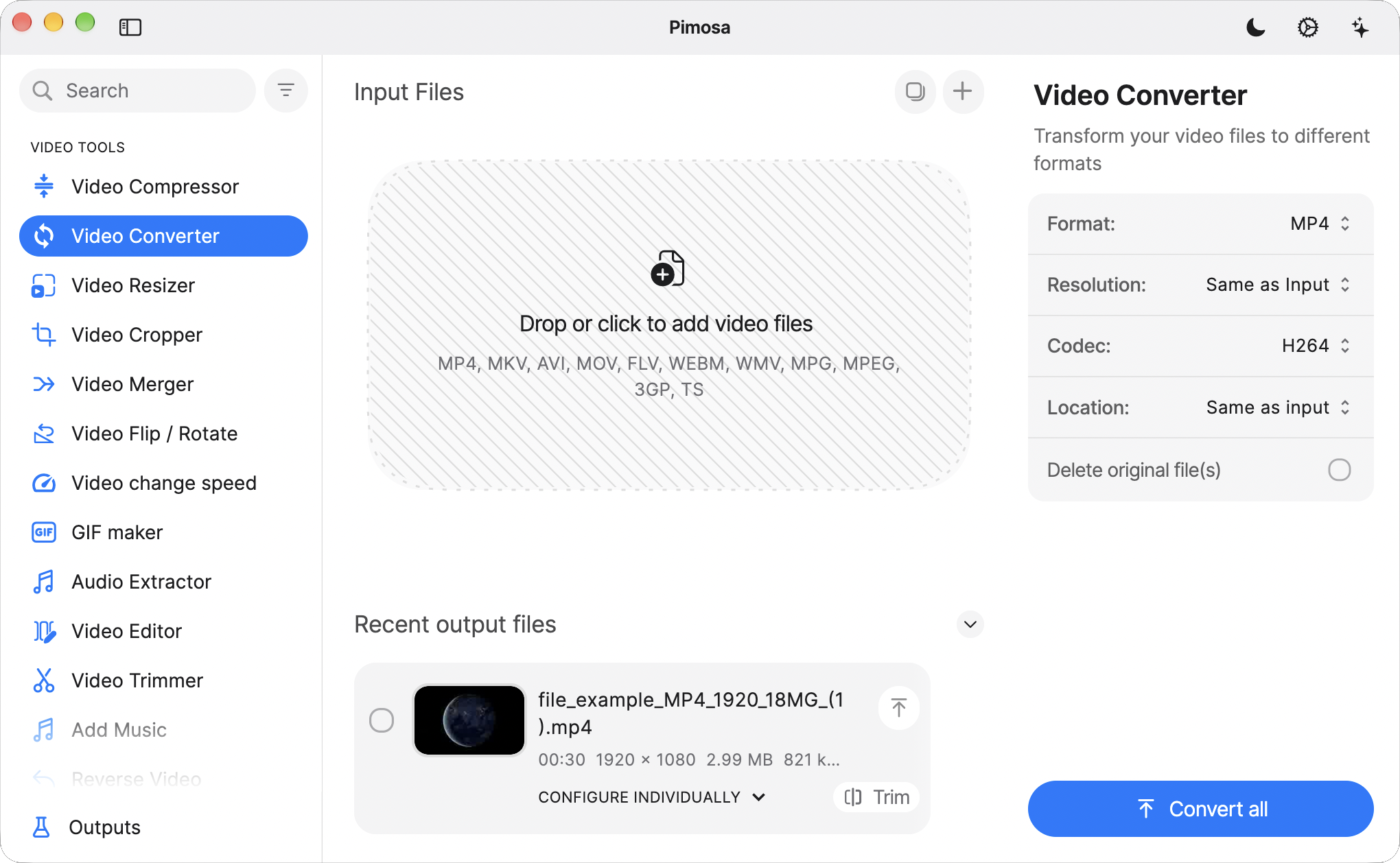
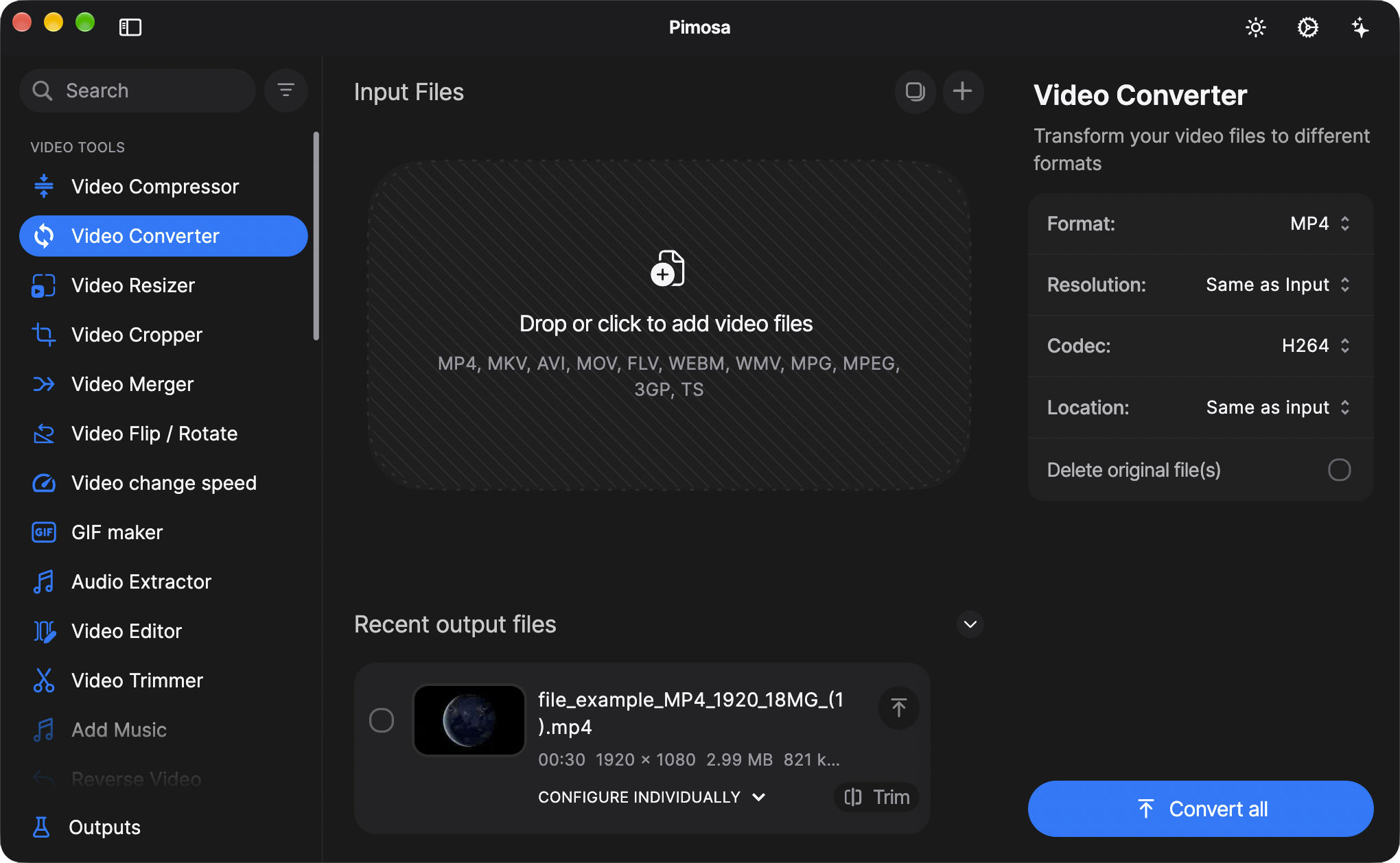
Change a video’s container and codec in one step. Pimosa only offers codec and format pairs that actually work, so you can’t export a broken file.

How it works
Drop your videos
Drag files or a folder onto the tool, or click to pick them.
Choose a format
Pick MP4, MOV, MKV, AVI, FLV or WebM. Only codecs that work with that format are offered.
Press Convert
The new file appears next to the original, or in your default output folder.
Or just say:Convert all MKV files in Downloads to MP4 (H264)
Specs
- Opens
- MP4MKVAVIMOVFLVWebMWMVMPGMPEG3GPTSGIFs accepted
- Saves as
- MP4MKVAVIMOVFLVWebM
- Settings
- Format, codec, resolution, optional trim
- Batch
- Many files in one queue; change settings per file
- Limits
- Conversion re-encodes; it is not a lossless remux
- Originals
- Untouched; a new file is saved next to it (deleting the original is opt-in)
Settings explained
- Format
- MP4 (default), MKV, AVI, MOV, FLV, WebM
- Setting
- Codec list filtered to the chosen format (H264, H265, VP8, VP9, AV1, MPEG4, MPEG2, ProRes)
- Resolution
- Same as input or 240p to 4K
- Setting
- Optional trim
- Setting
- Output folder, delete original
Good to know
- Conversion re-encodes; it is not a lossless remux
- H265 not offered for AVI or FLV; ProRes is MOV and MKV only; WebM defaults to VP9
- Same-as-input format is not offered here
Pimosa vs online tools
Your file stays on this computer. Nothing is uploaded to process it.
Upload needed?
Pimosa: No. Media processing stays on your computer.
Typical online tool: Yes. You send the file to a server.
Size caps?
Pimosa: No website upload cap. You’re limited by your own disk.
Typical online tool: Hosts often cap uploads.
Works offline?
Pimosa: Yes.
Typical online tool: No. You need a connection to upload.
Questions
Which formats can I convert to?
MP4, MKV, AVI, MOV, FLV and WebM.
Which codecs are available?
H264, H265, VP8, VP9, AV1, MPEG4, MPEG2 and ProRes, shown only where the chosen format supports them.
Is conversion lossless?
No. Converting re-encodes the video.
Can I change resolution while converting?
Yes, keep it the same or pick a preset from 240p to 4K.
Related tools
Video Compressor
Drop a video, pick a quality preset or type a target size, and Pimosa re-encodes it on your computer. Nothing is uploaded, so big files never wait in an upload bar.
GIF Maker
Trim the moment you want, set the frame rate and size, and export a GIF. Short clips, modest FPS and small sizes keep GIFs light.
Audio Extractor
Save a video’s soundtrack as an audio file. Choose the format and, for multi-language files, the exact track.


