 Pimosa
Optional
The Pimosa AI agent is optional
Pimosa works fully without it. It does nothing until you choose a model. A license is required to send a message.
Your files stay on your computer.
The app does not upload your media to Pimosa to convert it. The agent sends the chat and its tool requests to the model you choose. With a local model, that stays on your machine.
What is Agent mode?Set up Agent mode in 5 minutesWhich model should I use?
Agent and Ask
Switch modes from the composer.

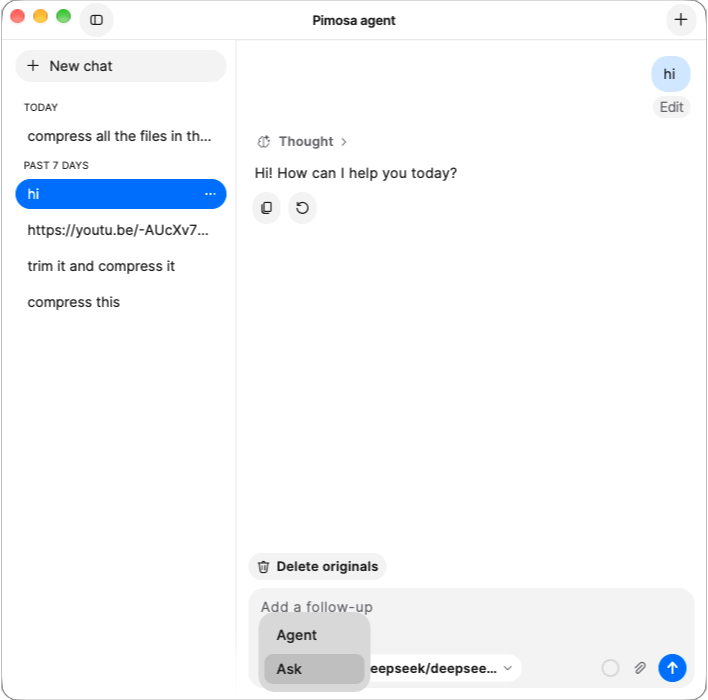
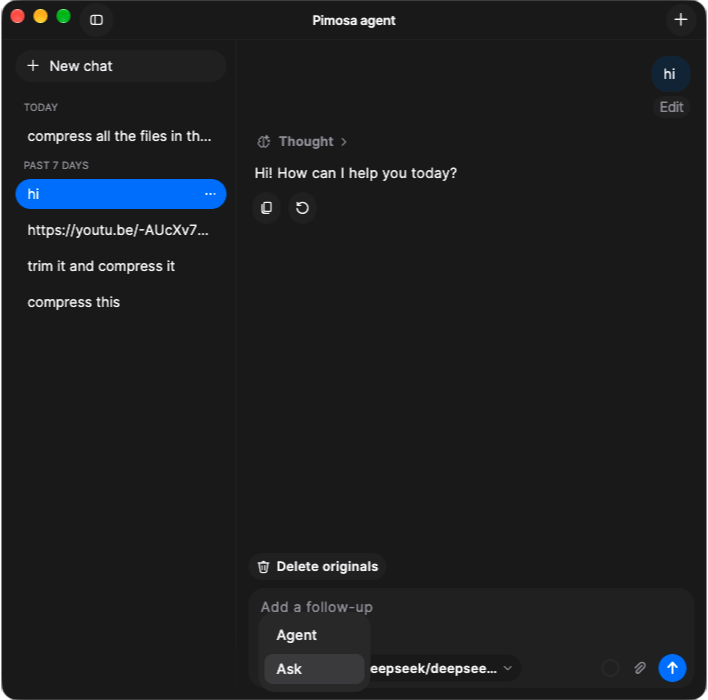
Agent
Can read files and run tools (compress, convert, and the rest of the batch list). It asks you when a request is vague, and it asks before searching subfolders.
Ask
Read-only. It can look at files, folders, metadata, and finished outputs. It does not compress, convert, move, or otherwise change files. If you ask it to edit something in Ask mode, it will not.
You can also start a new chat, edit the last prompt, and retry.
What you can attach
Drop files or a folder on the panel, or pick them. The agent sees those paths.
It can also look through folders you name, including these aliases.
- Desktop
- Downloads
- Documents
- Pictures
- Movies
- Music
What Agent mode can run
Batch tools, not the visual editors.
- Video
- compress, convert, resize, merge, flip/rotate, change speed, reverse, mute, GIF, extract audio, extract frames, extract subtitles
- Audio
- convert, merge, metadata, waveform video
- Image
- convert, compress, resize, crop/flip/rotate, reverse GIF
- compress, merge, split, encrypt, decrypt
- Also
- Remove metadata
Look at a file (probe), check paths, list a folder, find media, read EXIF, inspect finished outputs, list the queue, list current inputs, and move finished files into a folder.
It can pause and ask you a short question with a few choices before it does something ambiguous (“this folder only” vs “include subfolders”).
What the agent cannot do
- It does not drive the Video Editor, subtitle timeline, Add Music, video cropper, video trimmer, audio trimmer, or PDF page editor. Those stay manual.
- It does not download videos or transcribe. Those tools are in the app, not in the agent's tool list.
- Ask mode cannot change files.
- It only works while Pimosa is open and a model is selected and ready.
- Local models need Ollama or LM Studio actually running. A saved URL does nothing if the local server is off.
- OpenRouter needs your own API key. Pimosa does not include a hosted model.
Connect a model
Saved under Settings → AI / Agent. Four presets: OpenRouter, Ollama, LM Studio, and Custom. There is no default model; you pick one.
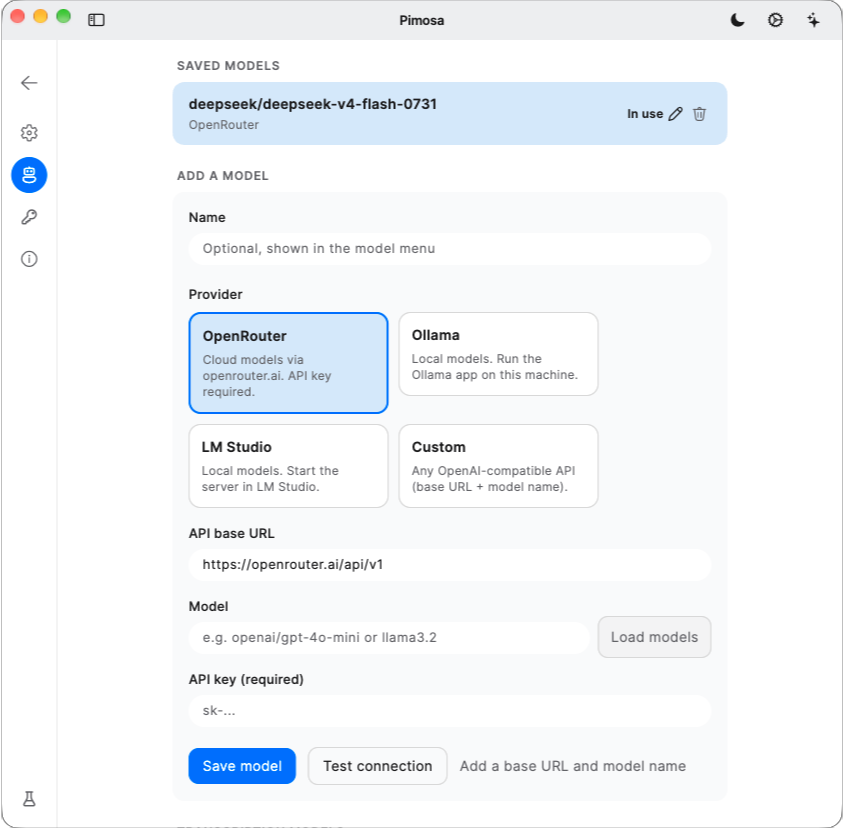
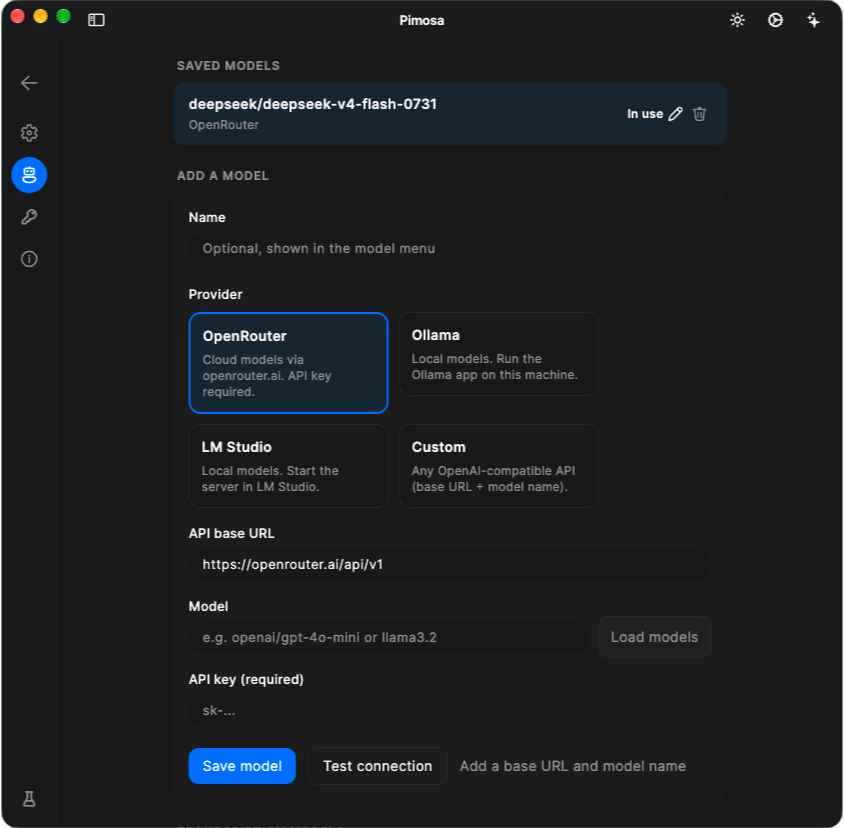
OpenRouter
Cloud models from openrouter.ai. Preset base URL https://openrouter.ai/api/v1. An API key is required. There is no default model; you pick one.
Ollama
Local models. The Ollama app has to be running on this machine. Default address http://127.0.0.1:11434/v1.
LM Studio
Local models. Start the local server in LM Studio. Default address http://127.0.0.1:1234/v1.
Custom
Any OpenAI-compatible API. You supply the base URL and model name.
Each saved model has a label, provider, base URL, model name, and an API key when the provider needs one. You can test a connection and load the model list from the provider before saving.
The chat context budget shown in the panel is 128,000 tokens. Longer threads get trimmed to fit.
Agent mode is bring your own: your API key or a model on your computer. Pimosa doesn't sell AI credits, and nothing you use the agent with is billed by us.
We recommend 8B+ local models, not 4B-class.In testing, small ~4B models weren't reliable at tool calls.