 Pimosa
AI agent
What is Agent mode? (and do I need it?)
Last updated
Short answer: no. Every tool in Pimosa works without AI. You can compress, convert, resize, trim, merge, and do everything else by picking a tool yourself. Agent mode is optional.
1. What Agent mode is
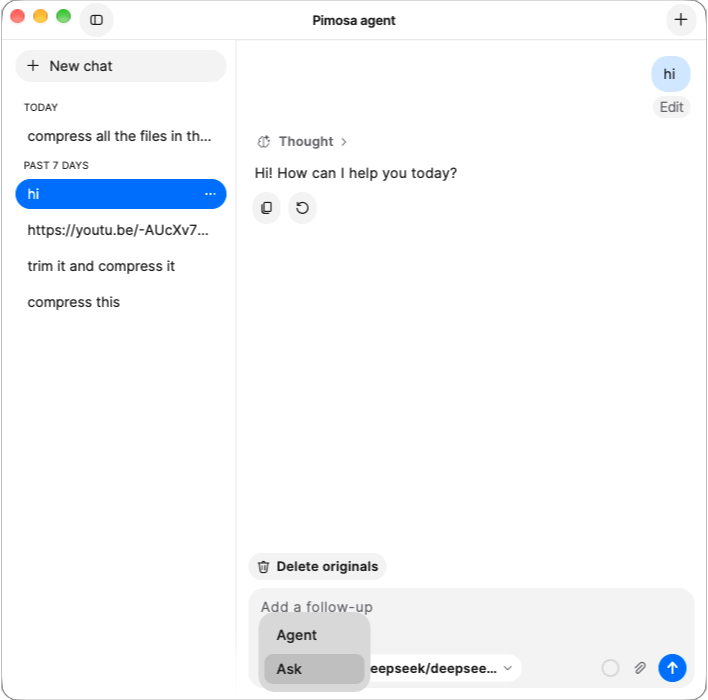
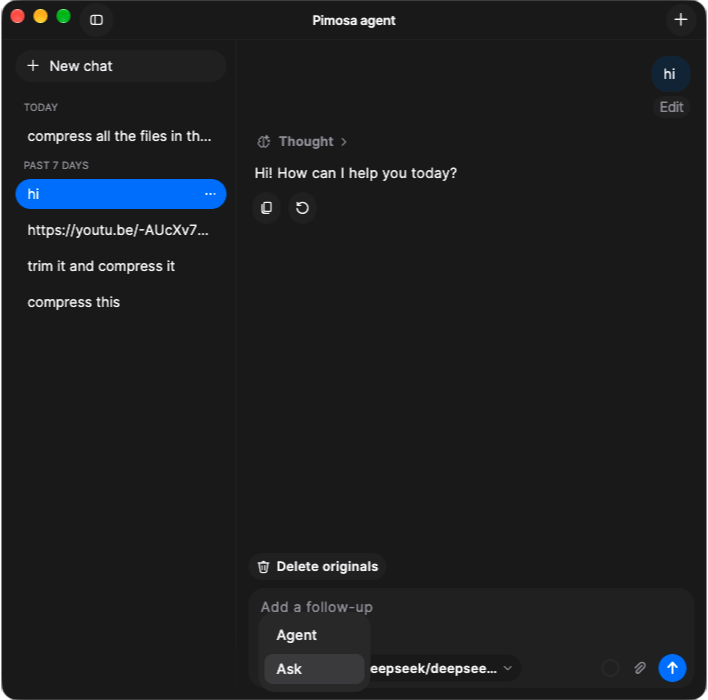
You type what you want — for example “compress every video in this folder to under 25 MB” — and Pimosa picks the batch tools and runs them for you.
Ask mode is the read-only sibling. It can look at files, folders, metadata, and finished outputs, but it never changes files. If you ask it to edit something in Ask mode, it will not.
2. When it helps
- You have many files and the same job for each of them.
- You repeat the same job often and want to type it instead of clicking through settings.
- You already chat in Cursor, Claude, or Codex and want them to drive Pimosa through MCP.
3. When to skip it
- One-off jobs. Opening the tool and dropping a file in is faster.
- You are happy picking tools and settings yourself.
- You do not want any model involved. The tools never need one.
4. How the agent connects to a model
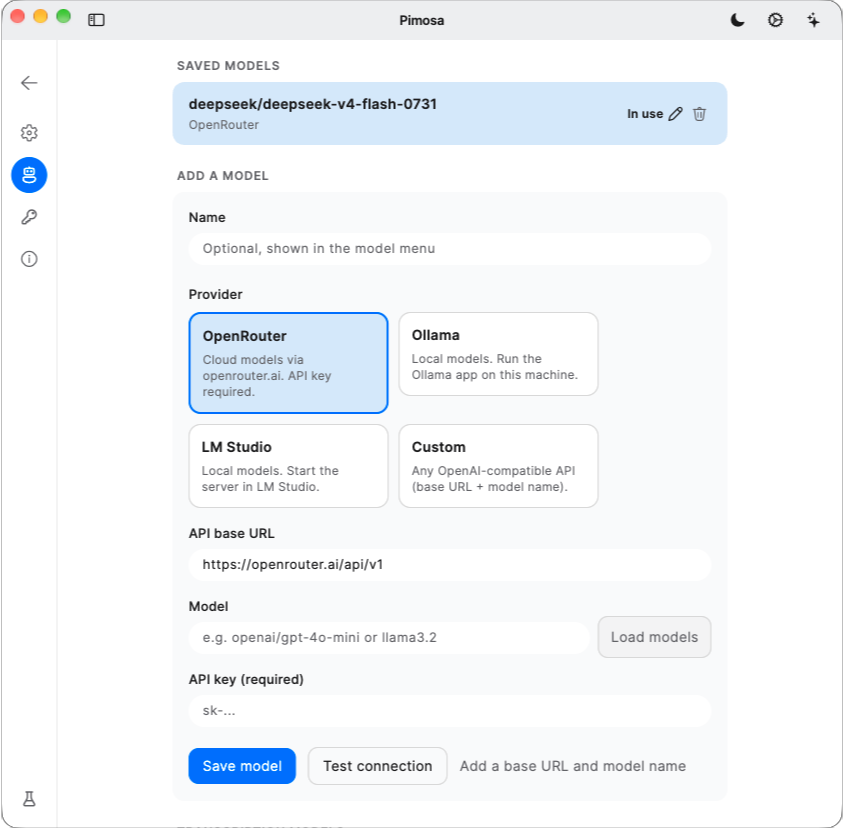
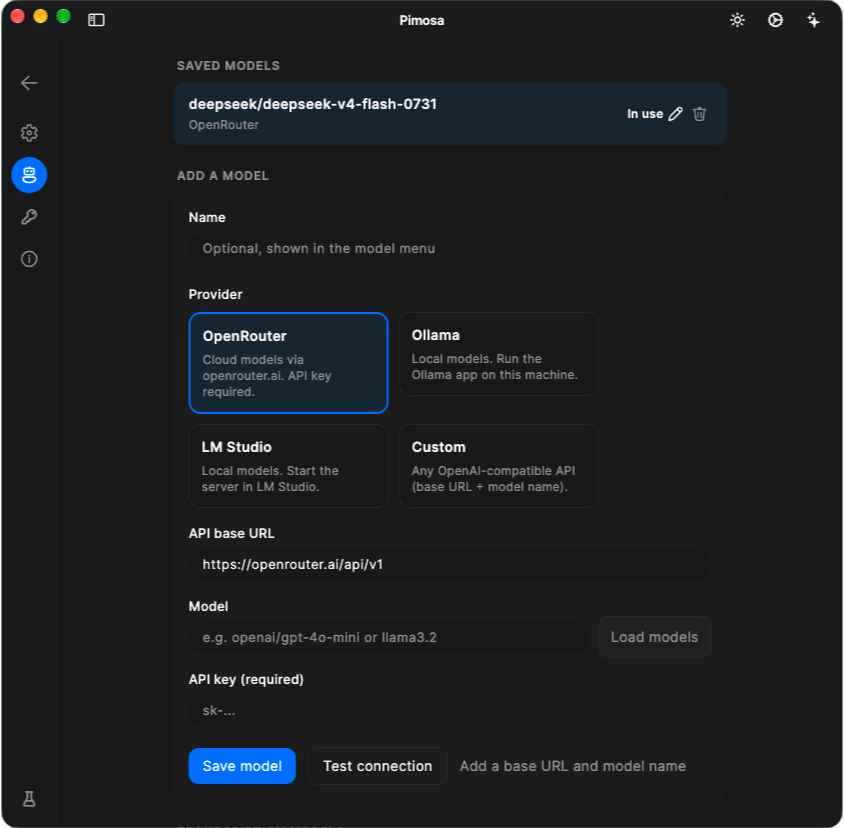
There is no Pimosa server in the middle. You connect the model yourself, one of three ways:
- Your own API key — OpenRouter, or DeepSeek through the Custom provider. You pay the provider for what you use. There is no default model.
- A model on your computer — Ollama or LM Studio. The chat stays on your machine.
- MCP from an app you already use — Cursor, Claude, Codex and others call Pimosa’s tools while Pimosa is open.
A license is required to send a message, same as every tool.
5. A note on privacy
Media files are processed on your computer either way. If you connect a cloud model, your prompts and some file names and metadata go to that provider so it can plan the job. With a local model, the chat stays on your machine. See privacy and the setup guides for details: OpenRouter · local models.
6. Next steps
- Which model should I use? — pick one that is good at tool calling
- Set up Agent mode in 5 minutes (OpenRouter) — the fastest cloud setup
- Run Agent mode on your own computer — fully local
- How much does Agent mode cost?
- Use Pimosa from Cursor, Claude or Codex — the MCP route
- For the full technical reference (modes, providers, what the agent can and cannot run), see the AI agent article.
Was this helpful?