 Pimosa
AI agent
Which model should I use?
Last updated
Agent mode only needs a model that is good at tool calling. Chat personality does not matter much — the model has to pick the right tool, give it the right settings, and stop when the job is done.
Agent mode is plain tool calling (MCP-style), so it works with any frontier cloud model that supports tools, and with local models that do the same. We don’t rank models and we don’t publish scores.
1. Easiest cloud pick: DeepSeek V4 Flash
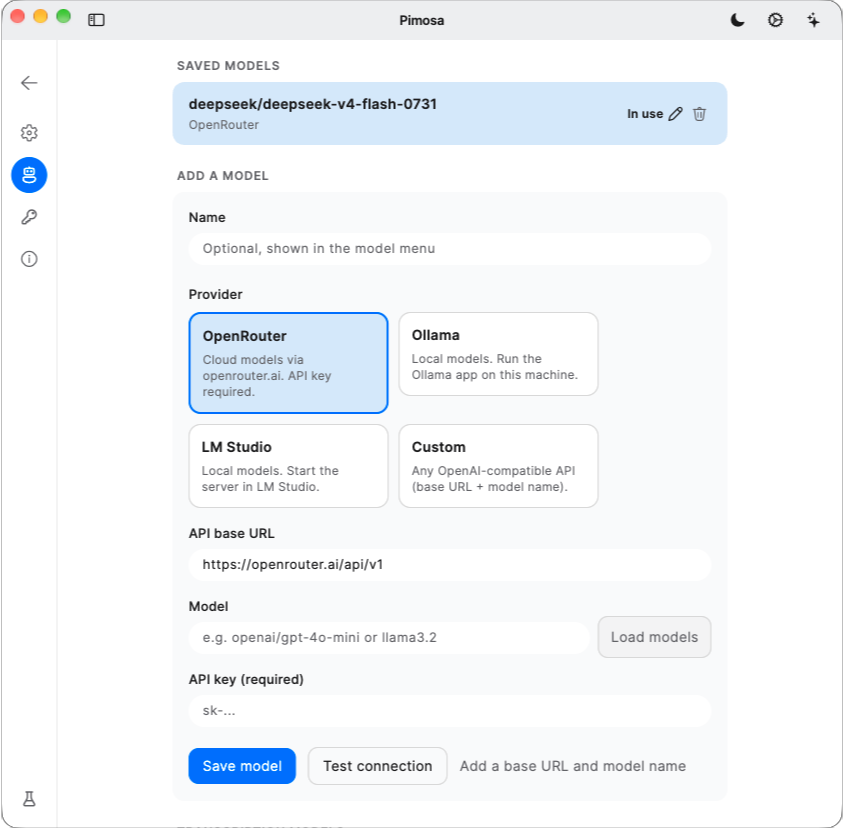
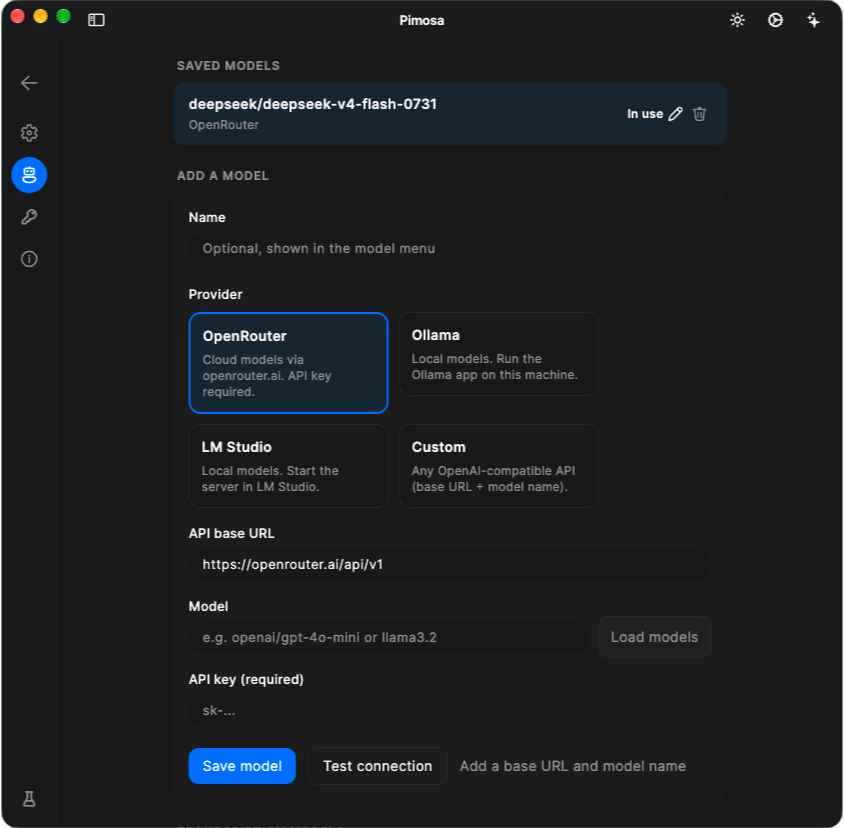
DeepSeek V4 Flash is the suggested cheap, capable pick. In our testing it just got the job done: it called the right tools and followed instructions.
- Reach it through OpenRouter (pick it from the loaded list) or DeepSeek directly with the Custom provider. There is no DeepSeek preset and no default model.
- For a direct DeepSeek key, copy the current model id from DeepSeek’s docs.
2. Other cloud models
Any frontier model that supports tool calling also works. Connect one with your own API key via OpenRouter or another OpenAI-compatible provider. Pimosa doesn’t sell AI credits, so you pay the provider directly for what you use. See what Agent mode costs.
3. Local models (Ollama, LM Studio)
- 8B or larger: recommended. Use a model that supports tool calling.
- ~4B: borderline. May work for some people; don’t lead with it.
- Below 4B: not recommended. In our tests they weren’t reliable tool callers — they may call the wrong tool or ignore instructions, so don’t trust them with real files in Agent mode.
See run Agent mode on your own computer for setup.
4. Test a model safely
- Use Ask mode first, which can’t change files.
- Then try Agent mode on a copy of a few files.
- Check the plan it shows before it runs.
- Keep “Delete original” off. It’s off by default.
5. Signs a model isn’t a good fit
It calls the wrong tool, invents settings, loops, or ignores “this folder only”. Switch models.
Next steps
- What is Agent mode? — what it is and when you need it
- Set up Agent mode in 5 minutes (OpenRouter)
- Use DeepSeek with Pimosa
- Run Agent mode on your own computer
- How do I use Pimosa’s AI agent? — the full technical reference
- The AI page — the overview of the agent and MCP
Was this helpful?