 Pimosa
Image and GIF tools, on your computer
Work stays on this computer. Compress by quality (default 80) or to a maximum size (default 500 KB), convert HEIC and other formats, resize in batch, crop, flip and rotate, reverse a GIF, or shrink a GIF losslessly.

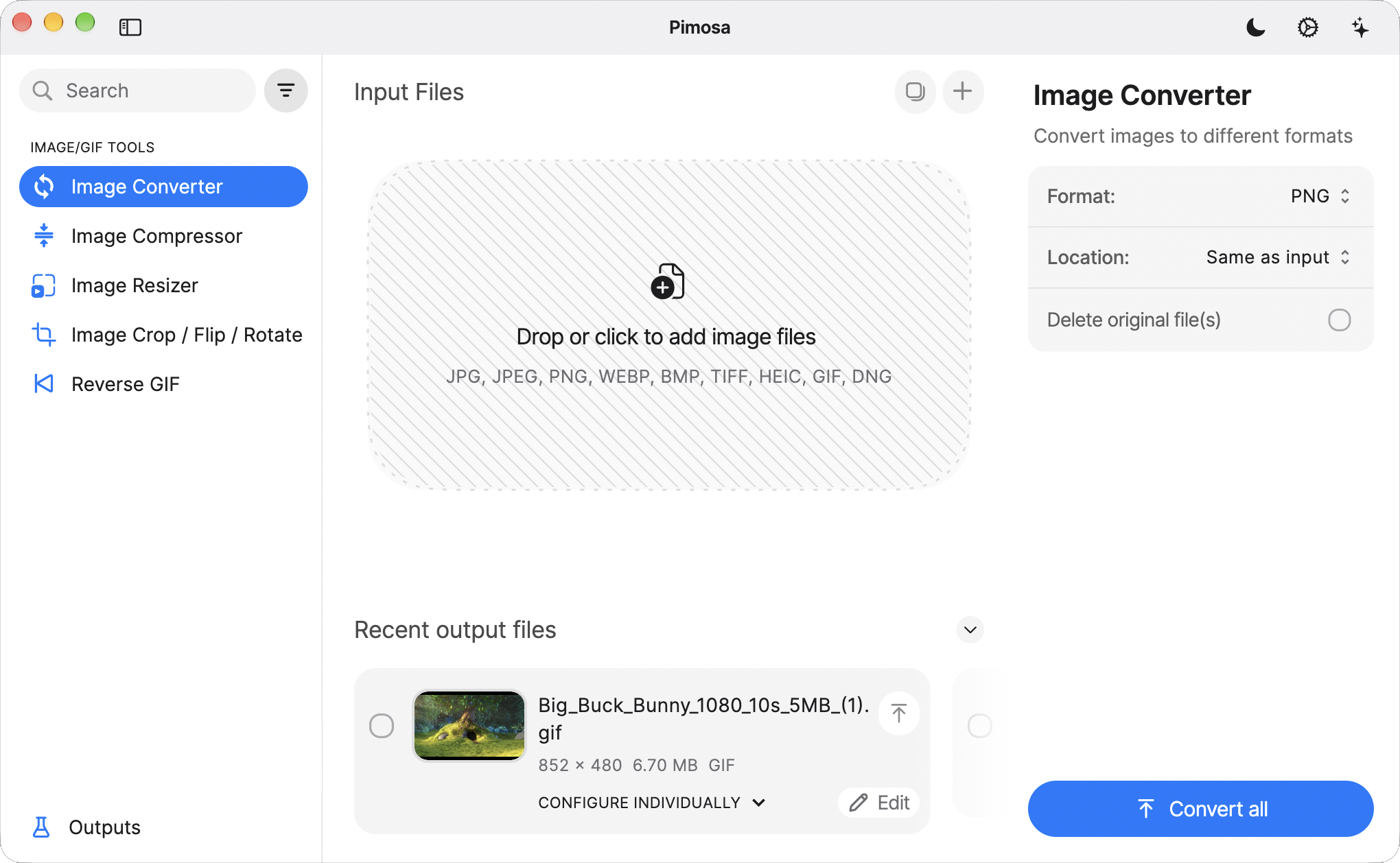
Quality-mode compression can write JPG or WebP; file-size mode always writes JPEG or WebP and treats the target as a maximum, not an exact byte size. Preserve metadata is off by default, so camera data is stripped unless you turn it on.
GIFs can be dropped on the compressor: they are compressed losslessly, and quality sliders do not apply. Reverse GIF keeps the original frame timing. There is no quality slider on lossless GIF compression; to make a GIF smaller with fewer frames, remake it in GIF Maker.
Image Compressor
Shrink photos and GIFs for the web, email or storage. Pick a quality percent or a maximum size, and decide whether camera data stays. GIFs are compressed losslessly.
Image Converter
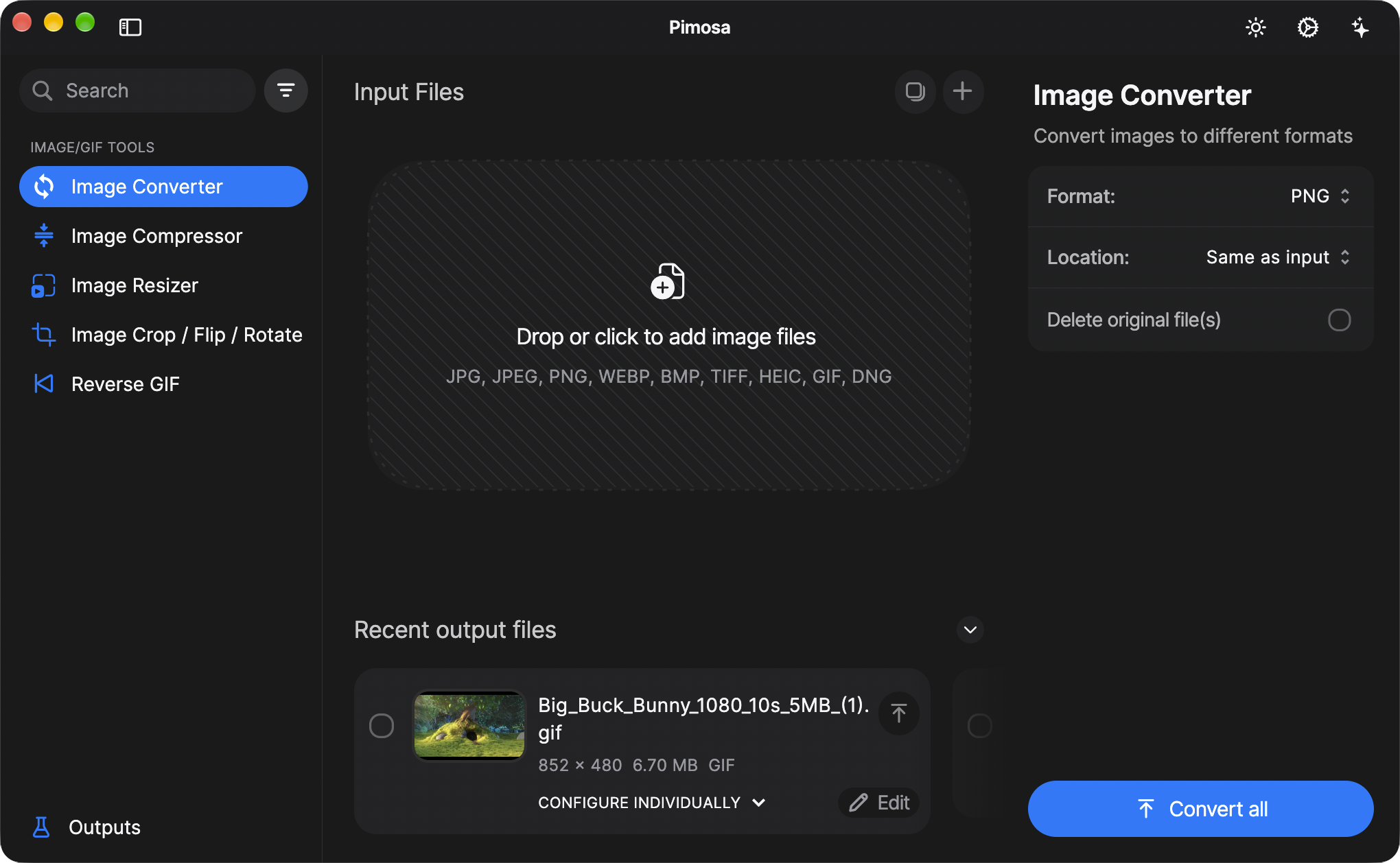
Change image formats in bulk, for example iPhone HEIC to JPG or PNG to WebP.
Image Resizer
Set width and height (with or without aspect lock) for one image or hundreds. GIFs keep their animation.
Image Crop / Flip / Rotate
A quick visual editor for stills and GIFs: crop to a ratio, mirror, rotate.
Reverse GIF
Make a rewind or boomerang-style loop: Pimosa reverses the frame order and keeps each frame’s timing.
Turning a video into an animated GIF is GIF Maker, listed with the video tools. It is the same tool.


