 Pimosa
Trim videos to the part you need
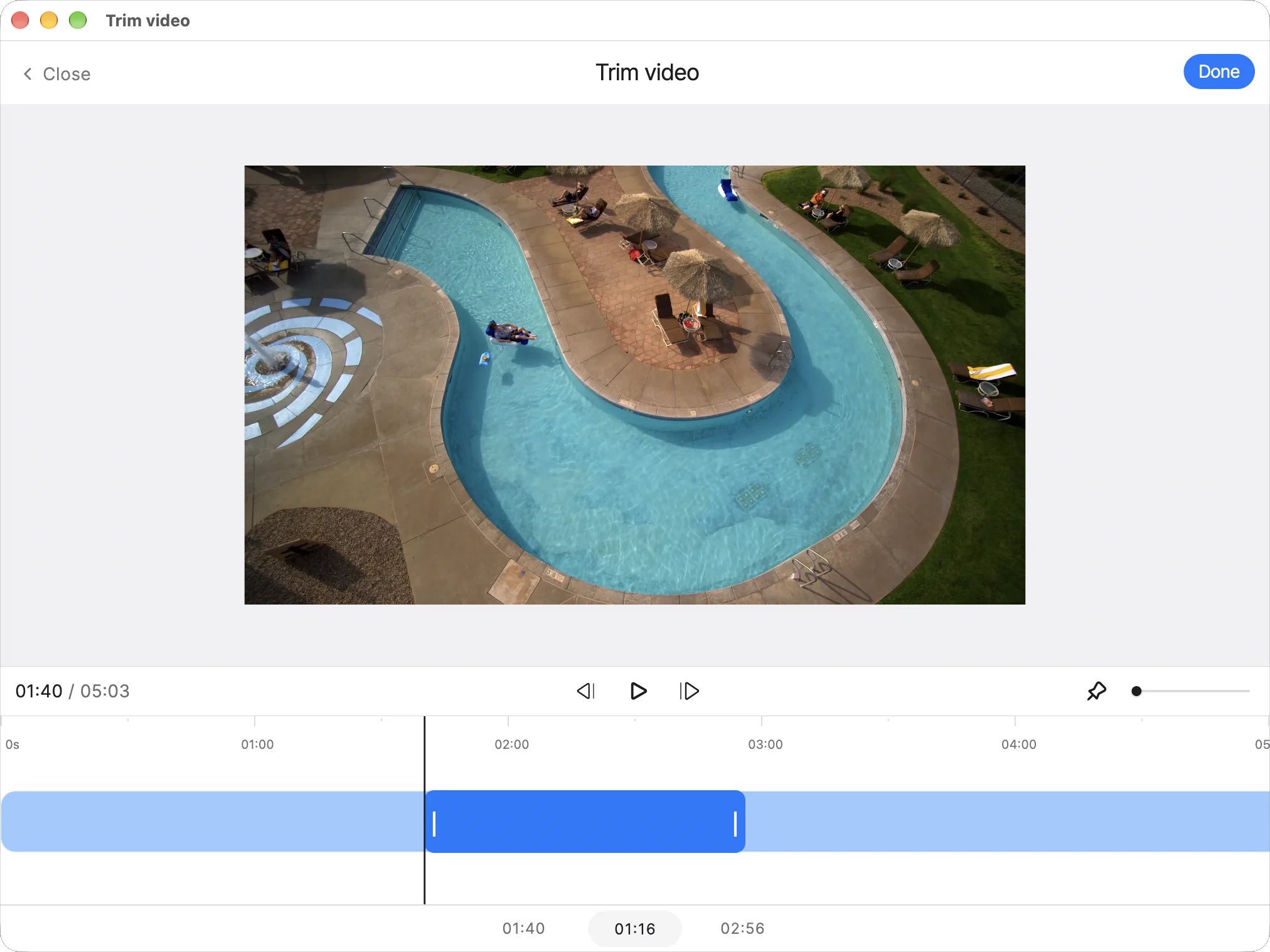
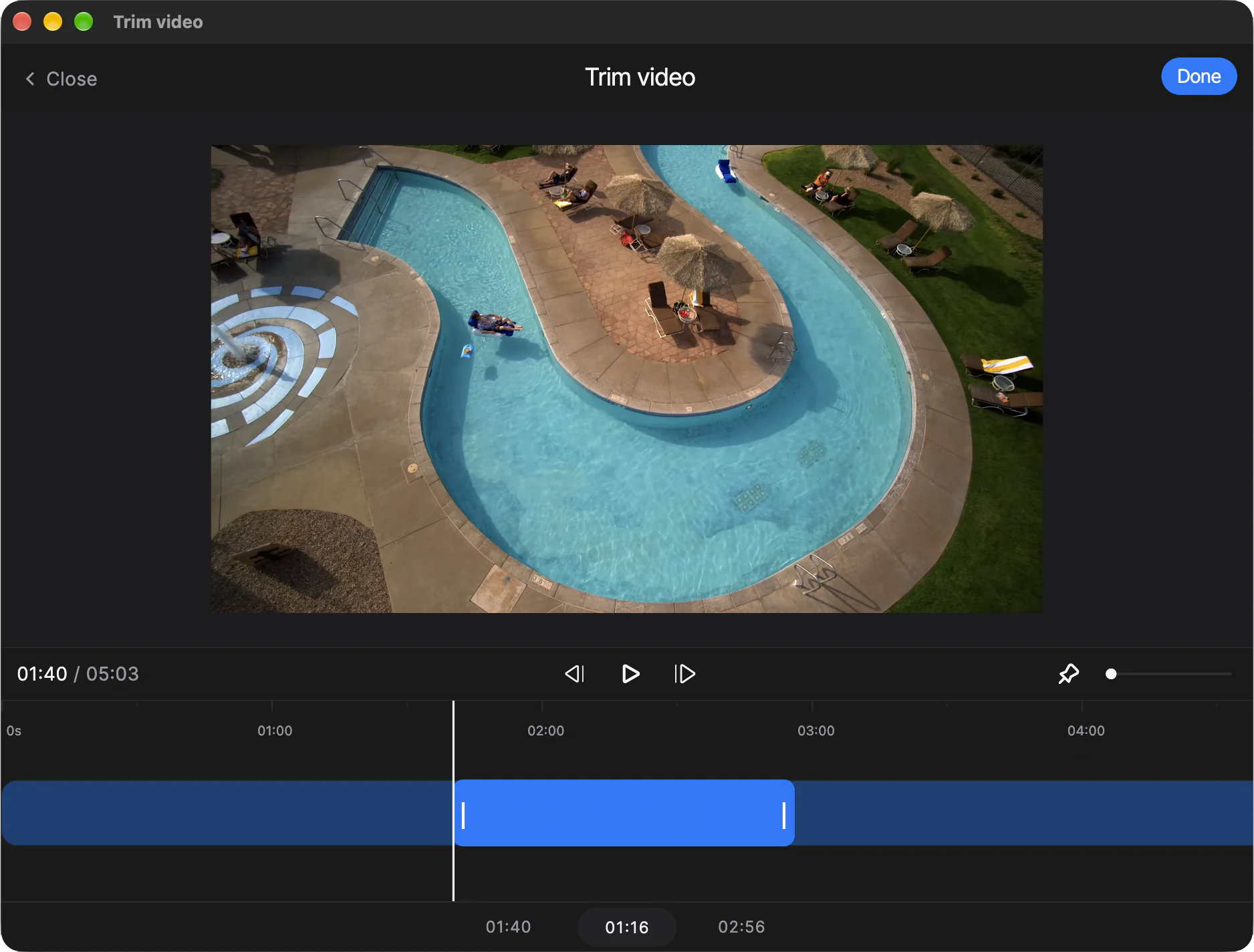
Drag a range on the timeline and export just that part. Your original stays untouched unless you choose otherwise.

How it works
Drop your videos
Drag files or a folder onto the tool, or click to pick them.
Drag the range
Move the start and end handles on the timeline to the part you want to keep.
Press Trim
The new file appears next to the original, or in your default output folder.
Done by hand in the app (the AI agent can’t run this one).
Specs
- Opens
- MP4MKVAVIMOVFLVWebMWMVMPGMPEG3GPTS
- Saves as
- Same format as input (fast stream-copyno re-encoding)
- Settings
- Start and end on a timeline
- Batch
- Many files in one queue; change settings per file
- Limits
- One range per file; to keep several pieces, use the Video Editor
- Originals
- Untouched; a new file is saved next to it (deleting the original is opt-in)
Settings explained
- Visual trimmer
- drag the range on the timeline
- Setting
- Output folder, delete original
Good to know
- One range per file; to keep several pieces, use the Video Editor
- Fast stream-copy: same format as input, quality untouched
Pimosa vs online tools
Your file stays on this computer. Nothing is uploaded to process it.
Upload needed?
Pimosa: No. Media processing stays on your computer.
Typical online tool: Yes. You send the file to a server.
Size caps?
Pimosa: No website upload cap. You’re limited by your own disk.
Typical online tool: Hosts often cap uploads.
Works offline?
Pimosa: Yes.
Typical online tool: No. You need a connection to upload.
Questions
Can I cut out the middle of a video?
The trimmer keeps one range per file. Use the Video Editor to cut a clip into pieces and remove the ones you do not want.
Does trimming re-encode?
No. Trimming is a fast stream-copy, so quality is untouched. The output stays the same format as the input.
Can the AI agent trim for me?
No. The trimmer is a visual editor and stays manual.
Related tools
Video Editor
For edits the one-click tools can’t do: cut clips into pieces, drop parts, crop, reorder and export one file. No effects library, just fast hard cuts.
Video Compressor
Drop a video, pick a quality preset or type a target size, and Pimosa re-encodes it on your computer. Nothing is uploaded, so big files never wait in an upload bar.
Video Cropper
Drag a crop box over your video, lock it to 9:16 for Reels and TikTok or any other ratio, and trim the length at the same time.


