 Pimosa
Crop videos to 9:16, 1:1 or any ratio
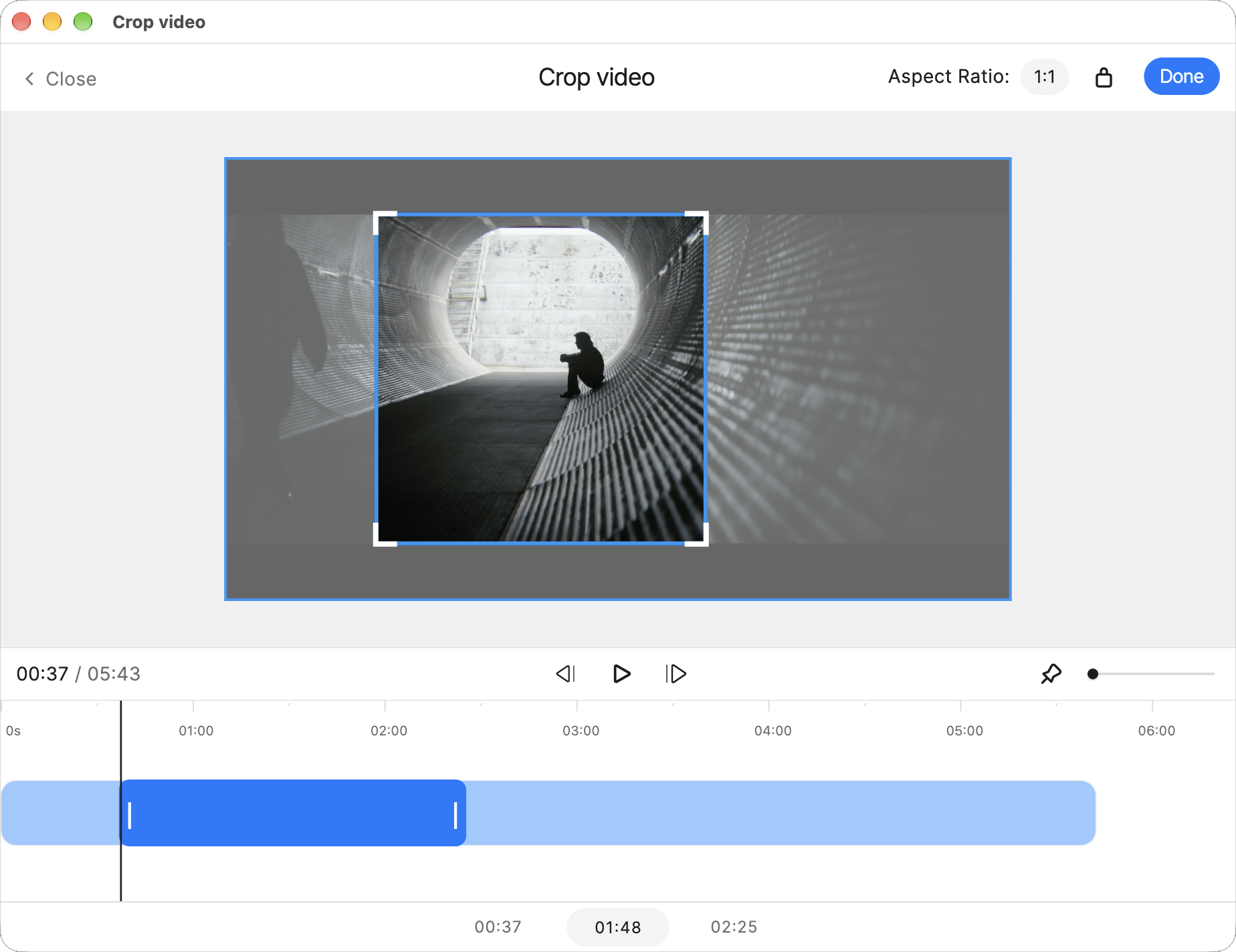
Drag a crop box over your video, lock it to 9:16 for Reels and TikTok or any other ratio, and trim the length at the same time.

How it works
Drop your videos
Drag files or a folder onto the tool, or click to pick them.
Draw the crop
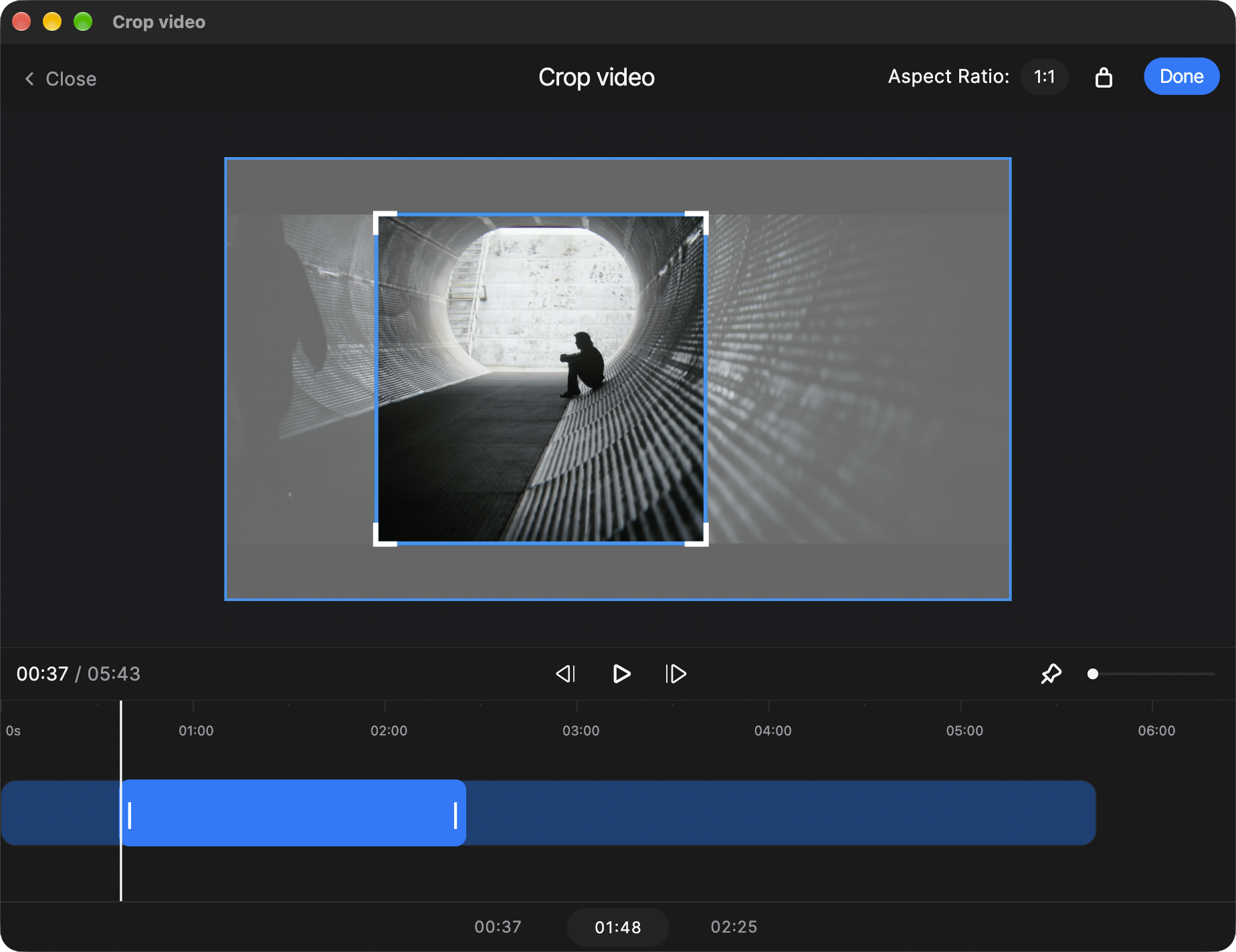
Drag the box over the frame or lock it to 9:16, 1:1, 4:5 and more. Trim the length too if you like.
Press Crop
The new file appears next to the original, or in your default output folder.
Done by hand in the app (the AI agent can’t run this one).
Specs
- Opens
- MP4MKVAVIMOVFLVWebMWMVMPGMPEG3GPTS
- Saves as
- Same format as input (re-encoded)
- Settings
- Crop box, ratio, optional trim
- Batch
- Many files in one queue; change settings per file
- Limits
- Cropping throws away pixels outside the box
- Originals
- Untouched; a new file is saved next to it (deleting the original is opt-in)
Settings explained
- Setting
- Drag the crop box
- Ratios
- Free, 1:1, 4:3, 16:9, 9:16, 2:1, 5:4, 21:9, 3:2, 2:3, 4:5, custom
- Setting
- Optional trim range
- Setting
- Output folder, delete original
Good to know
- Cropping throws away pixels outside the box
- One crop rectangle for the whole clip, not a moving crop
Pimosa vs online tools
Your file stays on this computer. Nothing is uploaded to process it.
Upload needed?
Pimosa: No. Media processing stays on your computer.
Typical online tool: Yes. You send the file to a server.
Size caps?
Pimosa: No website upload cap. You’re limited by your own disk.
Typical online tool: Hosts often cap uploads.
Works offline?
Pimosa: Yes.
Typical online tool: No. You need a connection to upload.
Questions
Can I crop a landscape video to 9:16?
Yes. Pick the 9:16 ratio and position the box.
Can the crop follow a moving subject?
No. One rectangle applies to the whole clip.
Can I crop without losing the edges?
Use the Video Resizer instead; it pads to the new ratio rather than cutting.
What format is the output?
The same format as the input. Cropping re-encodes the video.
Related tools
Video Resizer
Set exact pixels or pick an aspect ratio, and choose how empty space is filled: a blurred copy of the frame or a solid color.
Video Trimmer
Drag a range on the timeline and export just that part. Your original stays untouched unless you choose otherwise.
Video Editor
For edits the one-click tools can’t do: cut clips into pieces, drop parts, crop, reorder and export one file. No effects library, just fast hard cuts.


