 Pimosa
Resize videos for any screen, with blur or color padding
Set exact pixels or pick an aspect ratio, and choose how empty space is filled: a blurred copy of the frame or a solid color.

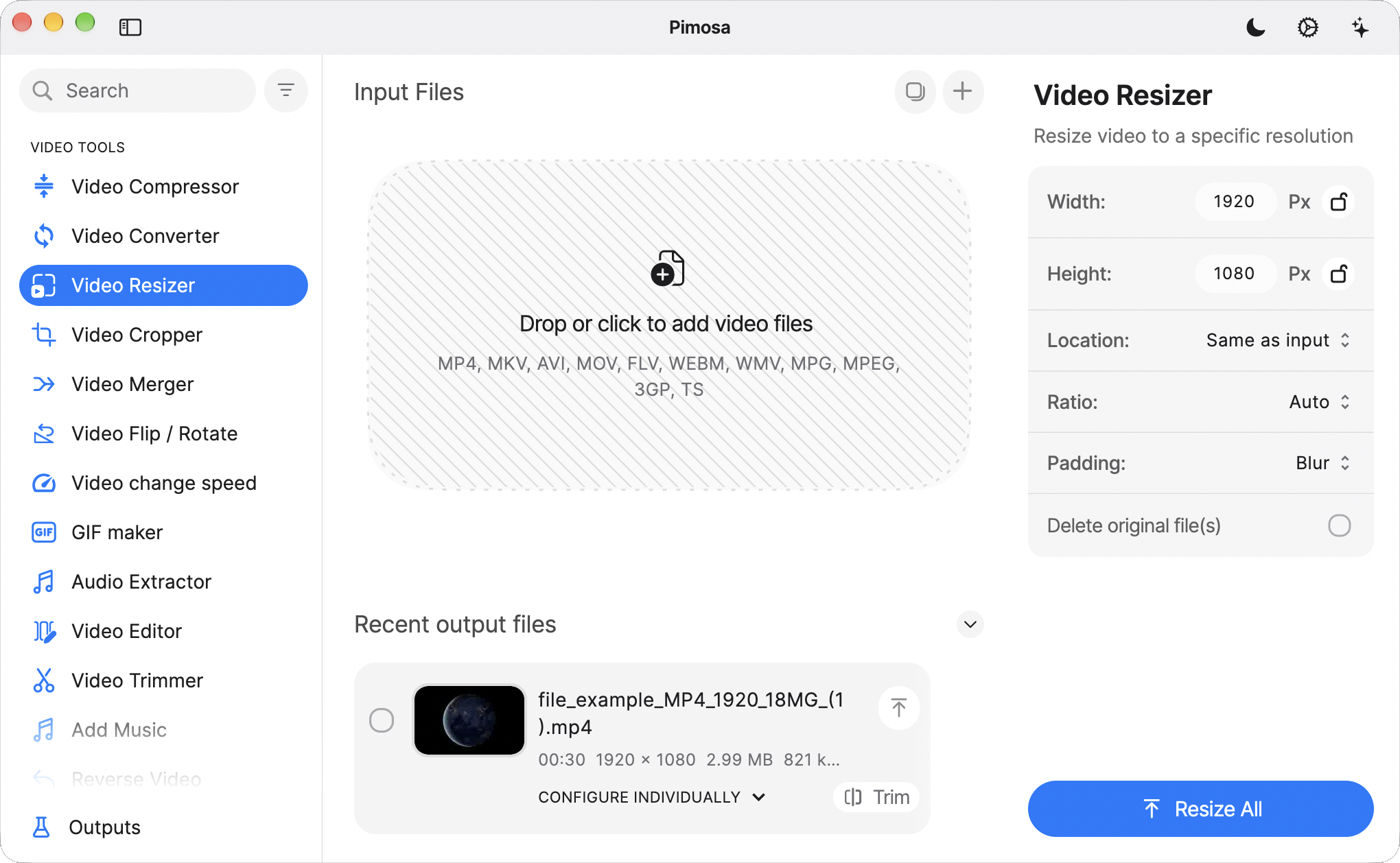
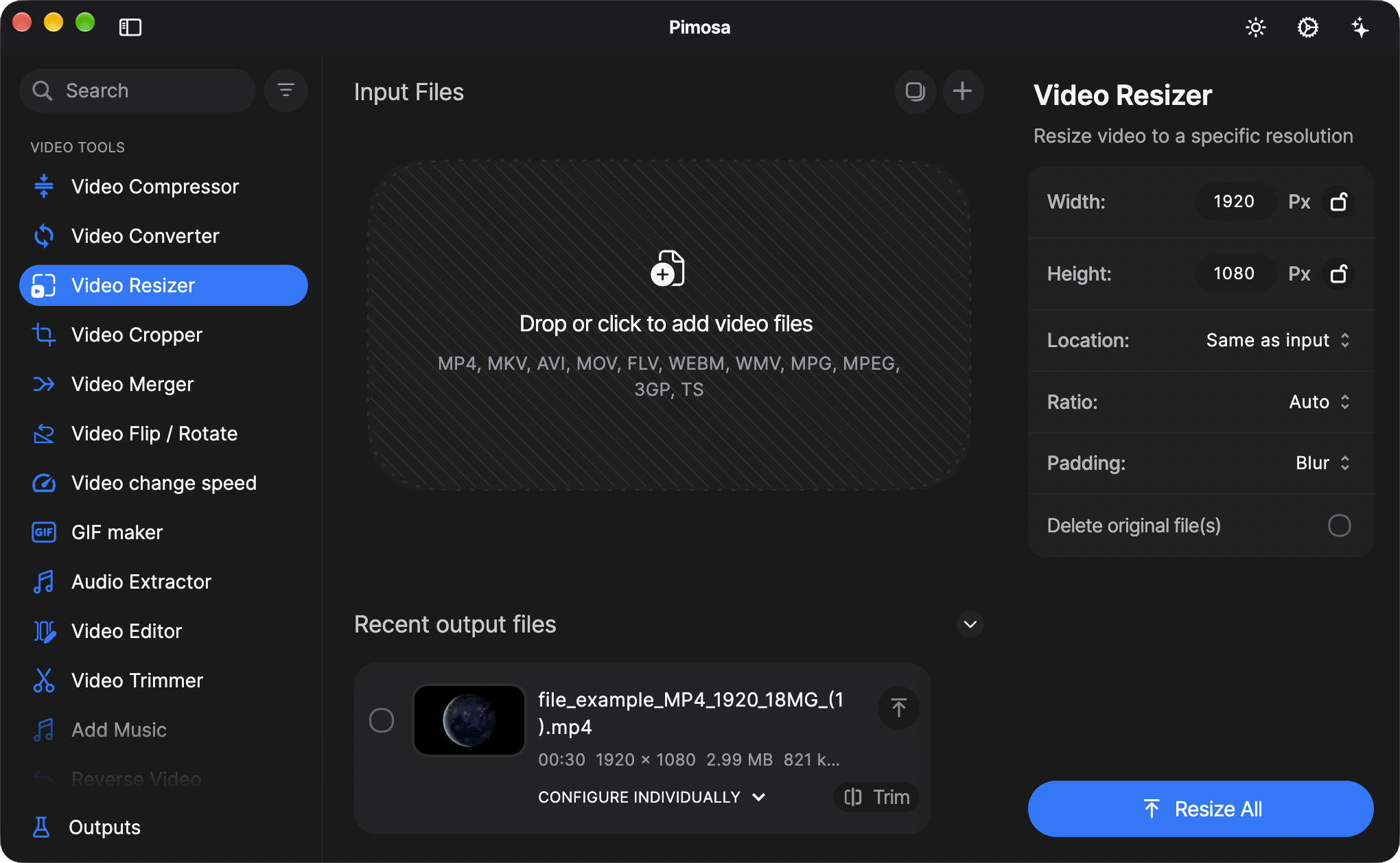
How it works
Drop your videos
Drag files or a folder onto the tool, or click to pick them.
Set the size
Type width and height or pick a ratio like 9:16. Choose blur or a color for the empty space.
Press Resize
The new file appears next to the original, or in your default output folder.
Or just say:Resize every clip in this folder to 1080x1920 with blurred padding
Specs
- Opens
- MP4MKVAVIMOVFLVWebMWMVMPGMPEG3GPTS
- Saves as
- MP4MKVAVIMOVFLVWebM
- Settings
- Width × height, aspect ratio, padding, optional trim
- Batch
- Many files in one queue; change settings per file
- Limits
- Upscaling does not add detail; a 480p clip set to 4K stays soft
- Originals
- Untouched; a new file is saved next to it (deleting the original is opt-in)
Settings explained
- Setting
- Width and height in pixels
- Setting
- Aspect-ratio lock
- Aspect presets
- Auto, 1:1, 4:5, 16:9, 9:16, 2:1, 3:2, 5:4, 21:9, 4:3
- Setting
- Resolution preset (Same as input to 4K)
- Padding
- blur or solid color
- Setting
- Optional trim
- Setting
- Output folder, delete original
Good to know
- Upscaling does not add detail; a 480p clip set to 4K stays soft
Pimosa vs online tools
Your file stays on this computer. Nothing is uploaded to process it.
Upload needed?
Pimosa: No. Media processing stays on your computer.
Typical online tool: Yes. You send the file to a server.
Size caps?
Pimosa: No website upload cap. You’re limited by your own disk.
Typical online tool: Hosts often cap uploads.
Works offline?
Pimosa: Yes.
Typical online tool: No. You need a connection to upload.
Questions
Can I make a horizontal video vertical without cropping?
Yes. Pick 9:16 and Pimosa pads the empty space with a blurred copy of the frame or a color.
Does upscaling improve quality?
No. Enlarging does not add detail.
What is the difference between resizer and cropper?
The resizer scales and pads the whole frame; the cropper cuts away pixels outside a box.
Related tools
Video Cropper
Drag a crop box over your video, lock it to 9:16 for Reels and TikTok or any other ratio, and trim the length at the same time.
Video Compressor
Drop a video, pick a quality preset or type a target size, and Pimosa re-encodes it on your computer. Nothing is uploaded, so big files never wait in an upload bar.
Video Converter
Change a video’s container and codec in one step. Pimosa only offers codec and format pairs that actually work, so you can’t export a broken file.


