 Pimosa
Convert audio to MP3, WAV, FLAC and more
Change format, bitrate and sample rate for one track or a whole library, on your computer.

How it works
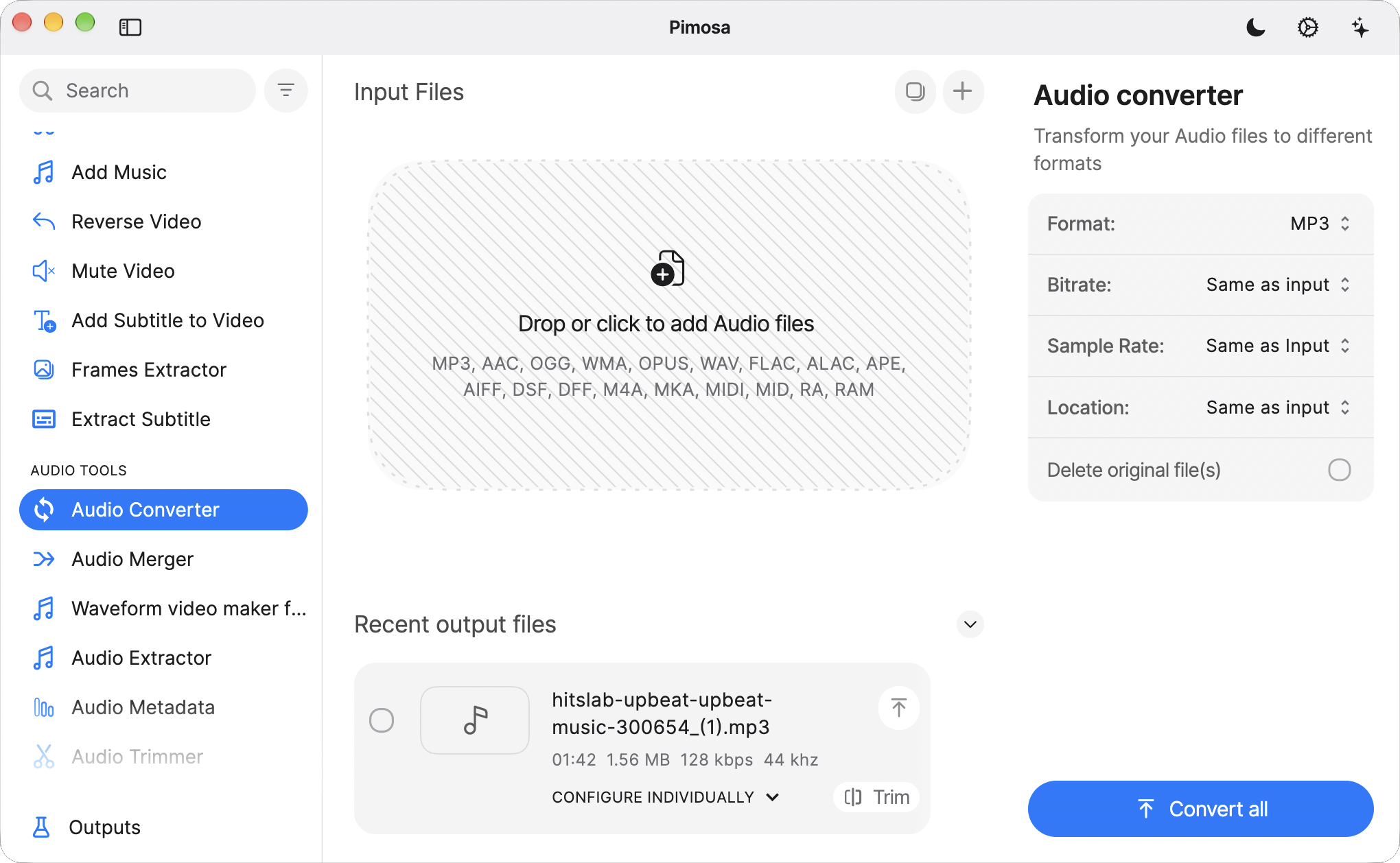
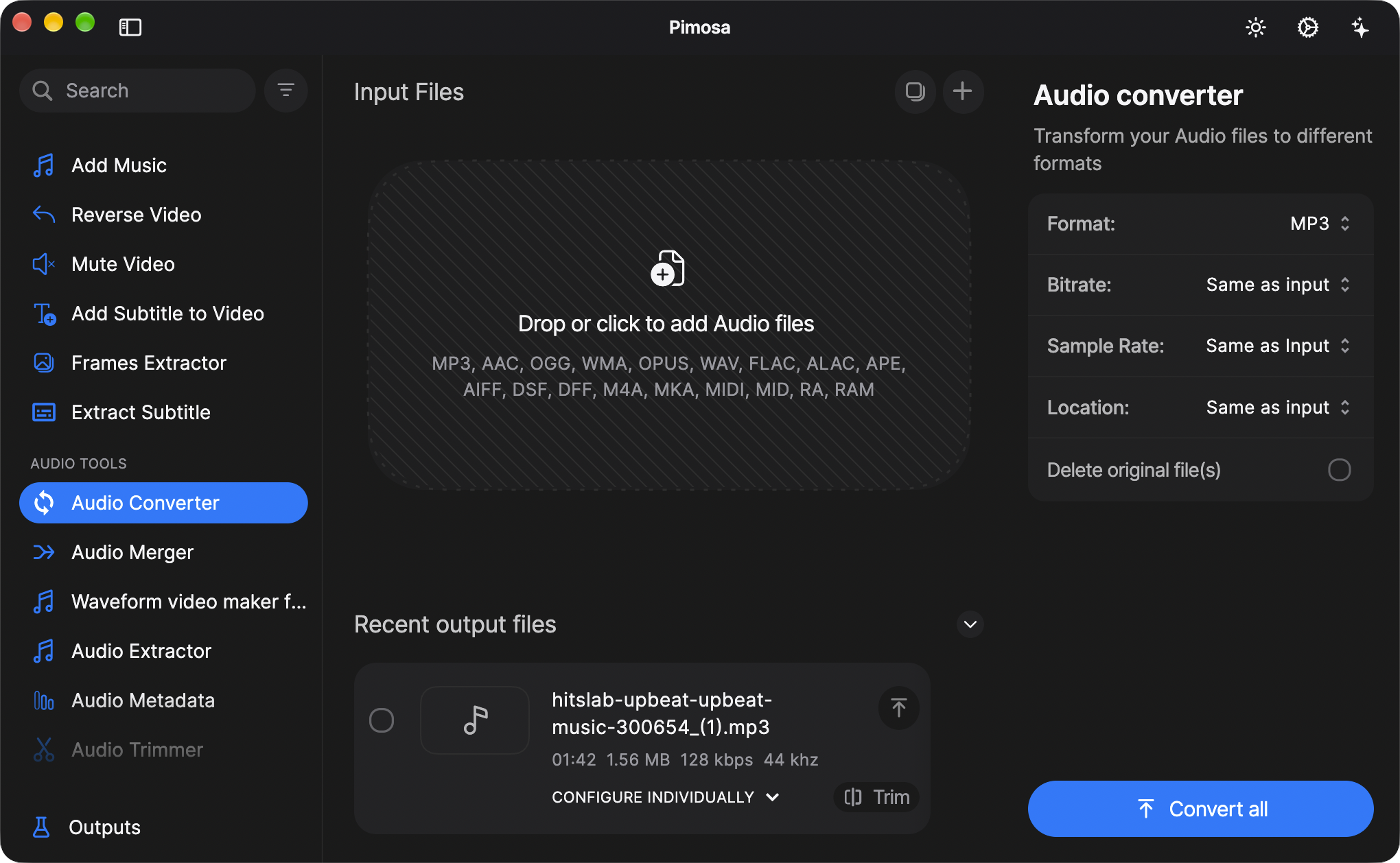
Drop your audio files
Drag files or a folder onto the tool, or click to pick them.
Choose format and quality
Pick the format, a bitrate up to 320 kbps and a sample rate up to 192 kHz, or keep them as they are.
Press Convert
The new file appears next to the original, or in your default output folder.
Or just say:Convert all WAV files here to MP3 at 320 kbps, 44.1 kHz
Specs
- Opens
- MP3AACOGGWMAOpusWAVFLACALACAPEAIFFDSFDFFM4AMKAMIDIMIDRARAM
- Saves as
- MP3AACFLACWAVOGGOpusWMAALACAIFFAC3DTS
- Settings
- Format, bitrate, sample rate, optional trim
- Batch
- Many files in one queue; change settings per file
- Limits
- Lossless to lossy (e.g. FLAC to MP3) loses data
- Originals
- Untouched; a new file is saved next to it (deleting the original is opt-in)
Settings explained
- Setting
- Format (default MP3)
- Bitrate
- Same as input, 32–320 kbps
- Sample rate
- Same as input, 22.05–192 kHz
- Setting
- Optional trim
- Setting
- Output folder, delete original
Good to know
- Lossless to lossy (e.g. FLAC to MP3) loses data
- Changing format can still re-encode
- MIDI is a weak input
Pimosa vs online tools
Your file stays on this computer. Nothing is uploaded to process it.
Upload needed?
Pimosa: No. Media processing stays on your computer.
Typical online tool: Yes. You send the file to a server.
Size caps?
Pimosa: No website upload cap. You’re limited by your own disk.
Typical online tool: Hosts often cap uploads.
Works offline?
Pimosa: Yes.
Typical online tool: No. You need a connection to upload.
Questions
Can I convert to 320 kbps 44.1 kHz MP3?
Yes, choose MP3, 320 kbps and 44.1 kHz.
Does converting MP3 to FLAC improve quality?
No. Lost data cannot come back.
Can I batch convert?
Yes.
Related tools
Audio Merger
Put podcast segments, interview clips or album tracks in order and export them as one file.
Audio Trimmer
Drag the start and end on a waveform and export only that part.
Audio Extractor
Save a video’s soundtrack as an audio file. Choose the format and, for multi-language files, the exact track.


