 Pimosa
Turn audio into a waveform video
Share a podcast clip or song on video platforms with an animated waveform over a color or your artwork.

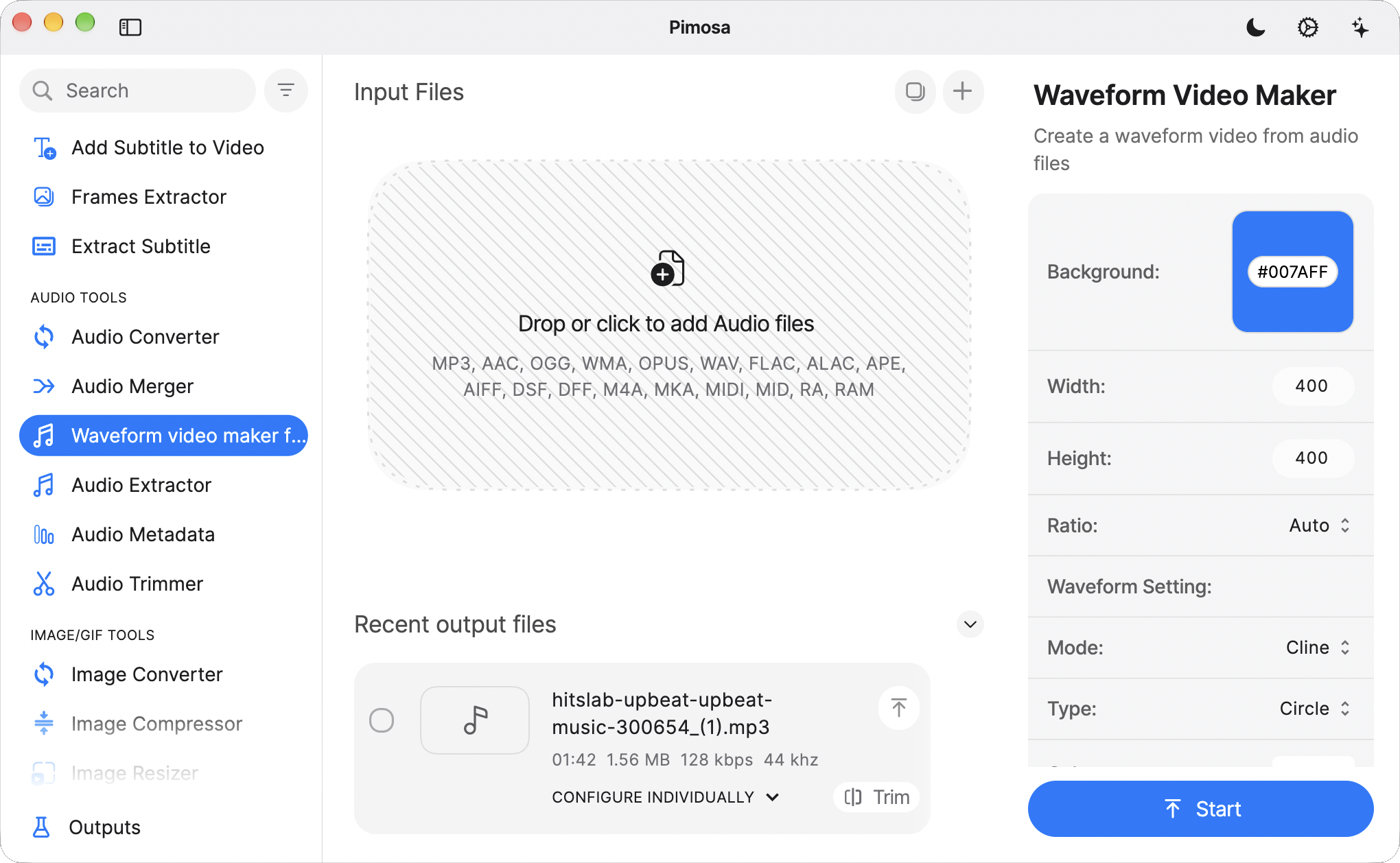
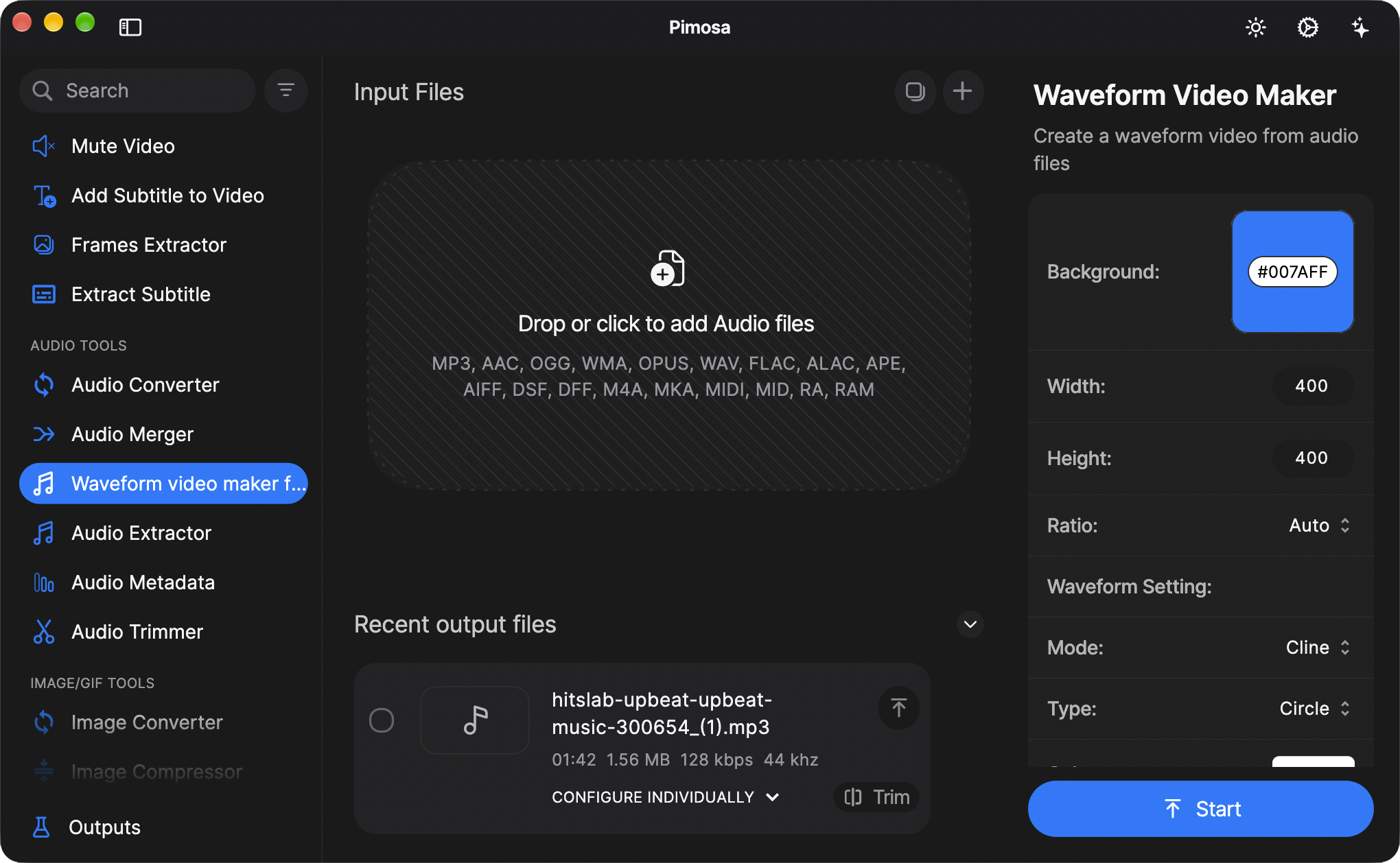
How it works
Drop your audio files
Drag files or a folder onto the tool, or click to pick them.
Style the waveform
Pick line or circle, one of 4 styles, a color, and a color or image background.
Press Render
The new file appears next to the original, or in your default output folder.
Or just say:Make a 1080x1080 waveform video from this MP3 with a white circle
Specs
- Opens
- MP3AACOGGWMAOpusWAVFLACALACAPEAIFFDSFDFFM4AMKAMIDIMIDRARAM
- Saves as
- MP4 (H.264 + AAC)
- Settings
- Mode, shape, color, background, size, optional trim
- Batch
- Many files in one queue; change settings per file
- Limits
- Decorative, not a scientific analyzer
- Originals
- Untouched; a new file is saved next to it (deleting the original is opt-in)
Settings explained
- Modes
- Point, Cline, Line, P2P
- Shape
- horizontal line or circle
- Setting
- Waveform color
- Background
- color or image (match video size to image)
- Setting
- Width, height, aspect ratio
- Setting
- Optional trim
Good to know
- Decorative, not a scientific analyzer
- Large sizes and long songs render slower
Pimosa vs online tools
Your file stays on this computer. Nothing is uploaded to process it.
Upload needed?
Pimosa: No. Media processing stays on your computer.
Typical online tool: Yes. You send the file to a server.
Size caps?
Pimosa: No website upload cap. You’re limited by your own disk.
Typical online tool: Hosts often cap uploads.
Works offline?
Pimosa: Yes.
Typical online tool: No. You need a connection to upload.
Questions
Can I use my cover art as background?
Yes, and match the video size to the image.
Is this an audio effect?
No, it renders a video; the audio is its soundtrack.
What format is the video?
MP4 (H.264 + AAC).
Related tools
Audio Trimmer
Drag the start and end on a waveform and export only that part.
Add Music to Video
Place music or voice-over clips on a lane under your video, trim and move them, and balance the volume against the original sound.
Audio Converter
Change format, bitrate and sample rate for one track or a whole library, on your computer.


