 Pimosa
Extract subtitles from a video to SRT
If your video already contains subtitles, save them as a separate SRT file in seconds.

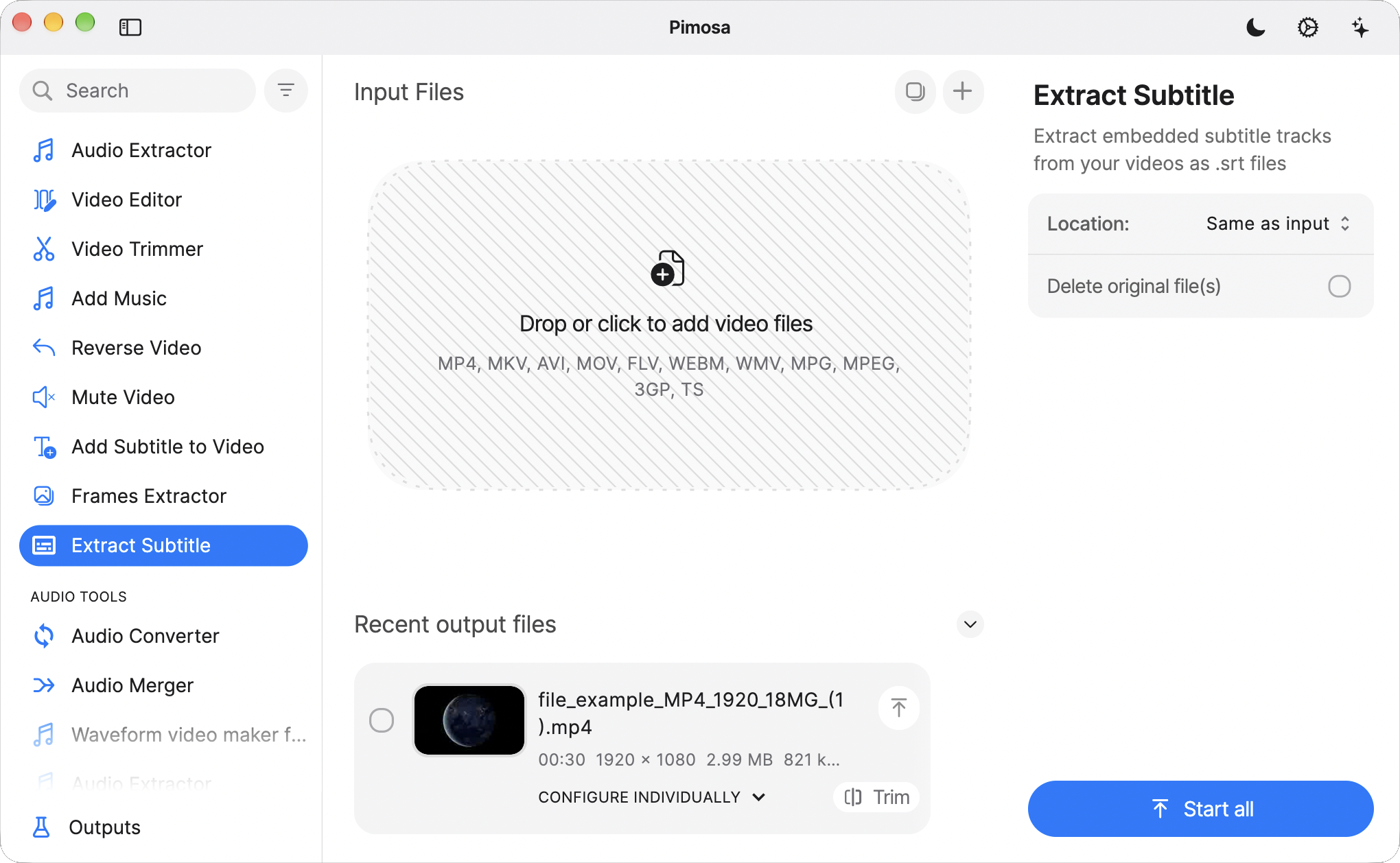
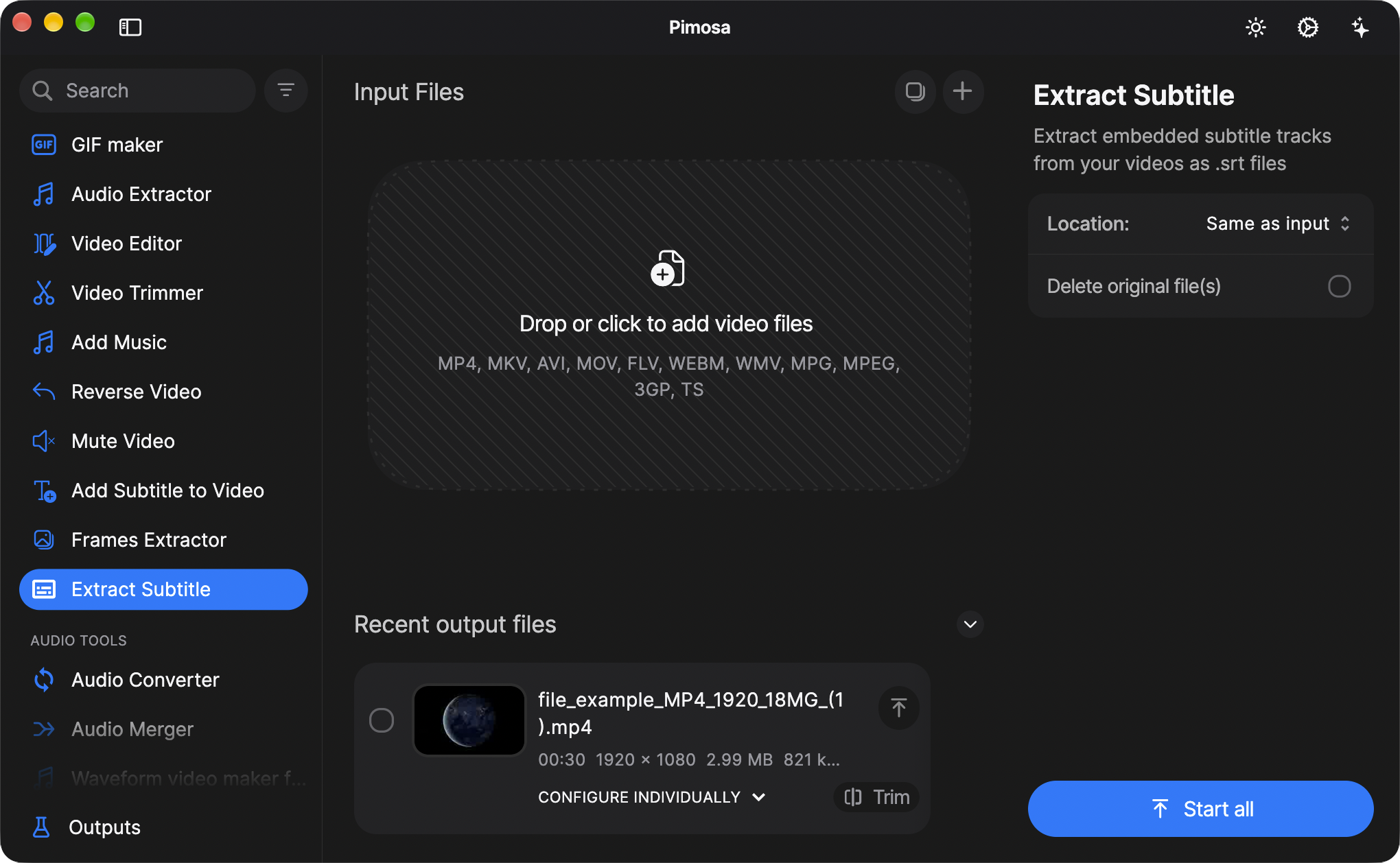
How it works
Drop your videos
Drag files or a folder onto the tool, or click to pick them.
Pick the track
Choose the subtitle stream by its language tag.
Press Extract
The new file appears next to the original, or in your default output folder.
Or just say:Extract the English subtitle track from this MKV
Specs
- Opens
- MP4MKVAVIMOVFLVWebMWMVMPGMPEG3GPTS
- Saves as
- SRT
- Settings
- Subtitle track, optional trim
- Batch
- Many files in one queue; change settings per file
- Limits
- The video must already contain a subtitle stream
- Originals
- Untouched; a new file is saved next to it (deleting the original is opt-in)
Settings explained
- Setting
- Subtitle track (shows language tag or Stream 1, 2…)
- Setting
- Optional trim
- Setting
- Output folder, delete original
Good to know
- The video must already contain a subtitle stream
- Image-based subtitles (some PGS/VobSub) may not become useful SRT
- One track per job
Pimosa vs online tools
Your file stays on this computer. Nothing is uploaded to process it.
Upload needed?
Pimosa: No. Media processing stays on your computer.
Typical online tool: Yes. You send the file to a server.
Size caps?
Pimosa: No website upload cap. You’re limited by your own disk.
Typical online tool: Hosts often cap uploads.
Works offline?
Pimosa: Yes.
Typical online tool: No. You need a connection to upload.
Questions
My video has no subtitles. Can Pimosa create them?
Use Transcribe or Add Subtitles.
Which output format?
SRT.
Related tools
Add Subtitles to Video
Get captions in from an embedded track, an SRT file, your keyboard or on-device transcription, edit them on a timeline, and export the way you need.
Transcribe
Download a model once and transcribe on-device. Nothing is sent to a cloud speech service.
Video Converter
Change a video’s container and codec in one step. Pimosa only offers codec and format pairs that actually work, so you can’t export a broken file.


