 Pimosa
Troubleshooting
Pimosa jobs won't run — fix
Last updated
Work through this list in order. Most jobs that never start are a missing license or incomplete setup.
1. License
- A license is required before jobs run, including the AI agent.
- See license required to activate or unlink a device.
2. Setup
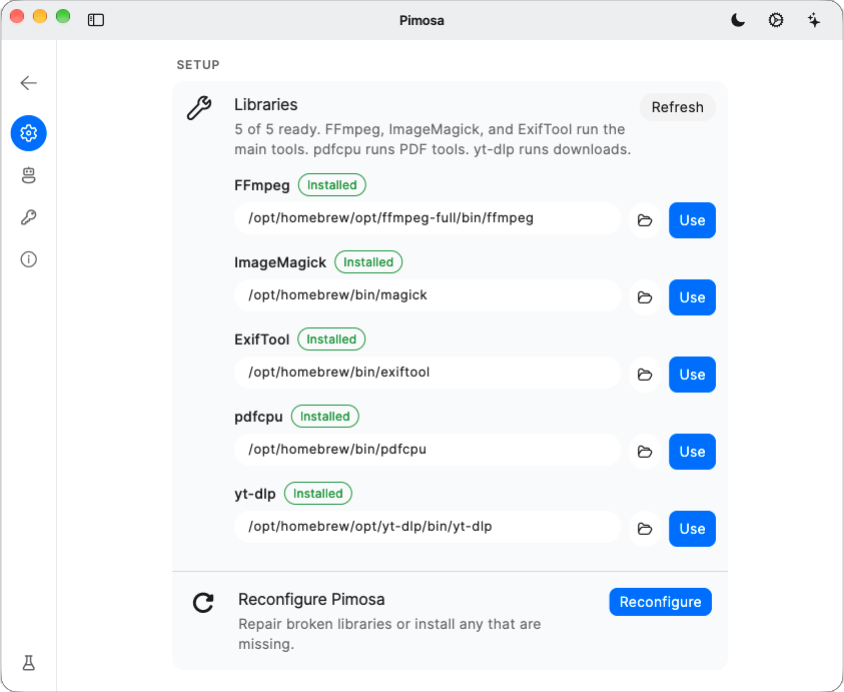
If processing will not start after install:
- Open Settings.
- Choose Reconfigure. That reruns setup.
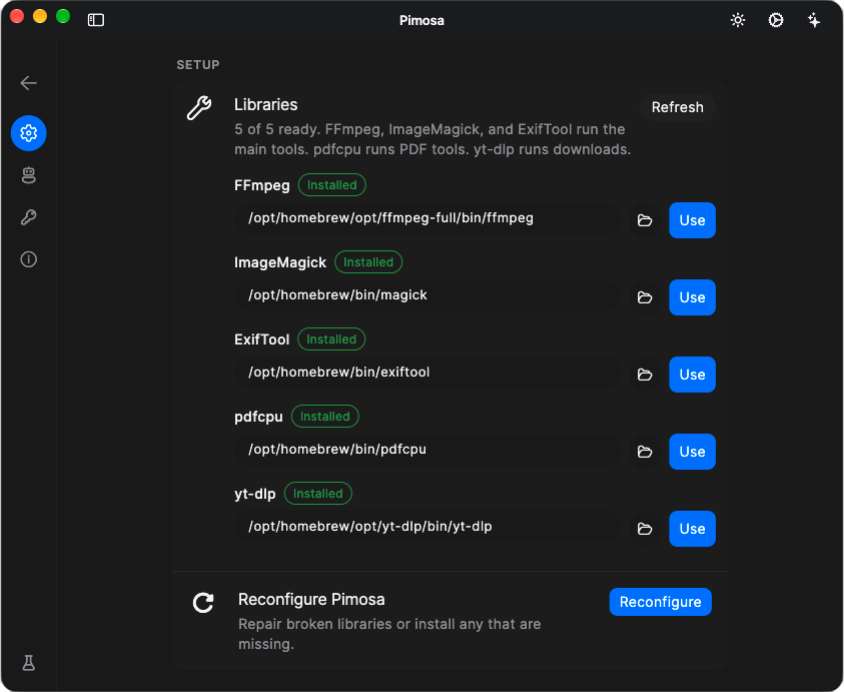
Still missing FFmpeg, ImageMagick, or ExifTool? See libraries, or install them yourself on Mac or Windows.
Downloader jobs also need a network connection.
3. Transcription
- The first run needs a model download. Until that finishes, transcription cannot start.
- Models stay on this computer. Nothing is sent to a cloud speech API.
4. Agent chat
- Pick a model under Settings → AI / Agent. The agent only works while Pimosa is open and a model is selected and ready.
- Local models need Ollama or LM Studio actually running. A saved URL does nothing if the local server is off. Defaults are
http://127.0.0.1:11434/v1(Ollama) andhttp://127.0.0.1:1234/v1(LM Studio). - OpenRouter needs your own API key.
- Ask mode cannot change files. The agent cannot drive the timeline editors, download videos, or transcribe. See the AI agent article and choosing a model.
5. Updates
- Mac: update checks work when the app lives in
/Applications. - Windows: the app shows an in-app notice when an update is available.
If a file will not open, check supported formats. Still stuck? Contact.
Was this helpful?