 Pimosa
Getting started
Install FFmpeg, ImageMagick, and ExifTool on Windows
Last updated
Use this if automatic setup did not finish, or if you want to install the libraries yourself. Most people can skip this and use first-launch setup.
You need Windows 10 (1809 or later) or Windows 11, where winget is available.
1. Install with winget
- Open Command Prompt (Start menu → type
cmd). - Run:
winget install -e --id Gyan.FFmpeg ImageMagick.ImageMagick PhilHarvey.ExifTool2. Open a new Command Prompt
After install, open a new Command Prompt window. The old window may not see the new tools yet.
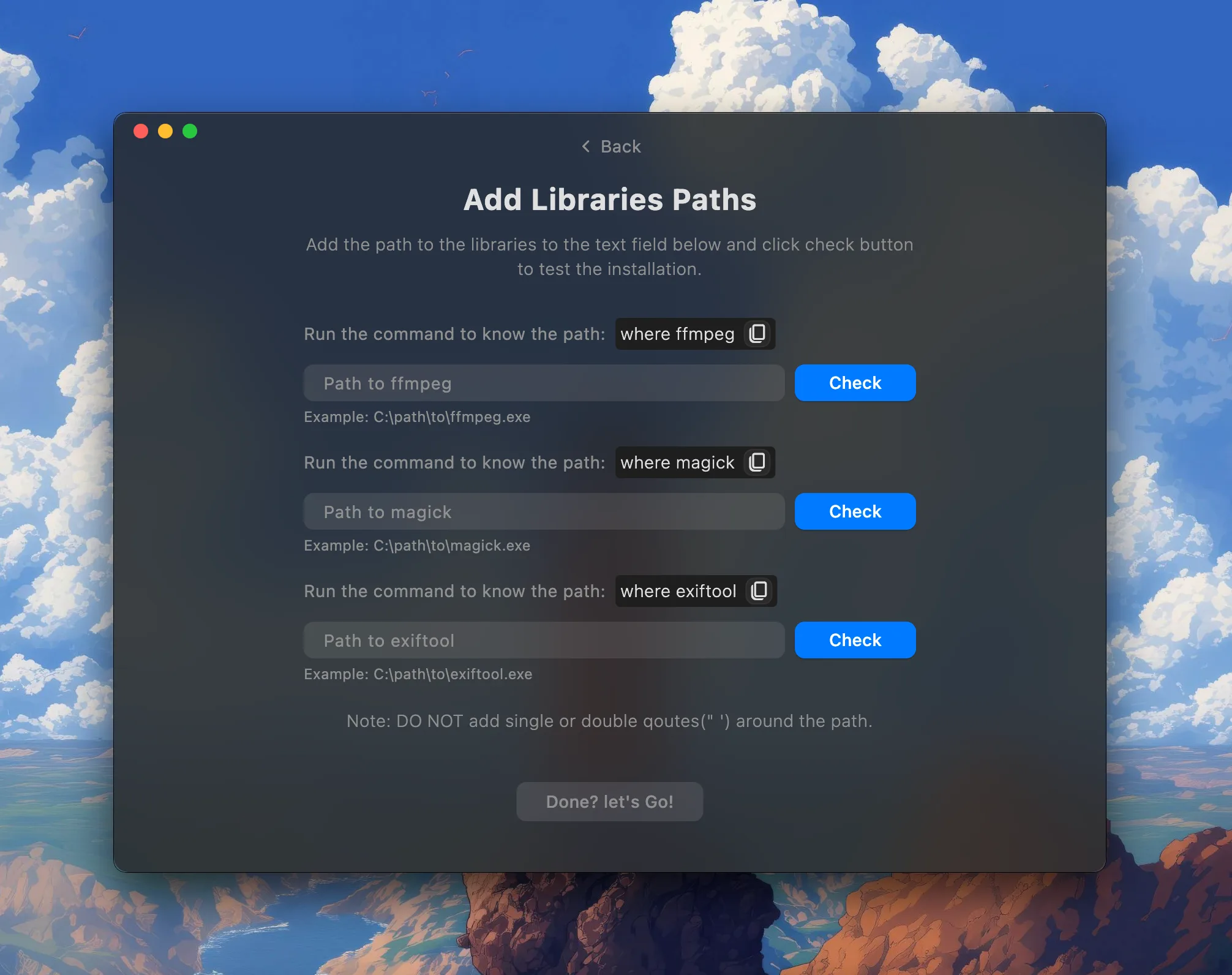
3. Find the paths
where ffmpeg
where magick
where exiftool
Paste each path into the matching field in Pimosa Settings. Then press Check on each one.
If jobs still fail, open Settings and choose Reconfigure, or see troubleshooting.
Was this helpful?